42 •
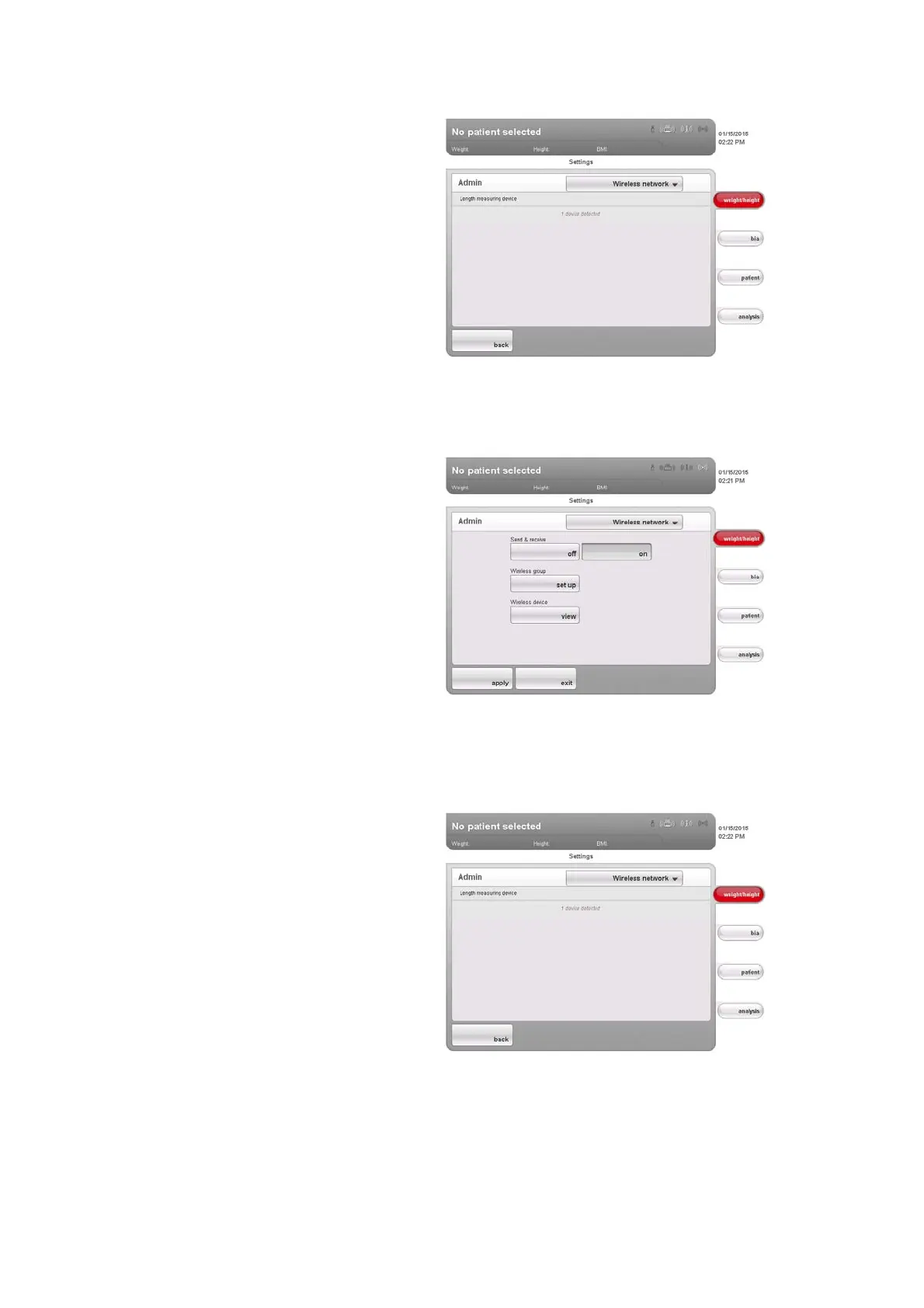
Detected devices are shown on the touchscreen display.
10. Click on back.
The
wireless network dialog window appears.
The seca wireless network for wireless group 0 is set up.
11. Click on
apply.
The
wireless network dialog window closes.
Viewing wireless devices 1. In the wireless devices line, press the View button.
All detected devices are displayed.
2. Click on
back.
The
wireless network start screen is displayed again.
3. Click on
apply.
The
wireless network dialog window closes.



 To Next Page