Configuring the device • 41
ATTENTION!
Incorrect device assignment and faulty data transfer
You can select channel numbers other than those suggested by the
system. This may cause devices to be assigned to incorrect wireless
groups, resulting in unreliable data transmission.
► Check that the channel numbers are not being used for the other
two wireless groups.
► Make sure that the channel numbers are at least 30 apart from one
another.
7. Click on
next.
The software will wait for signals from other seca 360° devices in range.
8. Switch on all devices you wish to incorporate in a wireless group.
When the devices are detected, a beep will be heard.
Detected devices (in this case
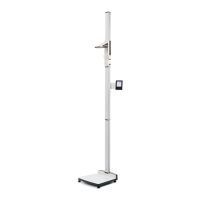
seca 360° stadiometer) will be shown in the
touchscreen display. The corresponding symbols in the header appear
white.
9. Click on exit.


 To Next Page