24 •
5. OPERATING CONCEPT
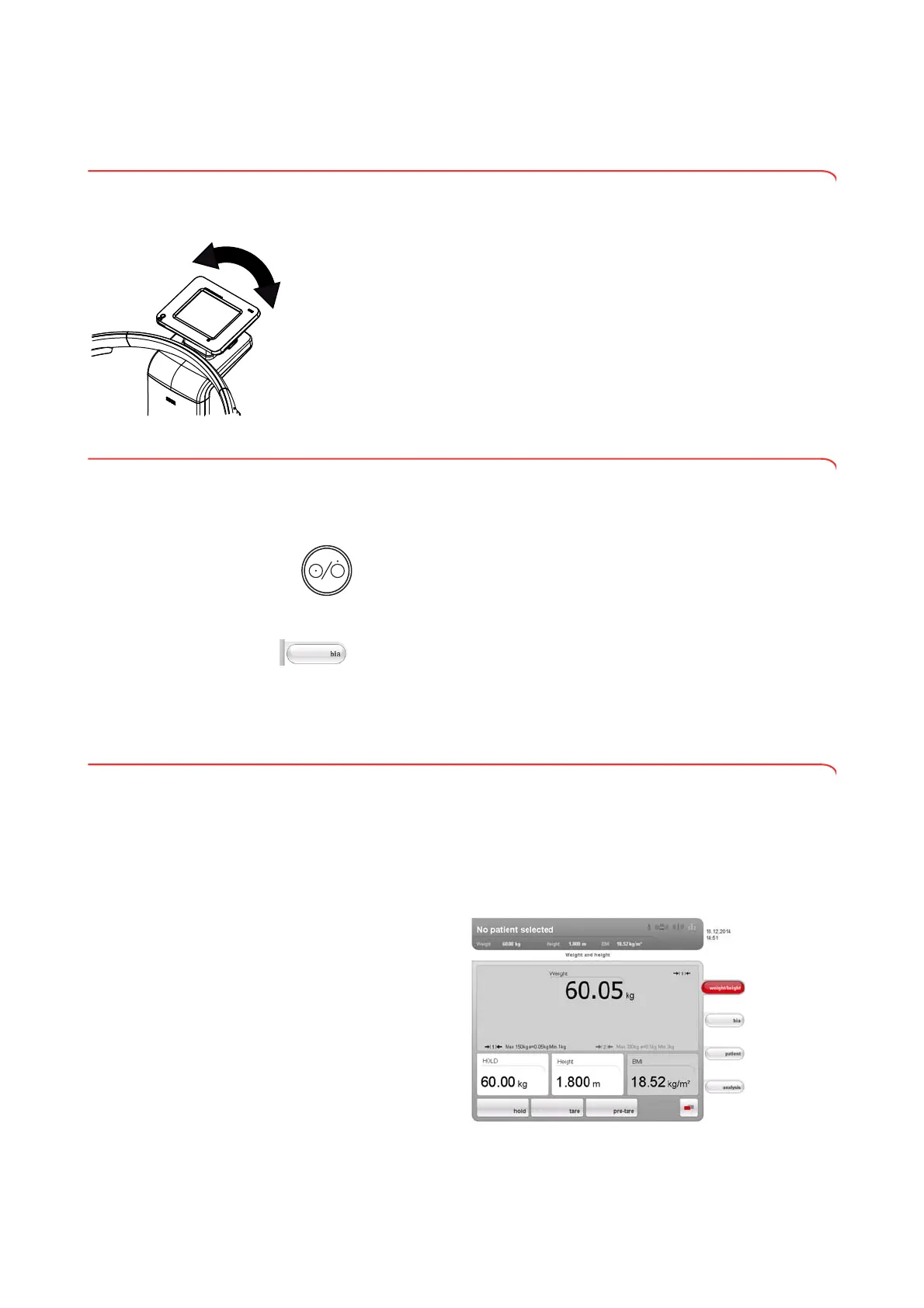
5.1 Swiveling the touchscreen display
The touchscreen display of the device can be swiveled. As a result, it can be
perfectly positioned for every application.
► Swivel the touchscreen display so that is convenient for you to operate
and read.
ATTENTION!
Damage to device
The swivel mechanism of the touchscreen display has an end stop.
Do not attempt to swivel the touchscreen display by more than 180°.
This will lead to mechanical damage to the housing and the internal
cabling.
► In every direction, only rotate the touchscreen display as far as the
end stop.
5.2 Switch on device
The device is switched on using the ON/OFF button. During the switch-on
procedure, the device performs a self-test. The self-test may take several
seconds.
1. Press the ON/OFF button briefly.
The LED of the button briefly turns white.
The internal PC of the device boots up. This takes several seconds.
The weighing function is available when the LED of the button is
permanently white and the
weight/height tab is shown in the display.
2. Press the bia tab in the display.
The bioimpedance analysis function is available if the
Self-test active
message is no longer displayed and the Module selection dialog window
appears.
The device is ready for operation.
5.3 Selecting functions
Functions can be selected using the following elements of the touchscreen
display:
•tabs
• buttons
•drop-down menus
•checkboxes
► To select a function, press directly on the corresponding display element
(in this case tab, buttons).



 To Next Page