36 •
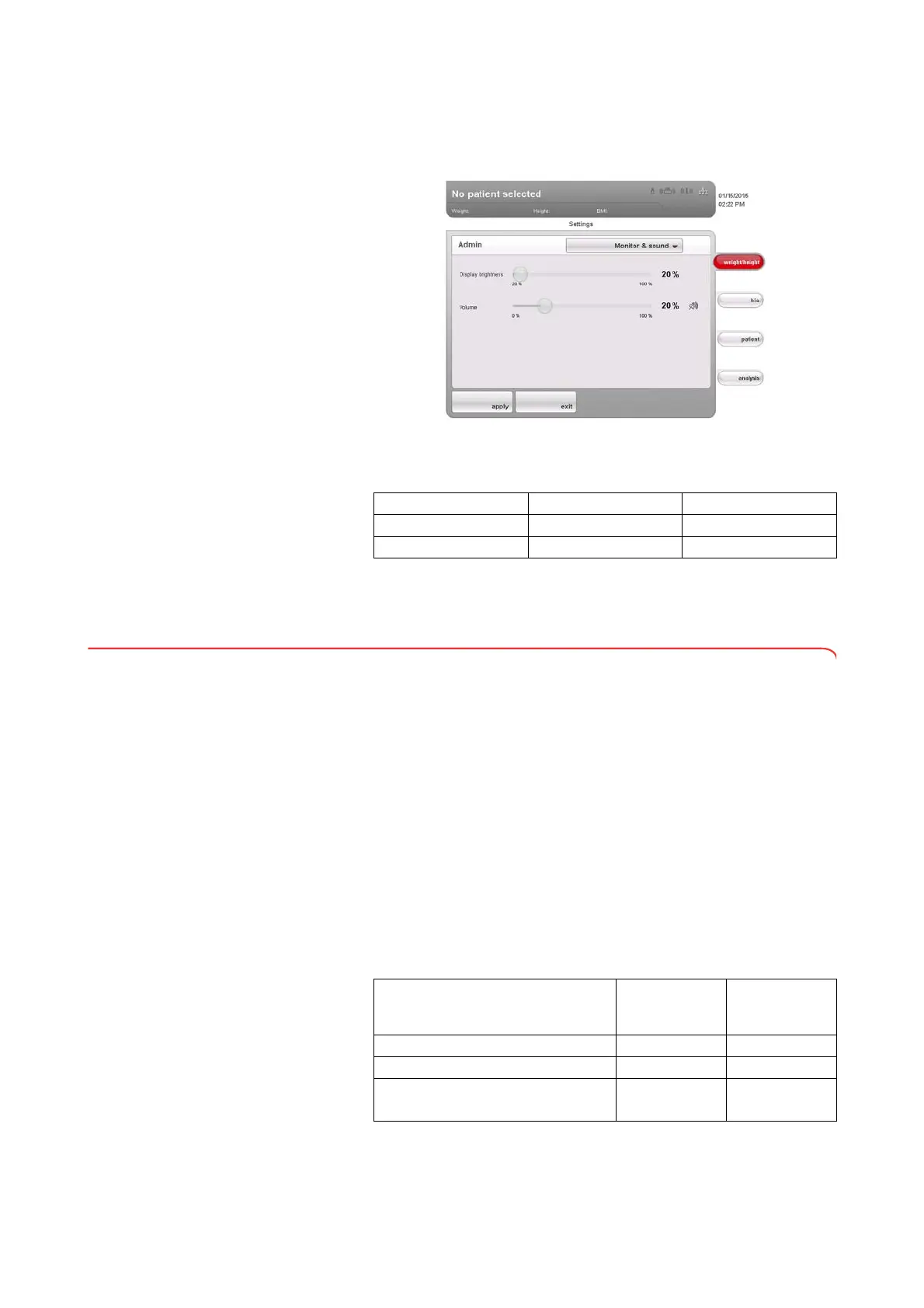
Setting display brightness and
volume
1. Call up the Administrator menu.
2. In the drop-down menu, select the
Monitor & sound element.
The
Monitor & sound dialog window appears.
3. Press the slide control of the desired variable and move it to the left or to
the right.
4. Press the apply button.
The new settings are active.
6.5 Setting up the network
Requirements • seca 115 PC software installed on a PC
• For Ethernet network: PC with network card and Ethernet interface
•For
seca 360° wireless network: PC with connected
seca 360° wireless USB adapter 456
NOTE:
► To use the network functions, observe the user documentation for
the
seca 115 PC software.
► If a USB memory stick is connected to the device, you can no longer
access data of the
seca 115 PC software via Ethernet oder
seca 360° wireless network.
Network services The following table shows which network services are installed in combination
with the
seca 115 PC software. Depending on the type of network envisaged,
the links to these services need to be set up on the device (• = necessary,
- = not necessary).
Variable Left Right
Brightness Dark (20 %) Light (100 %)
Volume Quiet (0 %) Loud (100 %)
seca 360°
wireless
network
Ethernet
Set up wireless network •
-
Set up Ethernet connection
-
•
Set up link to CLS server and
seca mediator service
a
a.seca mediator service available for seca 515/514 from SW version 1.1 and
for seca 115 from SW version 1.4
-
•



 To Next Page