26 •
5.6 Entering numbers
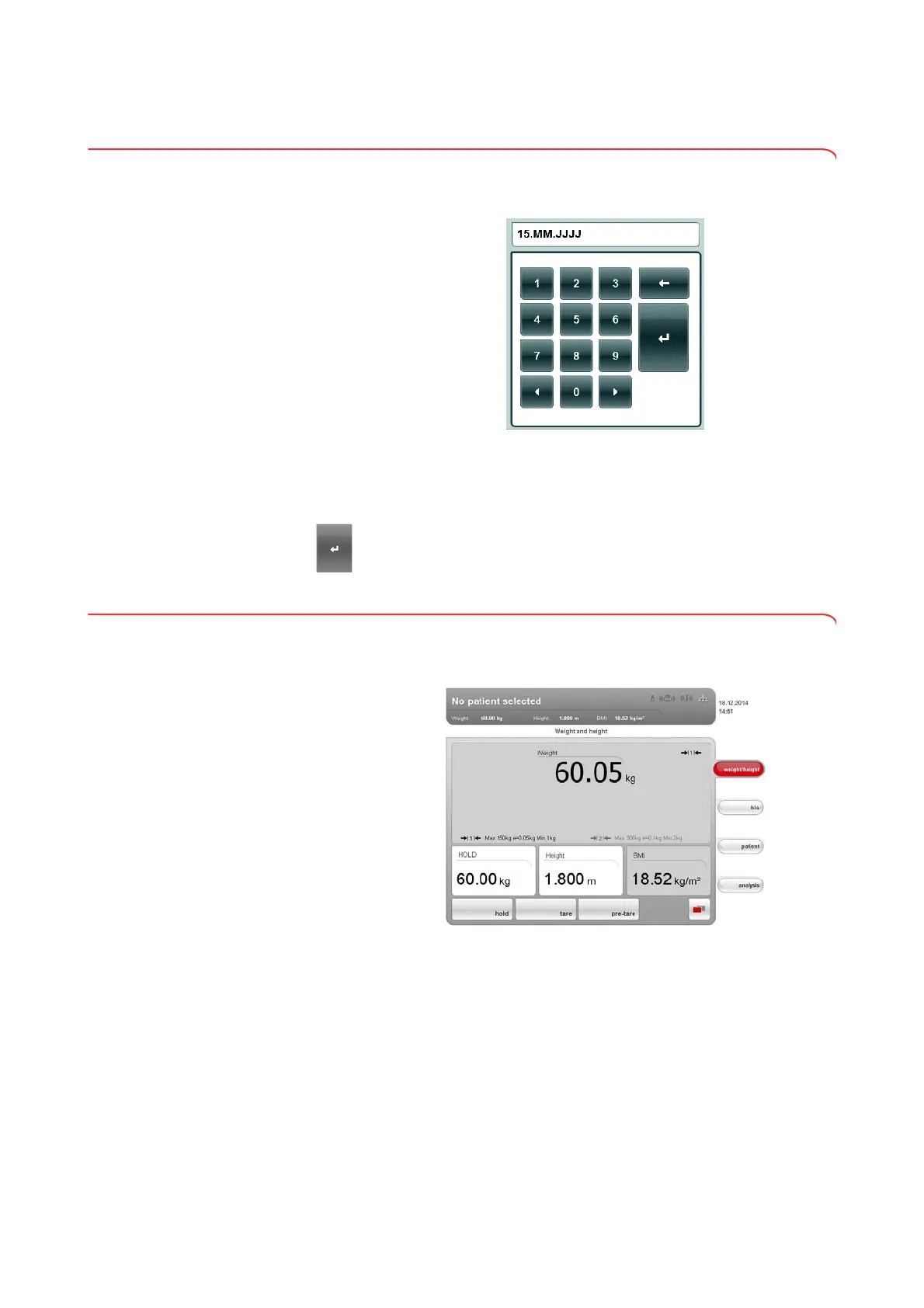
Numbers are entered via a computer numerical keypad shown in the
touchscreen display.
.
1. Press an input field.
If the field is intended to have numbers entered in it, a numerical keypad
appears in the display.
2. Type in the desired number.
3. Press the Enter key on the numerical keypad.
The entry is accepted.
5.7 Measuring procedure
The operating concept is based on the typical measuring procedure outlined
below.
• Measure weight and height
• Perform a bioimpedance measurement
• Assign measurements to a seca patient file
• Evaluate measured results
• Save measuring procedure
The order of the tabs on the touchscreen display follows this sequence. It is
possible to operate in a different order.
You can find additional information on the measurement procedure in the
Instructions for Use for Physicians and Assistants.



 To Next Page