32 •
6.4 Making default settings
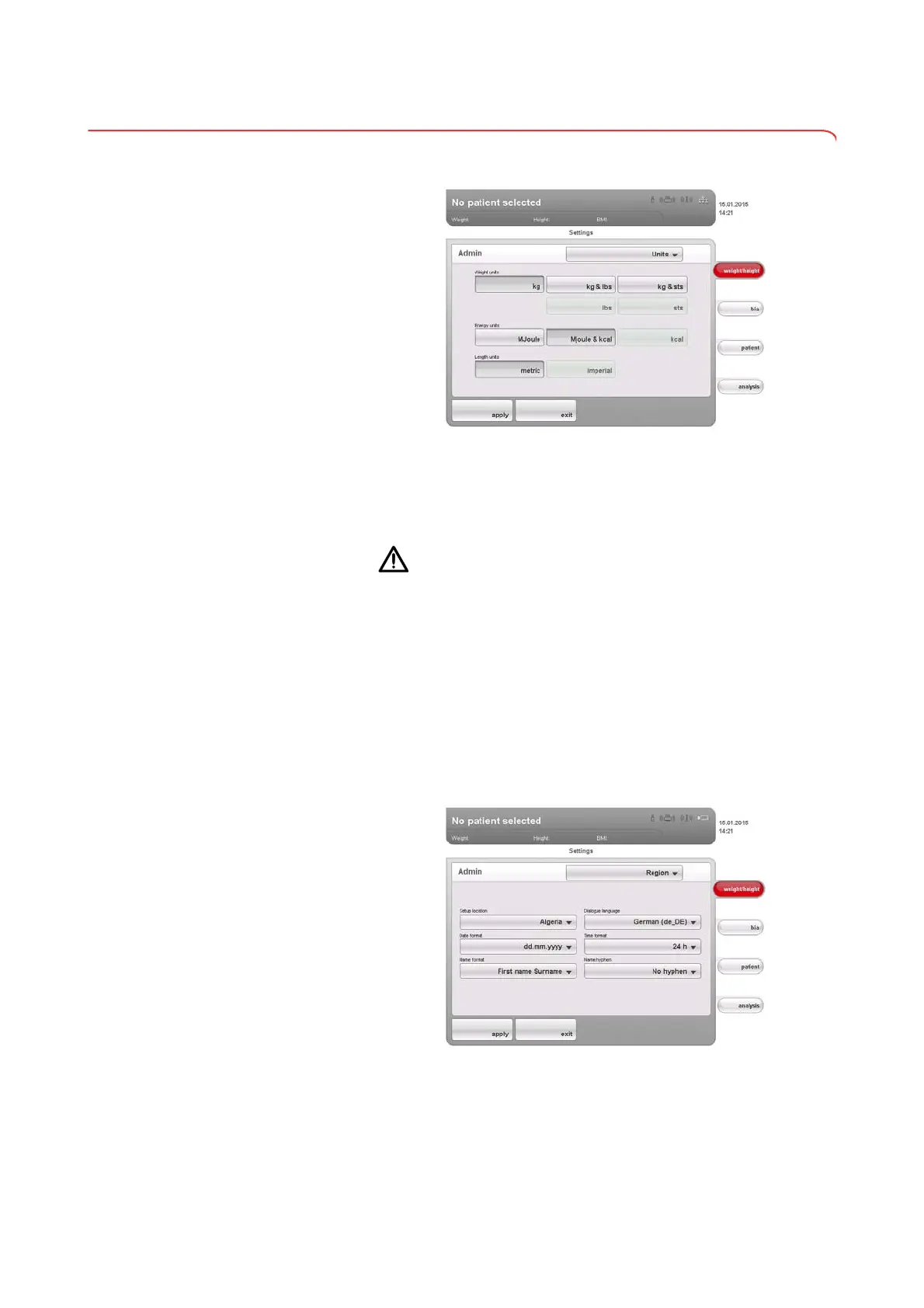
Setting units of measurement
1. Call up the Administrator menu.
The
Units dialog window is active.
The current settings for weight, energy and height are displayed (button
gray = pressed).
2. Press the desired settings.
CAUTION!
Hazard to patient
To prevent misinterpretations, measured results for medical purposes
may only be displayed and used in SI units (weight: kilograms, height:
meters). Some devices have the option of displaying measured results
in different units. This is purely an additional function.
► Only use measurements in SI units.
► The user takes sole responsibility for the use of measured results in
non-SI units.
3. Press the
apply button.
The new settings are active.
Making regional settings 1. Call up the Administrator menu.
2. In the drop-down menu, select the
Region element.
The
Region dialog window appears.
3. In the
Setup location drop-down menu, select the country in which you
are operating the device.



 To Next Page