Configuring the device • 37
NOTE:
► It is possible to combine network cards. For example, you can link
a
seca 360° stadiometer to the device via seca 360° wireless net-
work and link the device itself to a PC on which the
seca 115 PC
software is installed via Ethernet.
► Details on setting up the individual services can be found on the
pages which follow.
Network-dependent functions The following table shows the functions of the device and of the seca 115 PC
software which require a network connection and states in what kind of net-
work these functions are available (• = available,
- = not available):
NOTE:
Information about using the network-dependent functions can be
found in the “Instructions for Use for Physicians and Assistants” for
this device and for the seca 115 PC software.
Integrate device in an Ethernet
network
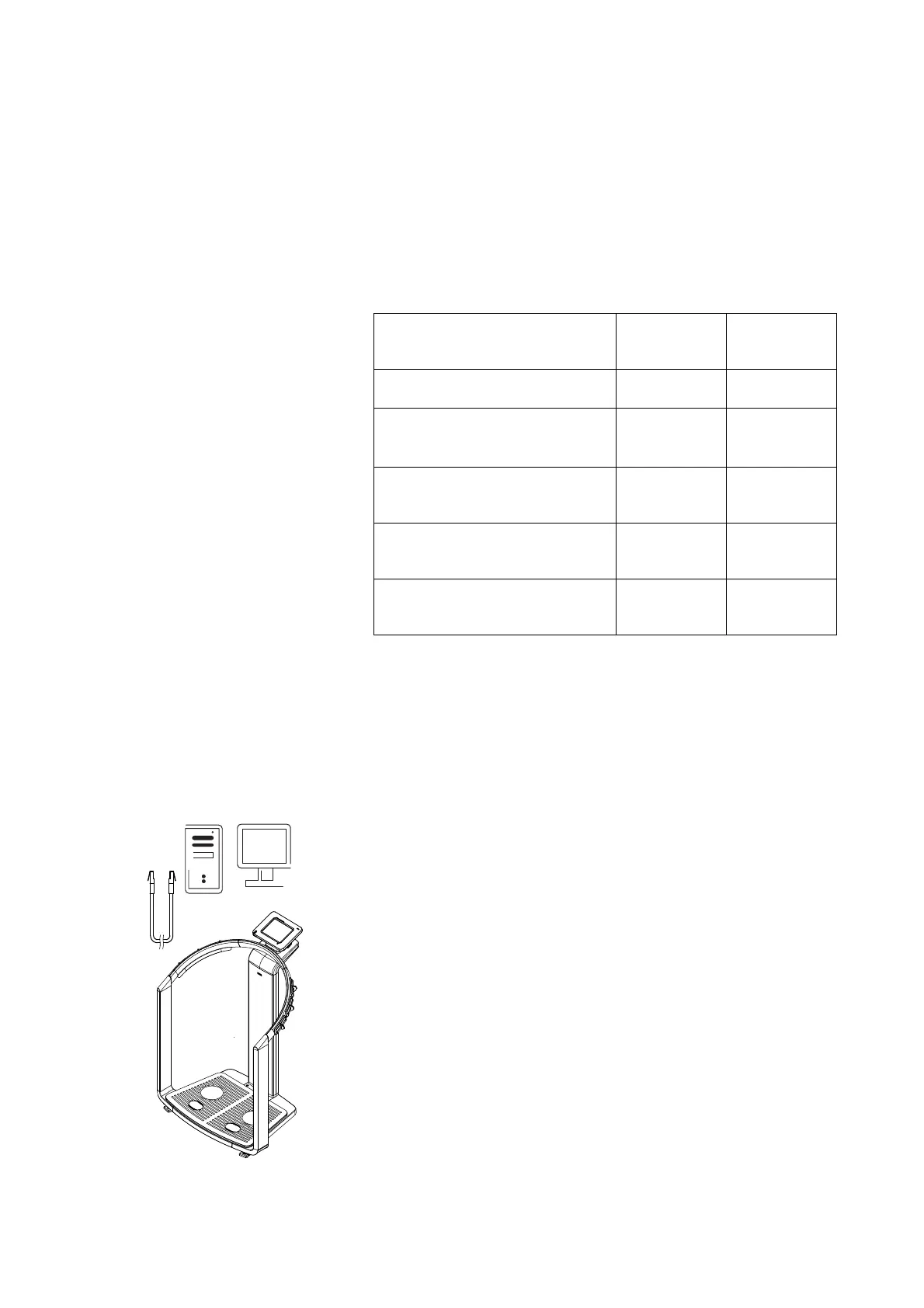
1. Create the hardware link between the device and the network using an
Ethernet cable.
2. Call up the administrator menu on the device.
3. In the drop-down menu, select the Ethernet network element.
seca 360°
wireless
network
Ethernet
Height transmitted to the device wire-
lessly
•
-
Start the print function of the
seca 115 PC software directly on the
device
a
a.Available for seca 515/514 from SW version 1.1 and for seca 115 from
SW
version 1.4
- •
Send individual seca patient file from
the
seca 115 PC software to the
device
-
•
Search seca patient files from the
device in the patient database of the
seca 115 PC software
••
Save seca patient files from the
device in the patient database of the
seca 115
••
seca 115



 To Next Page