Configuring the device • 31
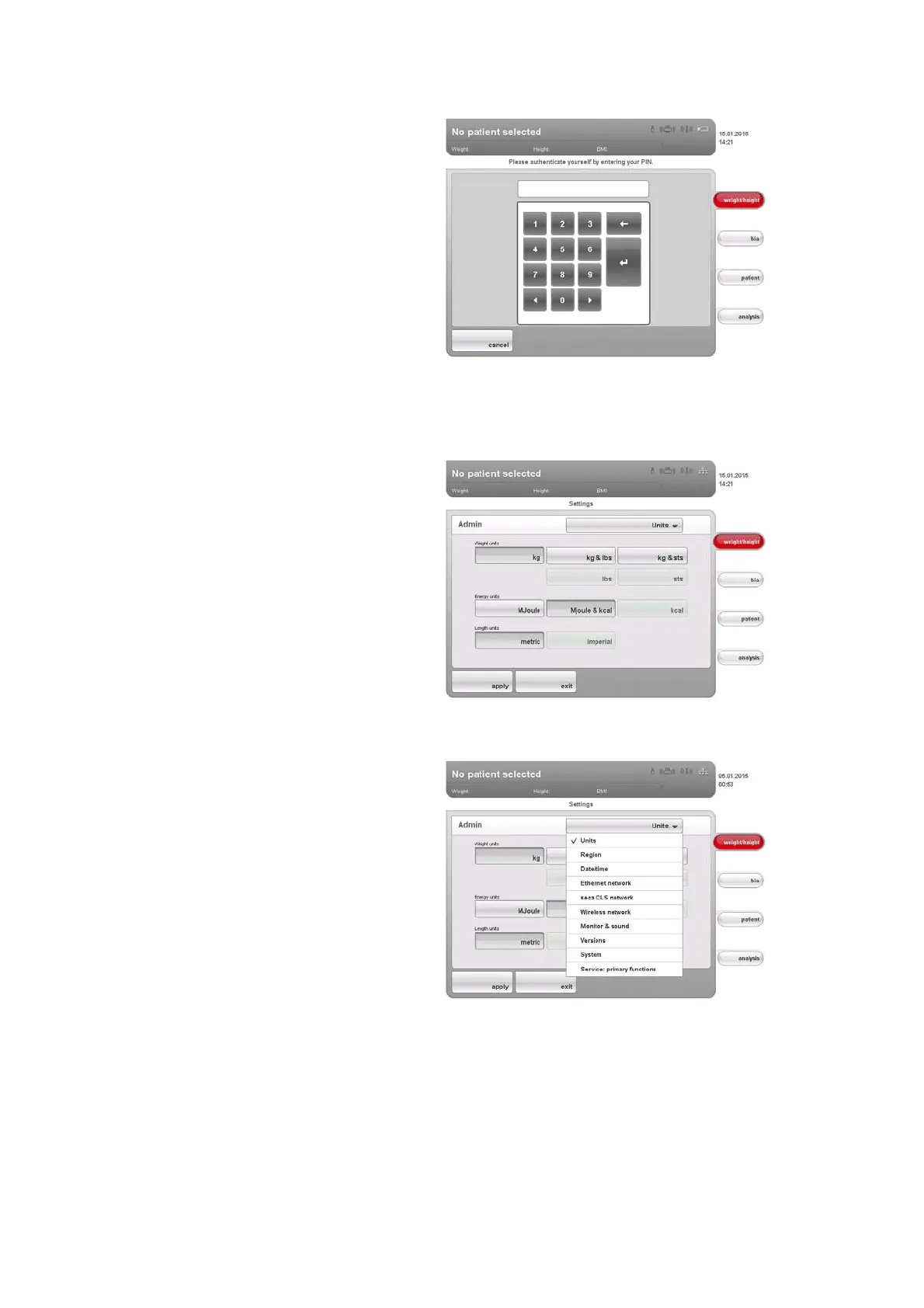
The password request appears.
4. Enter your administrator PIN (factory setting: “00000”).
5. Press the Enter key on the numerical keypad.
The entry is accepted.
The
admin dialog window appears.
6. Press the drop-down menu.
The drop-down menu opens.
7. In the drop-down menu, select the desired menu elements as described
in the sections below.



 To Next Page