Configuring the device • 33
NOTE:
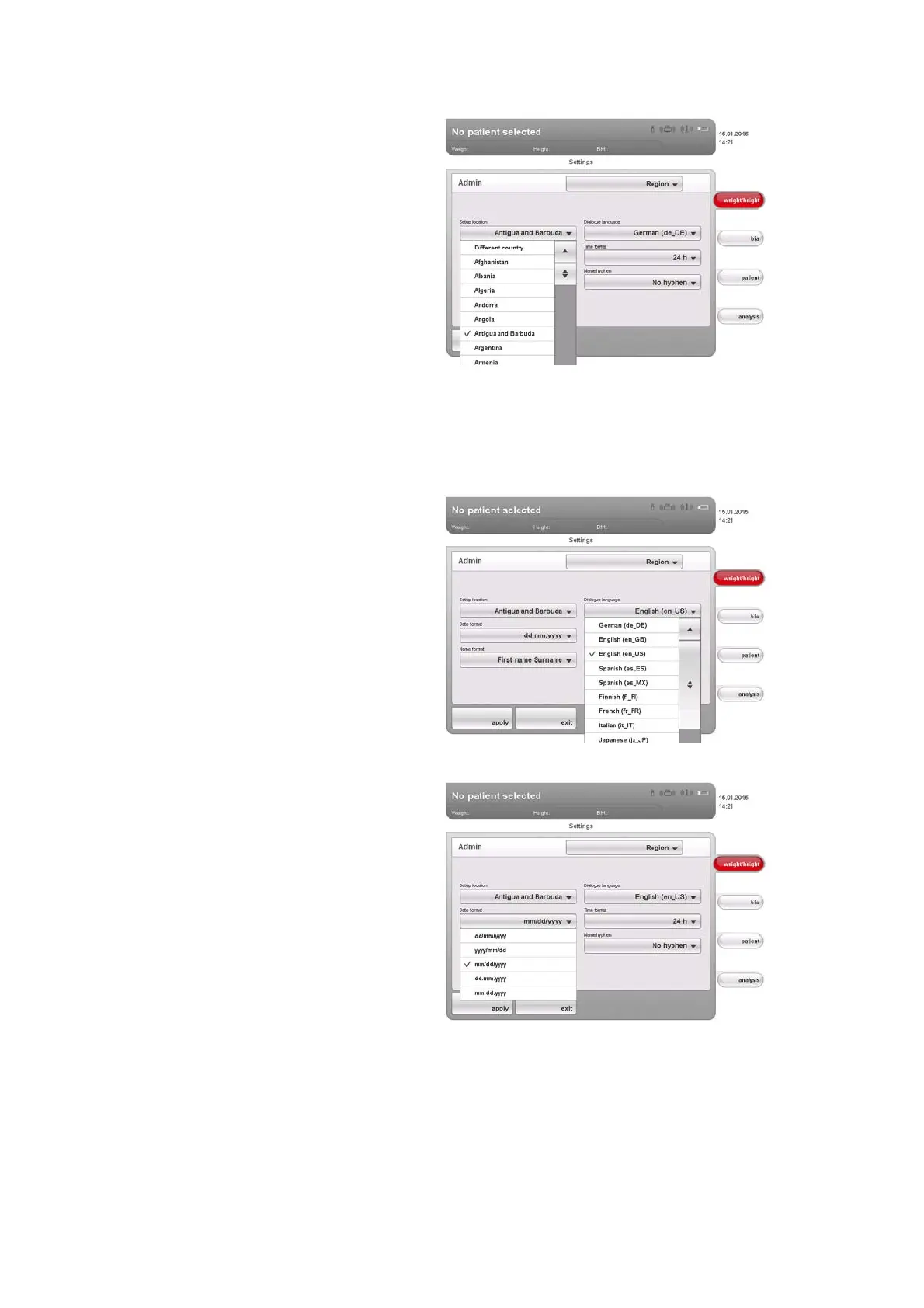
The selection of the setup location has an impact on which references
the device uses to evaluate measured results. For information on the
topic of references, see the Instructions for Use for Physicians and
Assistants.
4. In the
Dialogue language drop-down menu, select the desired language.
5. In the Date format drop-down menu, select the desired date format.
6. In the Time format drop-down menu, select the desired time format.



 To Next Page