B.4
SEL-351S Relay Instruction Manual Date Code 20080103
SEL-300 Series Relays Firmware Upgrade Instructions
Relay Firmware Upgrade Instructions
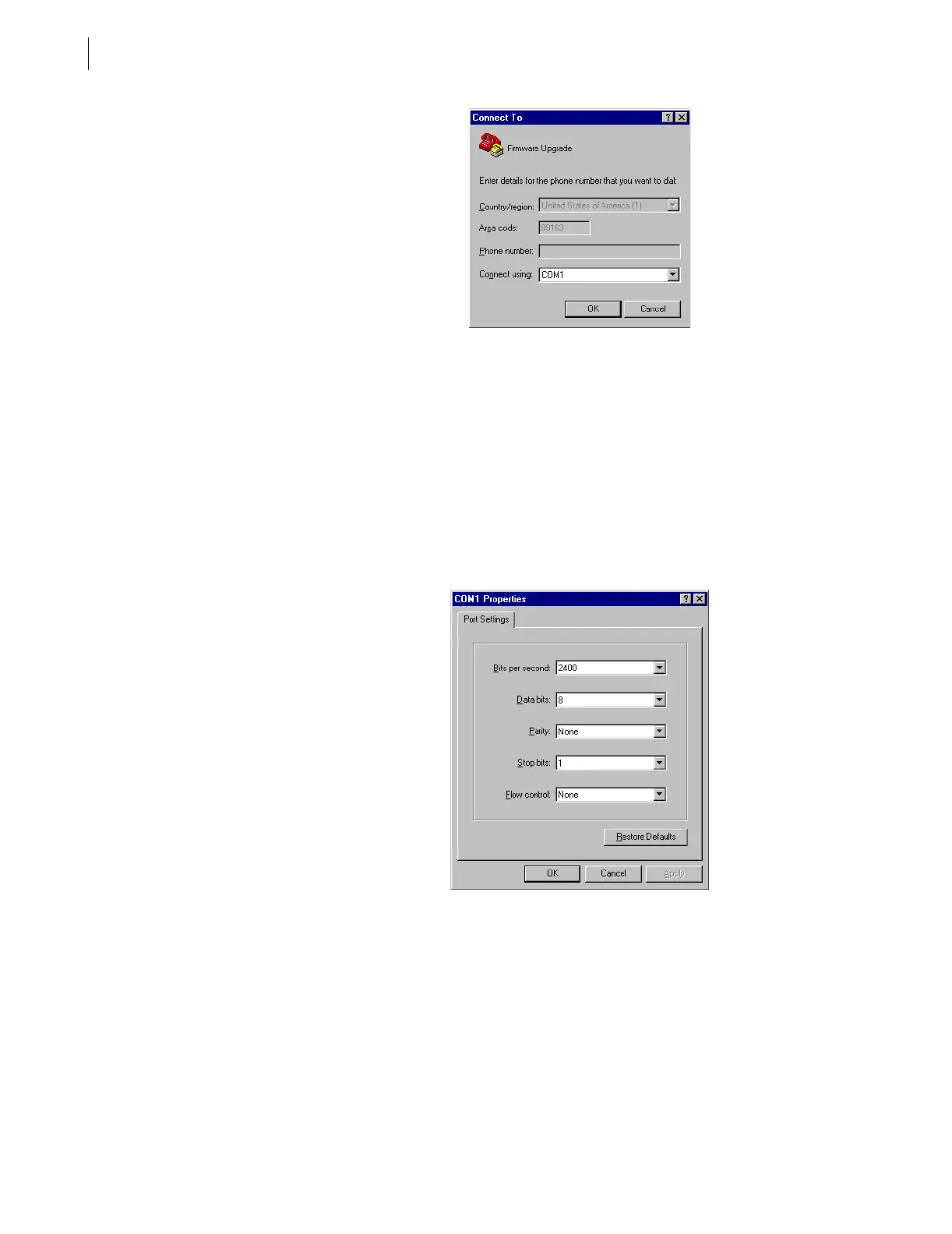
Figure B.2 Determining the Computer Serial Port
Step 6. Establish serial port communications parameters.
The settings for the computer (Figure B.3) must match the relay
settings you recorded earlier.
a. Enter the serial port communications parameters
(Figure B.3) that correspond to the relay settings you
recorded in Step 9 on page B.2.
If the computer settings do not match the relay settings,
change the computer settings to match the relay
settings.
b. Click OK.
Figure B.3 Determining Communications Parameters for the Computer
Step 7. Set the terminal emulation to VT100:
a. From the File menu, choose Properties.
b. Select the Settings tab in the Firmware Upgrade
Properties dialog box (Figure B.4).
c. Select VT100 from the Emulation: list box and click
OK.



 To Next Page