2.46
SEL-351S Relay Instruction Manual Date Code 20080103
Installation
Circuit Board Connections
The output contact type for any output contact can be changed (see preceding
subsection Output Contact Jumpers on page 2.44). Thus, the dedicated ALARM
output contact and the “extra alarm” output contact can be configured as the
same output contact type if desired (e.g., both can be configured as “b” type
output contacts).
Password and
Breaker Jumpers
Note that JMP6 in Figure 2.32 has multiple jumpers A through D. Jumpers A
and B are used (see Table 2.6 and Table 2.7). Since jumpers C and D are not
used, the positions (ON or OFF) of jumpers C and D are of no consequence.
EIA-232 Serial Port
Voltage Jumpers
The jumpers listed in Table 2.8 connect or disconnect +5 Vdc to Pin 1 on the
corresponding EIA-232 serial ports. The +5 Vdc is rated at 0.5 A maximum
for each port. See Table 10.2 for EIA-232 serial port pin functions.
In a standard relay shipment, the jumpers are “OFF” (removed/not in place) so
that the +5 Vdc is not connected to Pin 1 on the corresponding EIA-232 serial
ports. Put the jumpers “ON” (in place) so that the +5 Vdc is connected to Pin 1
on the corresponding EIA-232 serial ports.
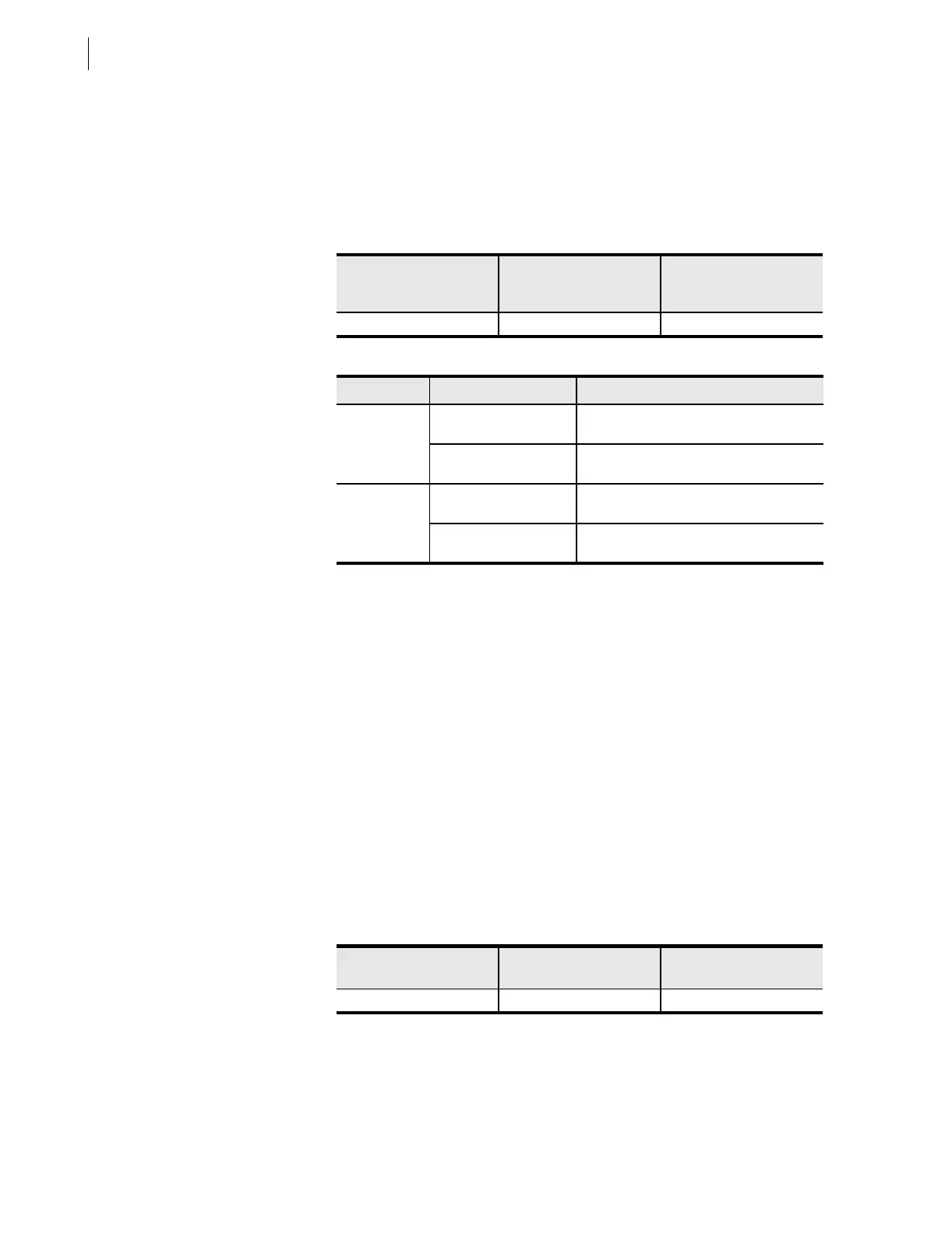
Table 2.6 Password and Breaker Jumper Positions for Standard Relay
Shipments
Password Jumper/
Position (for standard
relay shipments)
Breaker Jumper/Position
(for standard relay
shipments)
Reference Figure
JMP6-A = OFF JMP6-B = ON Figure 2.32
Table 2.7 Password and Breaker Jumper Operation
Jumper Type Jumper Position Function
Password ON
(in place)
disable password protection
a
for serial ports
and front panel
a
View or set the passwords with the PASSWORD command (see Section 10: Serial Port
Communications and Commands).
OFF
(removed/not in place)
enable password protection
a
for serial ports
and front panel
Breaker ON
(in place)
enable serial port commands OPEN
b
,
CLOSE
b
, and PULSE
c
b
Also controls Fast Operate Breaker Control Open/Close Commands (see Appendix D:
Configuration, Fast Meter, and Fast Operate Commands).
c
The OPEN, CLOSE, and PULSE commands are used primarily to assert output contacts for circuit
breaker control or testing purposes (see Section 10: Serial Port
Communications and Commands).
OFF
(removed/not in place)
disable serial port commands OPEN
b
,
CLOSE
b
, and PULSE
c
Table 2.8 EIA-232 Serial Port Voltage Jumper Positions for Standard Relay
Shipments
EIA-232 Serial Port 2
(rear panel)
EIA-232 Serial Port 3
(rear panel)
Reference Figures
JMP2 = OFF JMP1 = OFF Figure 2.32


 To Next Page