10R
55
English
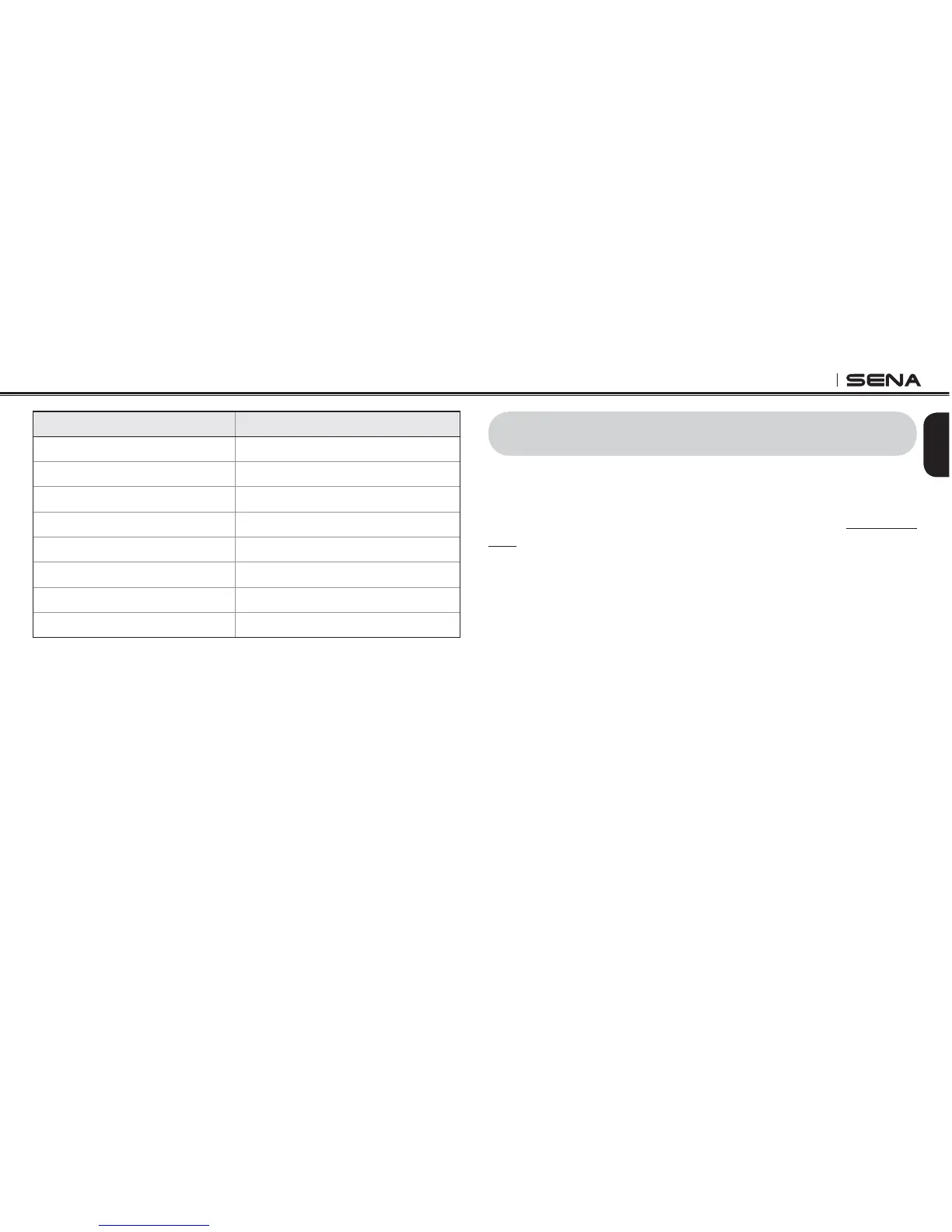
Tap (+) Button or (-) Button Tap Center Button
Voice Prompt Enable/Disable
RDS AF Setting Enable/Disable
Sidetone Enable/Disable
Advanced Noise Control Enable/Disable
Delete All Pairings Execute
Factory Reset Execute
Remote Control Pairing Execute
%XIT#ONlGURATION Execute
*GCFUGV$WVVQP1RGTCVKQPUHQT8QKEG%QPſIWTCVKQP/GPW
14 FIRMWARE UPGRADE
4HE 2 SUPPORTS lRMWARE UPGRADES 9OU CAN UPDATE THE lRMWARE
using the Sena Device Manager (please refer to
section 4.6.1, “Sena
Device Manager”
). Please visit Sena Bluetooth website at www.sena.
com to check the latest software downloads.



 To Next Page