10R
57
English
15.4.2 Handlebar Remote
If you want to restore the Handlebar Remote to factory default settings,
press the Front Button, the Rear Button, and the Joystick simultaneously
for 1 second. The Handlebar Remote automatically restores the default
settings and turns off.
15.5 Handlebar Remote Disconnection
If your Handlebar Remote becomes disconnected with your headset,
check if they have enough batteries or if they are not separated by
more than 10 meters. If they are low on battery, recharge and try again.
If they are too far apart, bring them closer. If they are still disconnected,
try pairing them again by following the procedure below.
1. Turn on the 10R and the Handlebar Remote.
2. 0RESSTHE#ENTER"UTTONFORSECONDSTOENTERTHECONlGURATION
menu. Tap the (+) Button until you hear a voice prompt saying,
“Remote control pairing”. Press the Center Button to enter into
2EMOTE#ONTROL0AIRINGMODEAND THERED,%$WILLmASHRAPIDLY
and you will hear multiple beeps.
3. On the Handlebar Remote, press the Rear Button for 5 seconds
UNTIL ITS ,%$ mASHES RED AND BLUE 4HE 2 WILL AUTOMATICALLY
perform pairing with the Handlebar Remote in pairing mode. The
(ANDLEBAR2EMOTES,%$WILLmASHBLUEEVERYTWOSECONDS AND
you will hear a voice prompt, "Remote control connected" when
they are successfully connected.
16 QUICK OPERATION REFERENCE
16.1 Using the Handlebar Remote
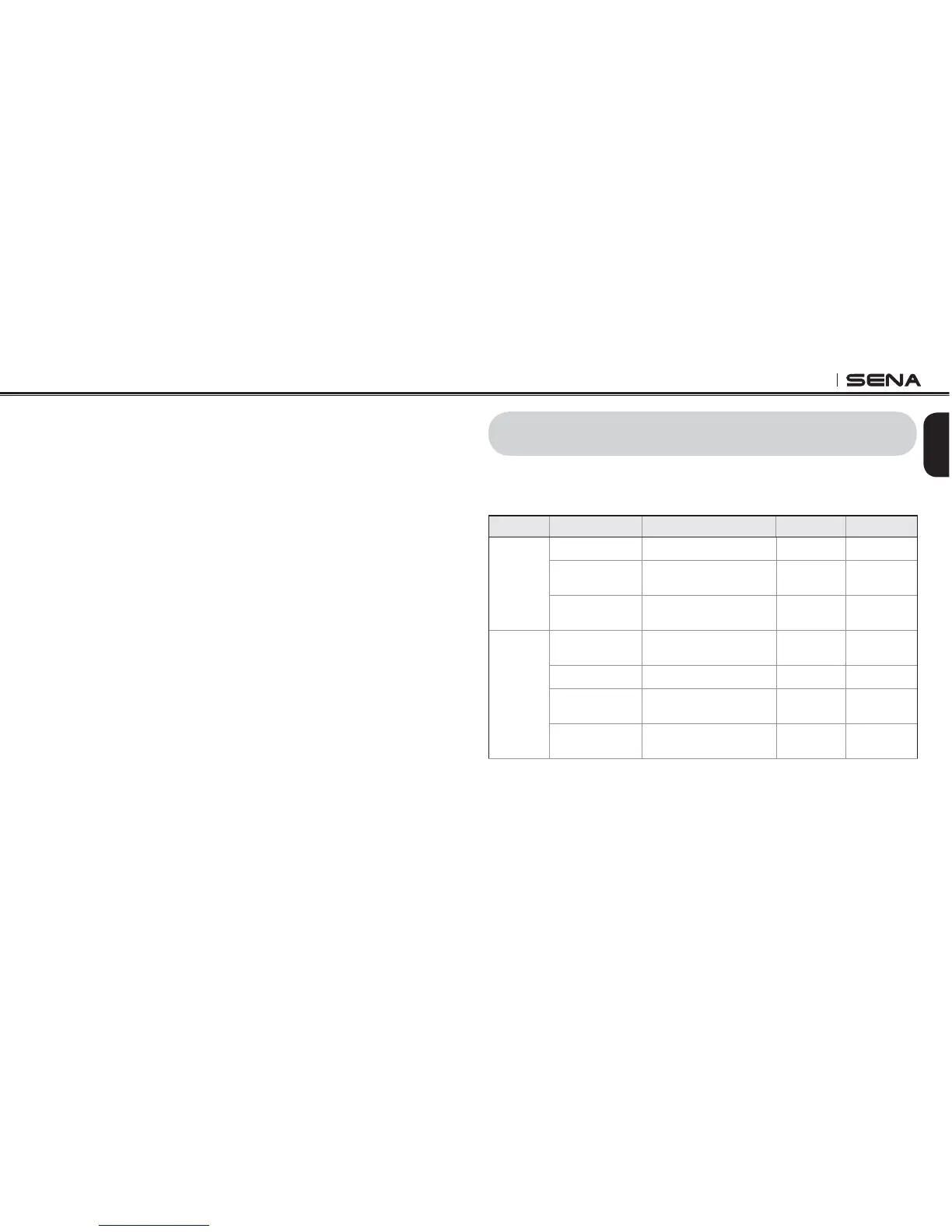
Type Function Button Command LED Beep
Basic
Function
Power on Tap the Front Button - -
Power off
Press the Front Button and
the Joystick for 2 seconds
--
Volume adjustment
Move the Joystick up or
down
--
Mobile
Phone
Answer & end
phone call
Tap the Rear Button - -
Voice dial Tap the Rear Button - -
Speed dial Double Tap the Rear Button -
Mid-tone
single beep
Reject incoming
call
Press the Front Button for
2 seconds
--



 To Next Page