Installation
700-1014 R002 1–13
1.6.7. Power Pass Through Cable Installation (Optional)
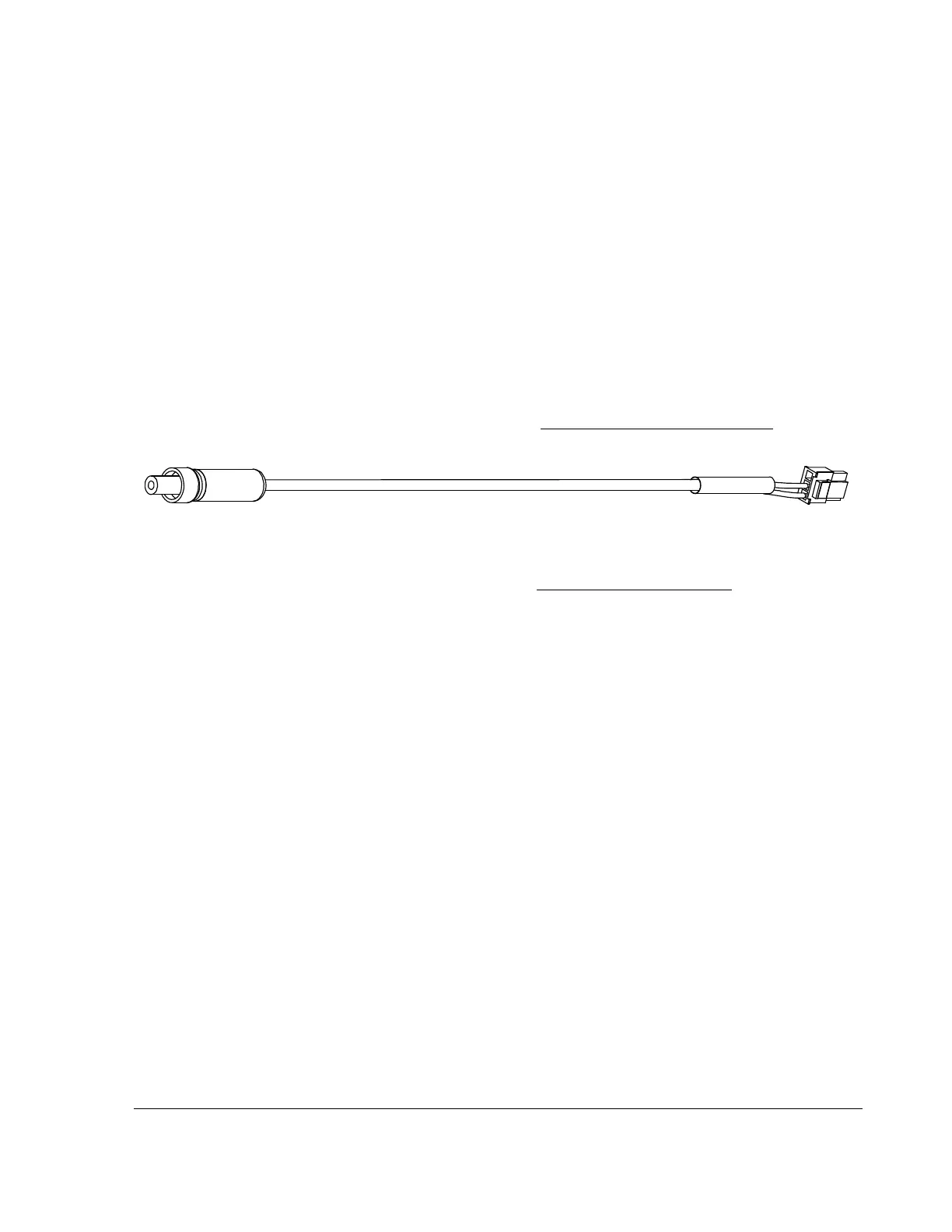
Use the power pass through cable to pass power to a device such as the Smart-Reach
Cellular modem for communication with vMax Live Plus.
The DVR Power Thru connector is not regulated and has a 2 Amp current rating.
The power to the device is fused by the main DVR fuse.
To install the Power Pass Through cable:
1. Connect the 3-pin connector to the POWER THRU socket on the DVR.
2. Connect the modem power connector to the Smart-Reach Cellular modem power
socket.
3. Connect the wires as shown in the Installation Diagram, on page 1–3
.
4. See the Power Thru option on the System Menu, on page 4–28
for configuration
details.
1.6.8. Diagnostic Button Installation (Optional)
When installed, press the Diagnostic Button to cause an alarm event to be recorded by
the DVR.
To install the Diagnostic Button, see the Diagnostic Button Installation Guide,
document number 700-0142.
1.6.9. RGY Illuminator Installation (Optional)
When installed, the RGY Illuminator LED displays DVR status conditions.
To install the Diagnostic Button, see the
RGY Illuminator Installation Guide
,
document
number 700-0139.
Figure 1-9
Power Pass Through Cable



 To Next Page