DVR Configuration Menus
700-1014 R002 4–7
4.3.2. Diagnostic Display Menu
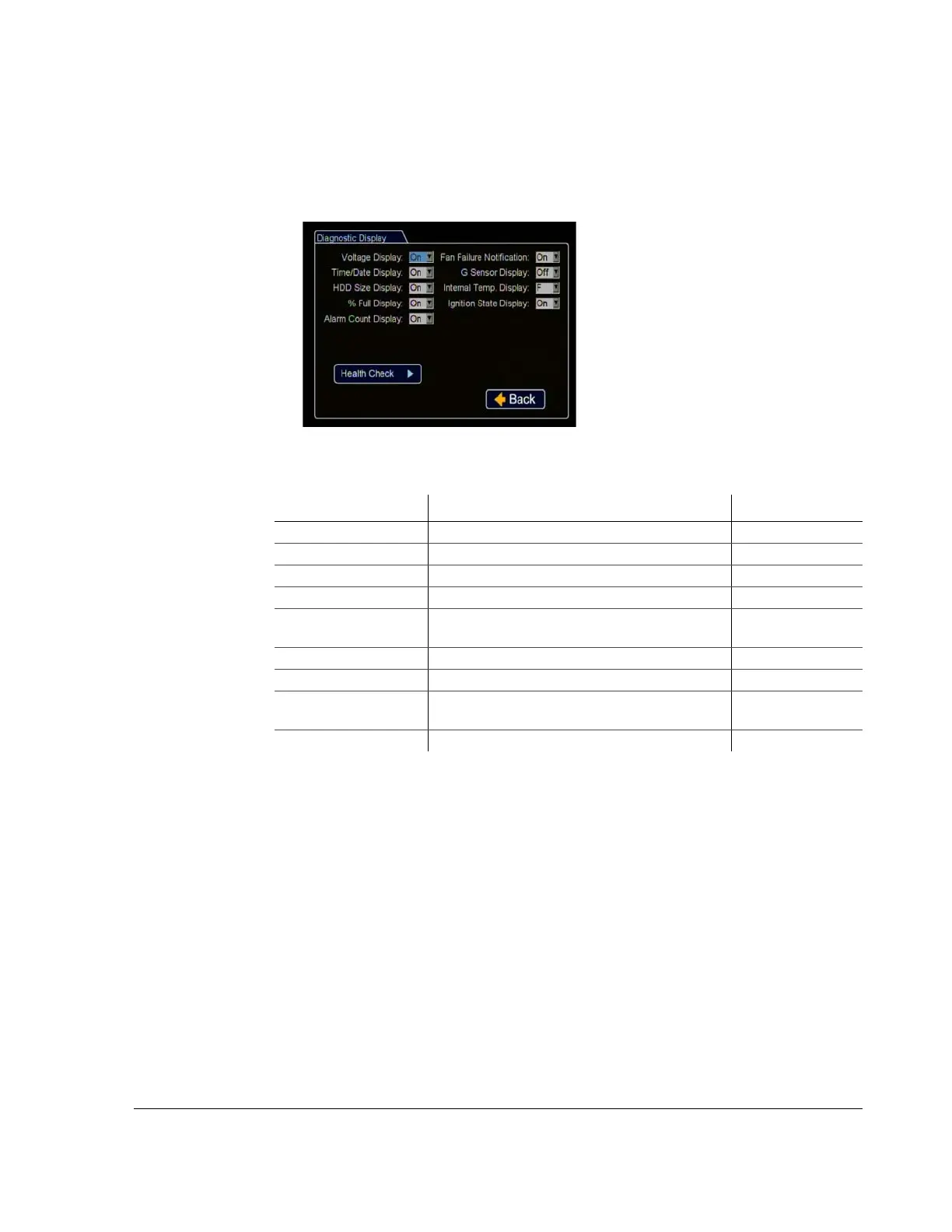
Use the Diagnostic Display menu to set various diagnostic options to display on the
camera view overlays.
Figure 4-6
Diagnostic Display Menu
Table 5
Diagnostic Display Configuration Items
Menu Item Description Value [Default]
Voltage Display Display the system input voltage. [On], Off
Time/Date Display Display the time/date display. [On], Off
HDD Size Display Display the hard drive size. [On], Off
% Full Display Display the percentage of the hard drive space used. [On], Off
Alarm Count Display Display the current alarm count (1 to 9). Alarm
count resets to 0 when the DVR is restarted.
[On], Off
Fan Failure Notification Display a message if the DVR fan fails. [On], Off
G Sensor Display Display G Sensor threshold incidents. [On], Off
Internal Temperature
Display
Display the ambient temperature inside the DVR. C (Celsius),
[F (Fahrenheit)], Off
Ignition State Display Display the vehicle ignition state. [On], Off



 To Next Page