DVR Configuration Menus
4–24 700-1014 R002
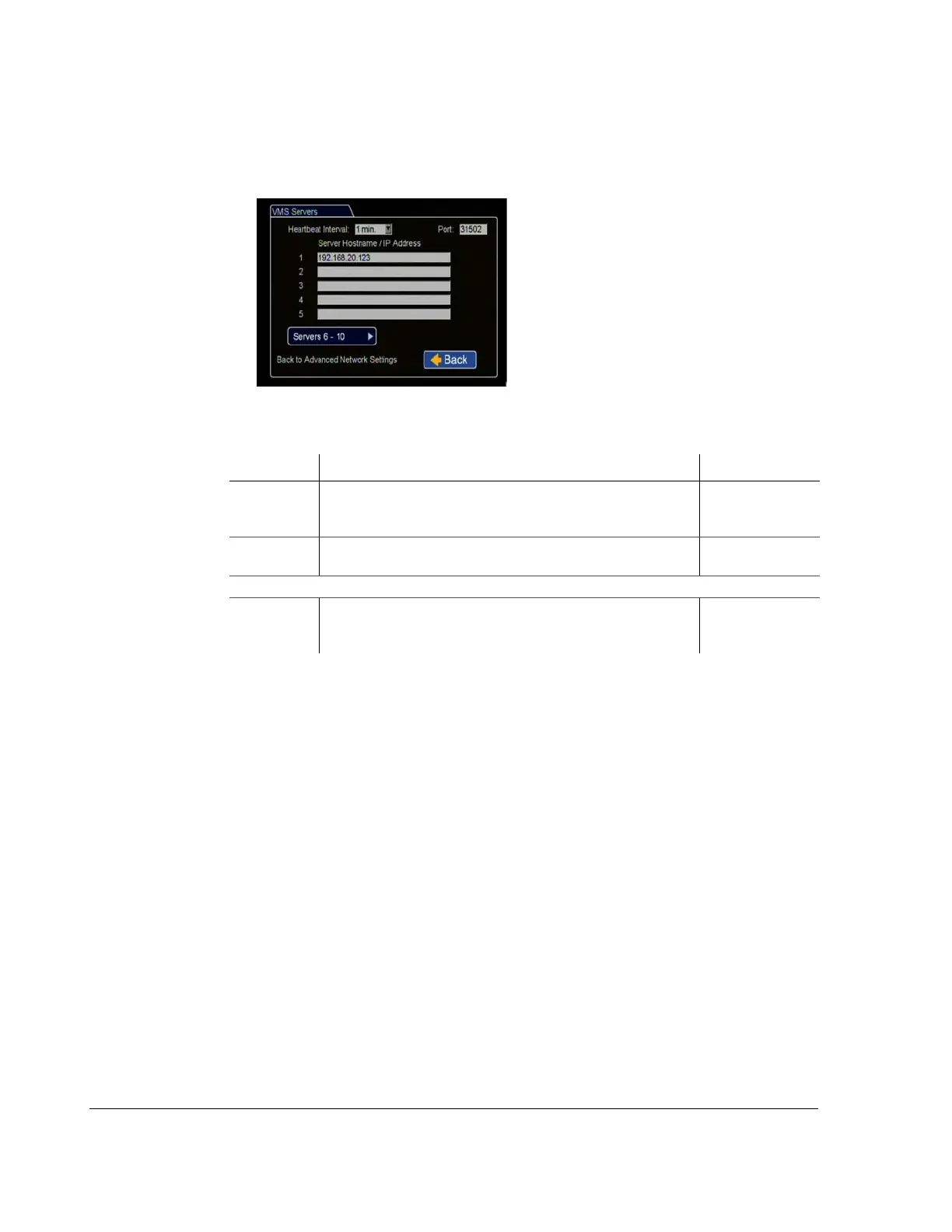
4.6.2. VMS Servers Menu
Set up to enable communication with Seon vMax Commander software.
Figure 4-23
VMS Servers Menu
Table 20
VMS Servers Configuration Items
Menu Item Description Value [Default]
Heartbeat
Interval
Select an interval as determined by a qualified network expert, to
transmit DVR status messages to all available VMS Servers every
1 to 5 minutes.
[Off], 1, 2, 3, 4, 5
minutes
Port Enter a Port for VMS Heartbeat communication as determined by
a qualified network expert. Set a value between 1 and 65535
[31502]
Server 1 to 10
Hostname/IP
Address
Up to 10 server hostnames or IP addresses that can receive VMS
heartbeat messages from the DVR as determined by a qualified
network expert.
maximum 64
characters



 To Next Page