DVR Configuration Menus
700-1014 R002 4–17
4.5.3. Speed Menu
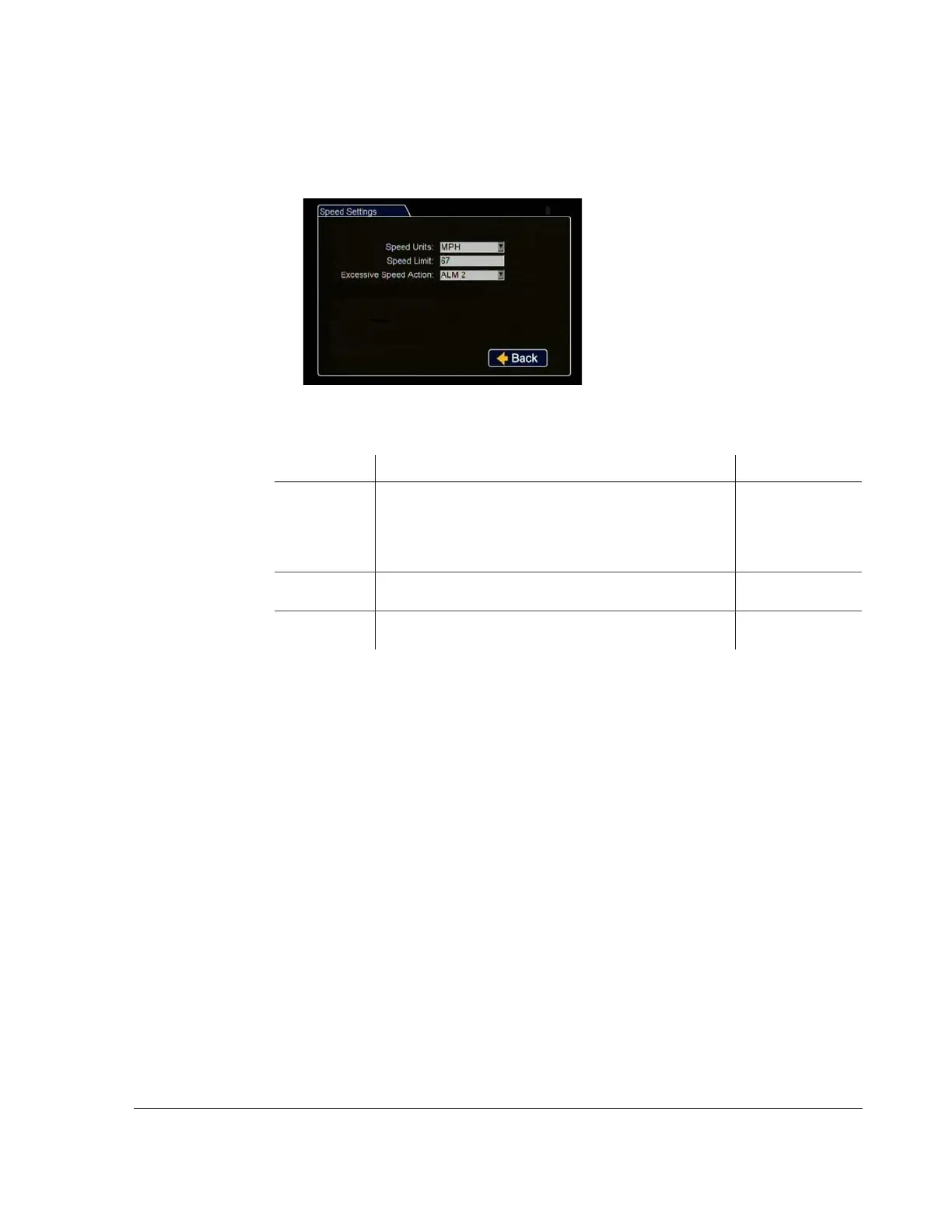
Use the Speed Settings menu to set the options for recording vehicle speed data.
Figure 4-16
Speed Settings Menu
Table 14
Speed Settings Configuration Items
Menu Item Description Value [Default]
Speed Units The desired speed display units must be selected. Selecting
MPH converts the GPS signal to display speed in miles per
hour.
[MPH] - Miles per
hour
KPH - Kilometers
per hour
KTS - Knots
Speed Limit The selected value will trigger notifications if exceeded by the
vehicle speed.
0
Excessive
Speed Action
The vehicle will trigger the selected action when the vehicle
speed exceeds the programmed limit.
[Off], Log, E-mail,
S1 to S10, A1 to A4



 To Next Page