Installation
1–6 700-1014 R002
1.6. DVR and Component Installation
1.6.1. DVR Installation
The DVR typically ships with the locking front cover, mounting plate, and cable cover
off but in the shipping box. The hard disk drive is in a separate box in the system
shipping kit.
To install the TL-HD DVR:
1. Select an appropriate mounting location and orientation, horizontal or vertical. For
the dimensions and location of the mounting holes, see Dimensions, on page 5
.
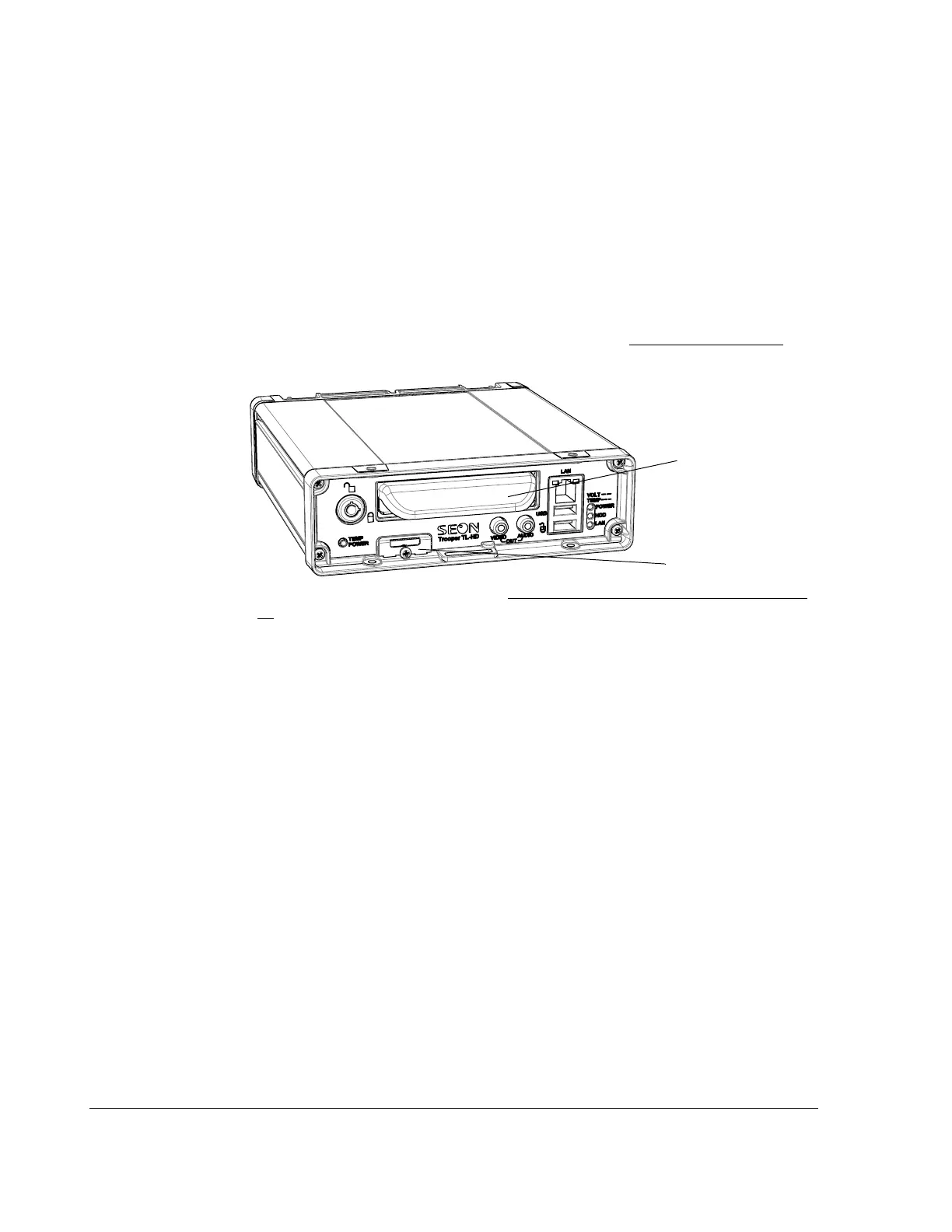
2. Insert a hard drive inside the DVR and lock the HDD drive.
3. Install optional SD card if used. See SD Card Installation (Optional), on page 1–
11.
4. Use the mounting plate to mark the desired position of the DVR and drill the four
mounting holes.
DVR hard drive
SD card input



 To Next Page