DVR Configuration Menus
4–20 700-1014 R002
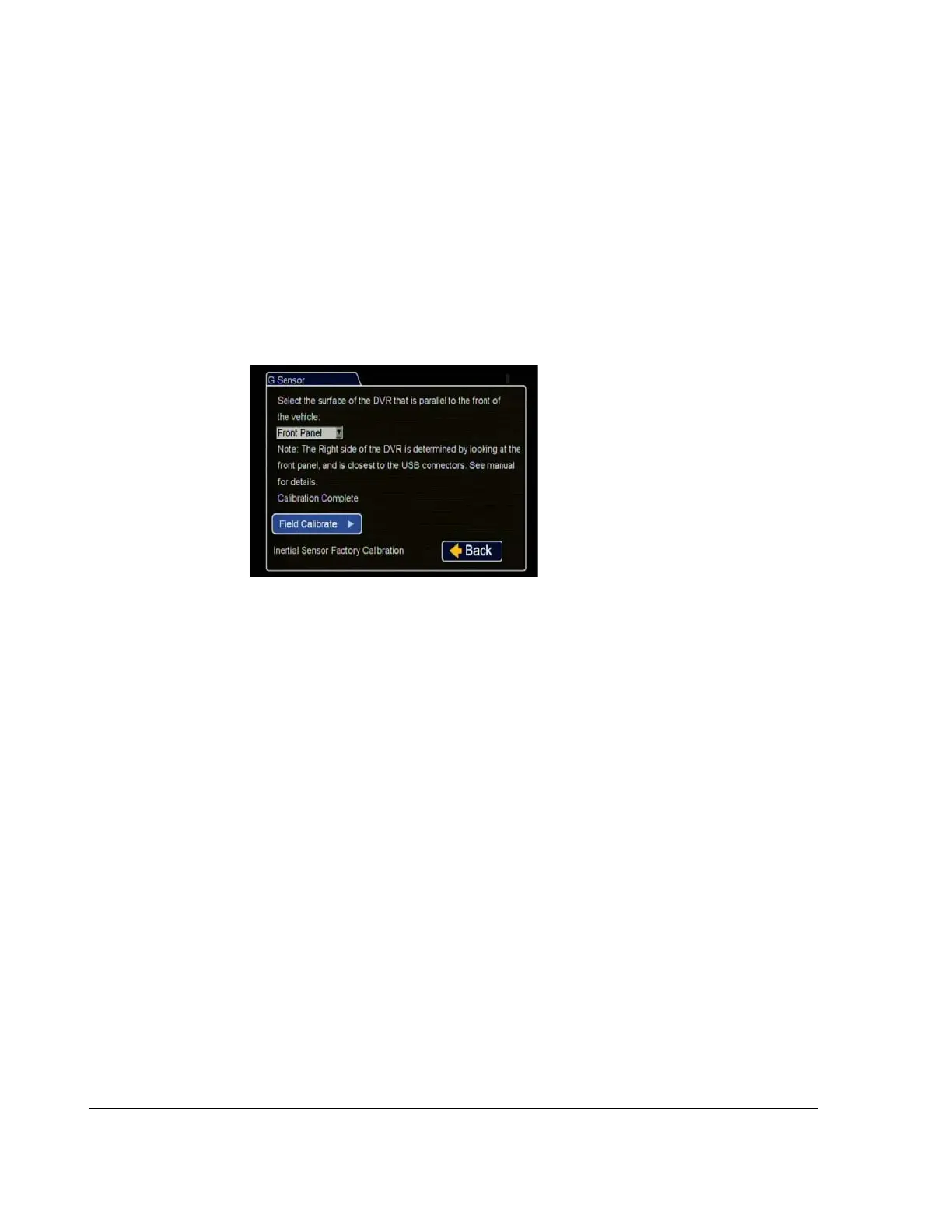
4.5.6. G Sensor Calibrate Menu
When the G Sensor threshold data is to be used, the DVR must be field calibrated.
Based on the installation orientation selected in the G Sensor calibration menu, the
DVR detects gravity and determines the X, Y, and Z axis orientations.
To calibrate the G Sensor:
1. Make sure the DVR is mounted securely in a horizontal or vertical position.
2. In the G Sensor menu, click Calibrate.
3. In the G Sensor calibration menu, from the drop down field, select the DVR
surface that is parallel to the front of the vehicle.
4. Click Field Calibrate for the G Sensor to set the X/Y/Z axis planes based on the
mounting surface selection.
When the process is complete, a Calibration Complete message is displayed.
5. Click Back to save settings.
Figure 4-19
G Sensor Menu



 To Next Page