DVR Configuration Menus
700-1014 R002 4–5
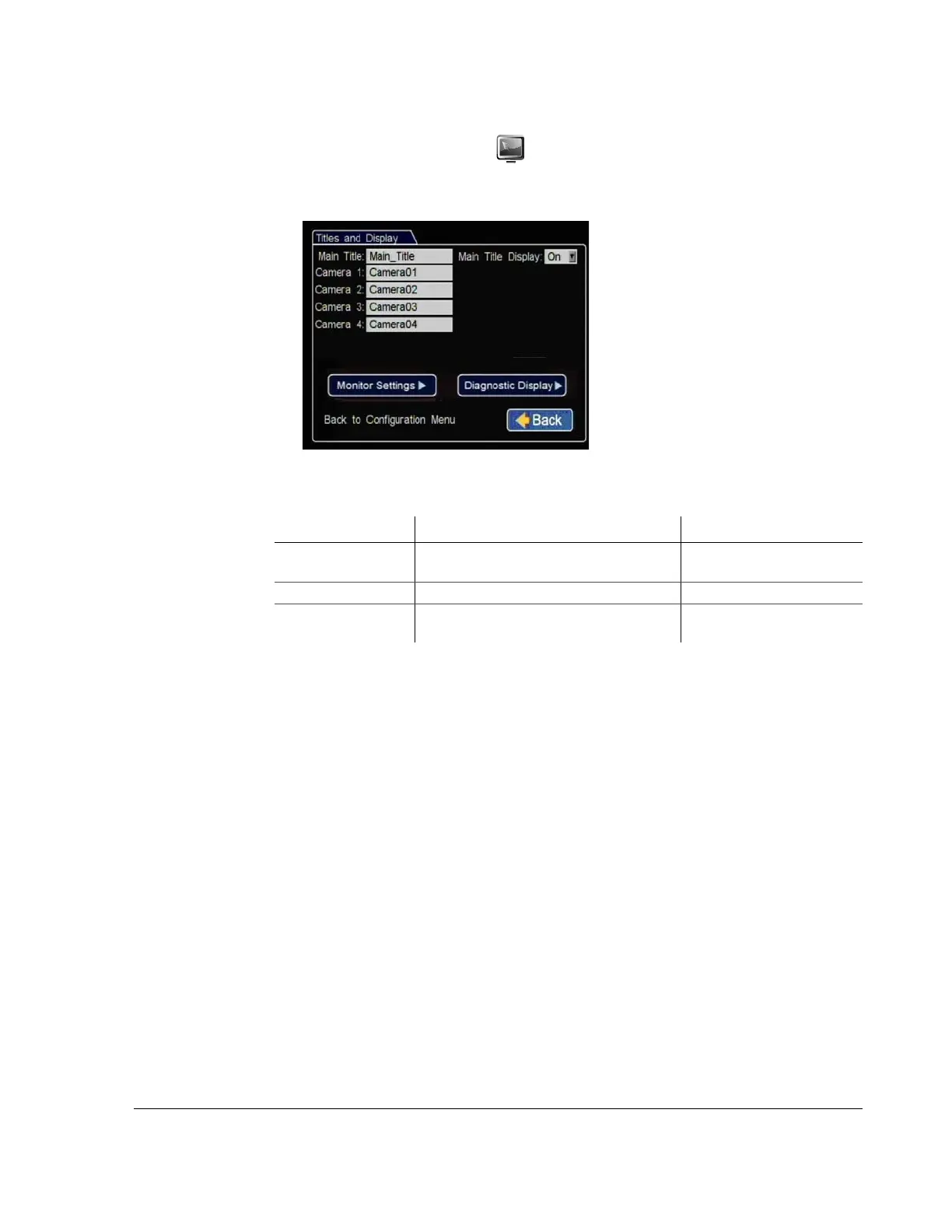
4.3. Titles and Display Menu
Use the Titles and Display menu to set the main title, camera titles, and other camera
view overlay options.
Figure 4-4
Titles and Display Menu
Table 3
Titles and Display Configuration Items
Menu Item Description Value [Default]
Main Title Set a title. [Main_Title]
Maximum 32 characters
Main Title Display Show or hide the main title display. [On], Off
Camera 1 to Camera 4 Set a title. [Camera01] to [Camera04]
Maximum 8 characters



 To Next Page