DVR Setup
2–16 700-1014 R002
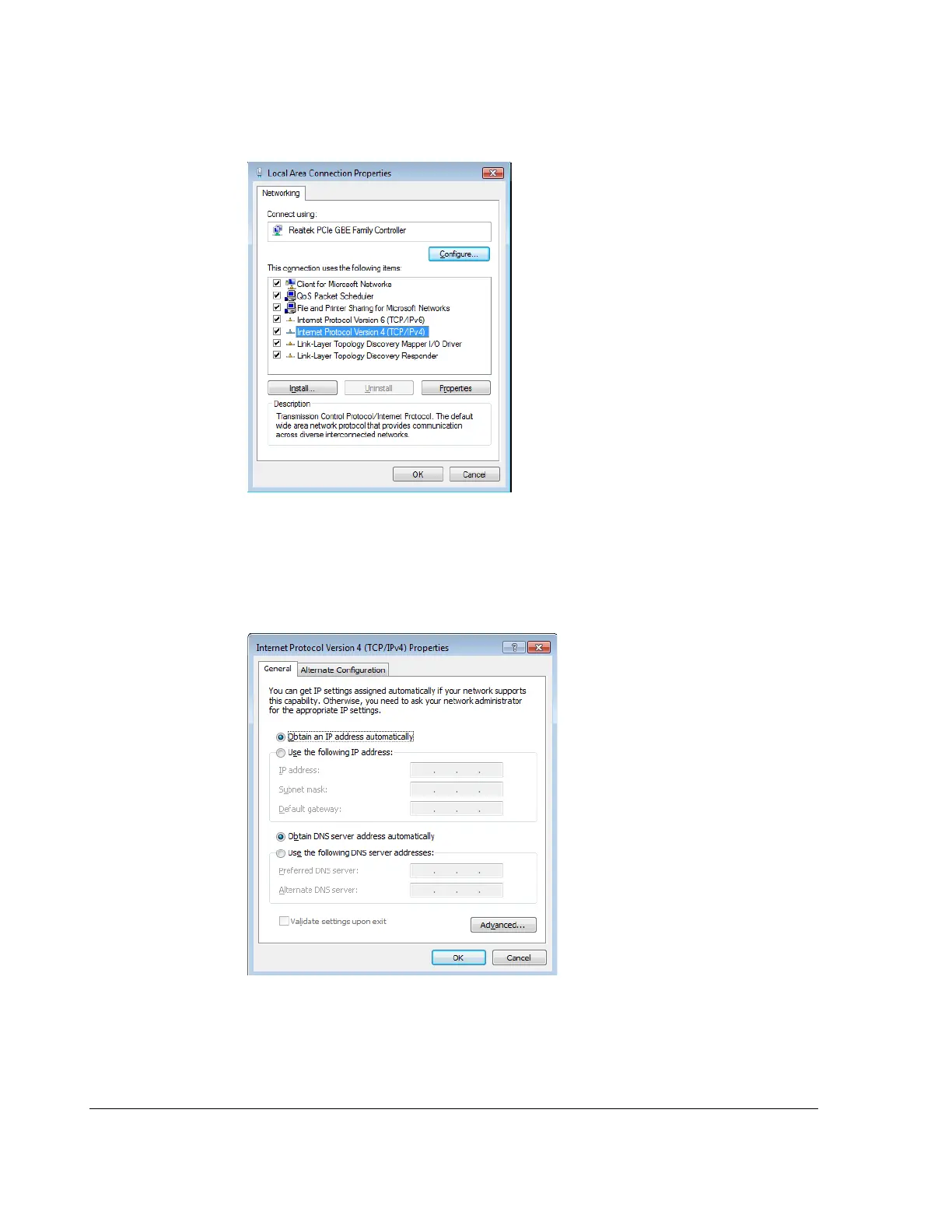
The Local Area Connection Properties window appears.
3. In the Local Area Connection Properties window, select the click to highlight the
current Internet Protocol Version, (in Windows XP select Internet Protocol
(TCP/IPv4)), and then click Properties.
The Internet Protocol Version Properties window appears.
4. In the Internet Protocol Properties window, select Obtain an IP Address
Automatically. Click OK and then close the Windows dialogs.
5. Continue to connect the DVR to a laptop instructions.
Figure 2-25
Local Area Connection Properties window
Figure 2-26
Internet Protocol Properties window



 To Next Page