Advanced Setup
700-1014 R002 3–9
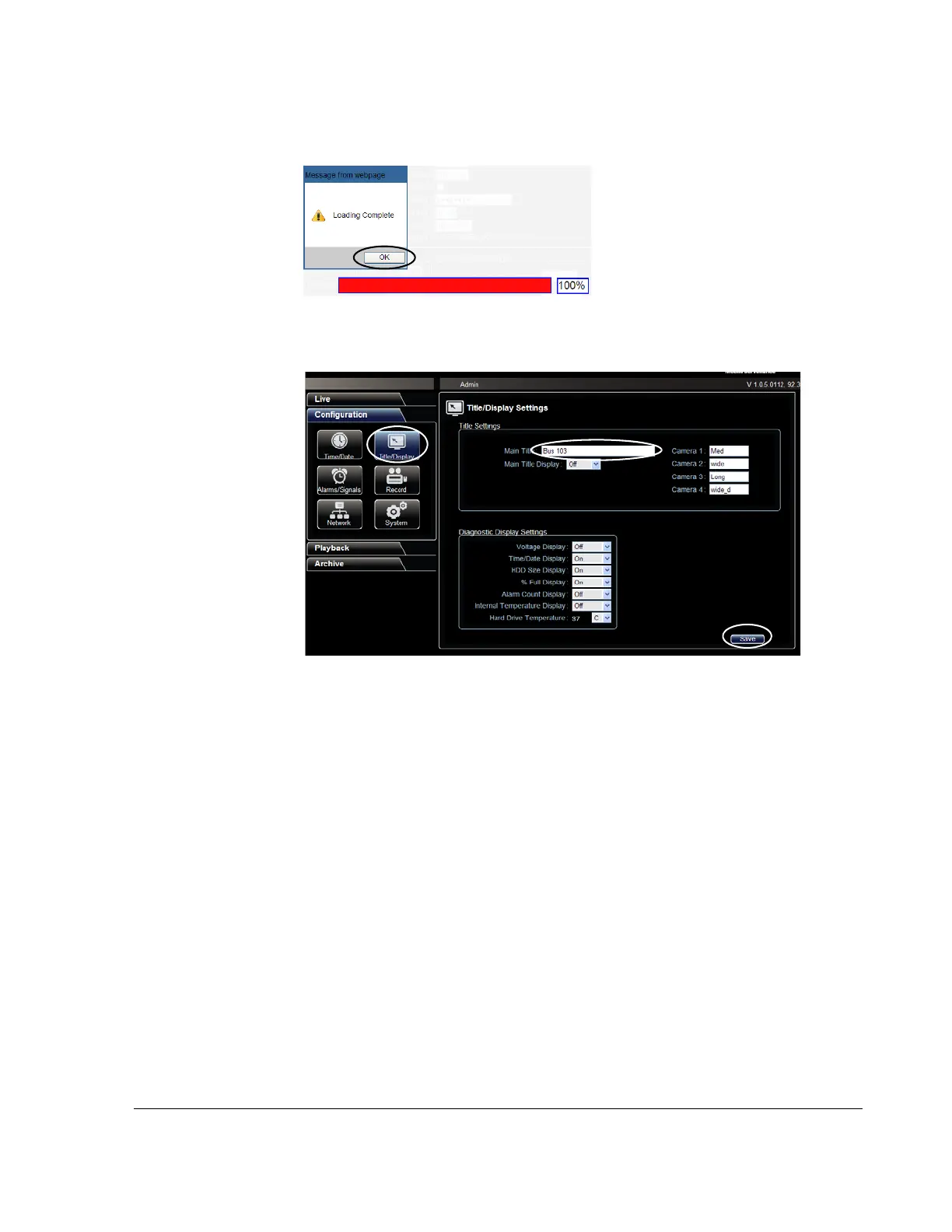
14. When the progress bar shows the update is 100% complete, click OK.
15. In the Titles/Display menu, update the text in the Main_Title field.
16. Click Save to save the settings to the DVR.
17. If required, update the network settings.
18. Power down and restart the DVR.
19. Login with vMax Web and refresh the vMax Web browser view.
20. Confirm that the new configuration settings are in place.
Figure 3-17
Loading Complete
Figure 3-18
vMax Web Titles and Display Menu



 To Next Page