66
RATE
1. Press Rate.
The LCD shows the current envelope, point, and rate.
2. If necessary, select the desired envelope and point number with the
corresponding switches (see above).
3. To select rate 4A, press the ALTERNATE RELEASE footswitch.
4. Adjust the slider from 0 - 99.
5. Play the keyboard to test the eect of the new rate.
LEVEL
1. Press Level.
The LCD shows the current envelope, point, and level.
If the mix envelope is selected, the level is displayed as the four oscillator
mixture percentages.
2. If necessary, select the desired envelope and point number with the
corresponding switches (see above).
3. Adjust the slider from 0 - 99, or if the mix envelope is selected, use the joystick
to set the mixture for the current envelope point.
For the amplier envelope, levels 4 and 4A are predened as 0.
4. Play the keyboard to test the eect of the new level.
LOOP
Envelope loops were described above.
1. Press Loop.
2. Select desired envelope.
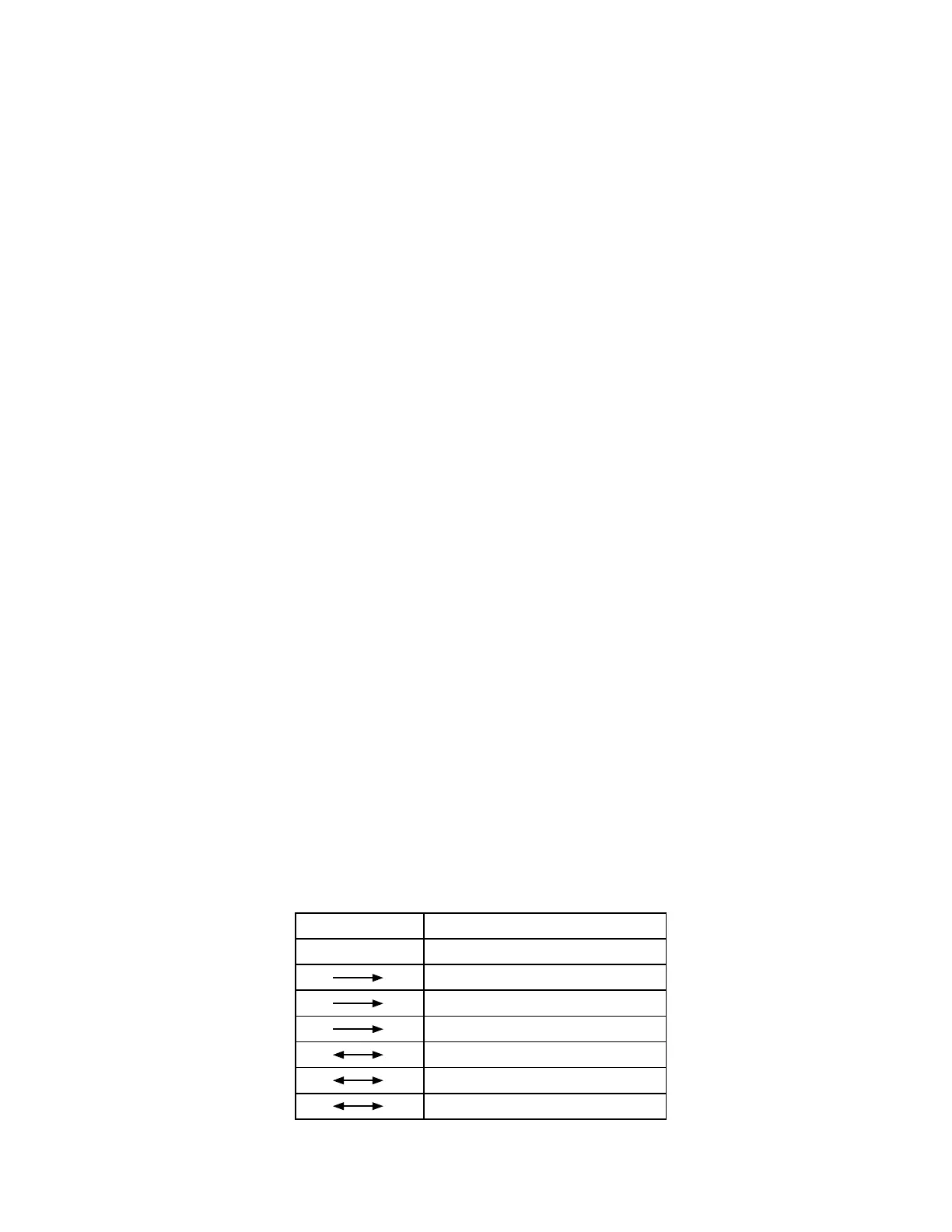
Display
OFF O
0 Forward from 0
1 Forward from 1
2 Forward from 2
0 Backward/Forward to 0
1 Backward/Forward to 1
2 Backward/Forward to 2
HOME















 To Next Page