41
GB
Playing back MP3/WMA files
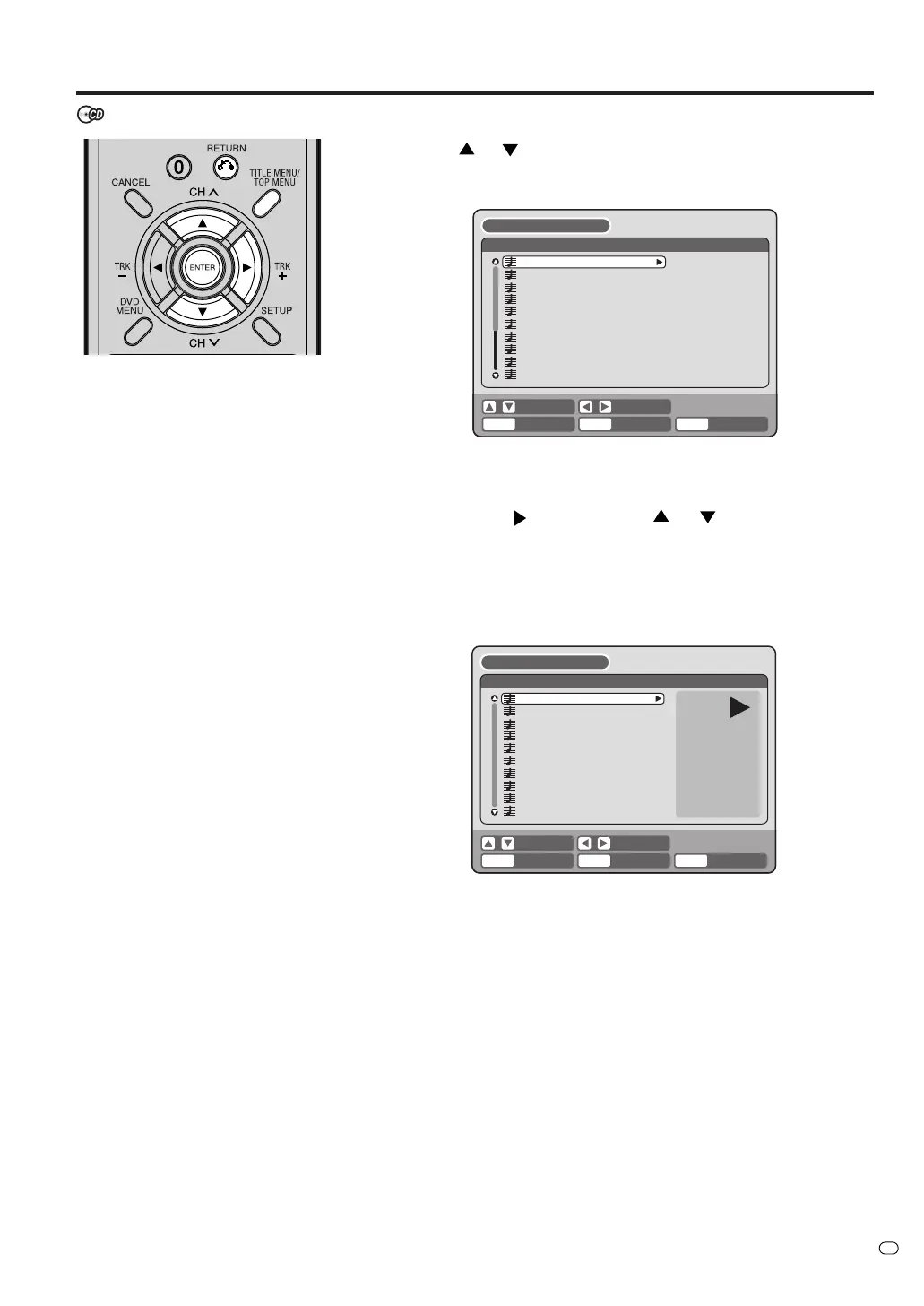
1
Press
or to select a MP3/WMA file.
• If the disc includes more than 10 files, you can move to the next
or previous page. (See page 38.)
2
Carry out the item a or b listed below.
a: Press ENTER.
b: Press
and then press or to select “PLAY” and
press ENTER.
The TRACK INFO screen appears. Select one item in the list and
press ENTER to playback the selected file.
For the details of the TRACK INFO screen, see “Various opera-
tions on CD” on page 38.
BROWSER
PLAY RETURN
TITLE
MENU
BACK END
SELECT
SET
w01.wma
w02.wma
w03.wma
w04.mp3
w05.wma
w06.wma
w07.mp3
w08.wma
w09.wma
w10.mp3
ENTER
3
To return to the BROWSER screen, press RETURN.
•To stop playback of the MP3/WMA files, press TITLE MENU/
TOP MENU.
MP3/WMA/JPEG/DivX
®
playback
w01.wma
00:00:19
MODE: NORMAL
REPEAT: OFF
TRACK INFO
RETURNPLAY BACK END
SELECT
SET
TITLE
MENU
ENTER
w01.wma
w02.wma
w03.wma
w04.mp3
w05.wma
w06.wma
w07.mp3
w08.wma
w09.wma
w10.mp3
MP3 CD
• MP3 files must have the extension
letters “.mp3”.
• Standard, sampling frequency, and
the bit rate:
MPEG-1 Audio
32kHz, 44.1kHz, 48kHz
32kbps to 320kbps (constant bit
rate or variable bit rate)
• The recommend recording setting
for a high quality sound is 44.1kHz
of sampling frequency and
128kbps of constant bit rate.
WMA CD
• When creating a WMA disc, make
sure that the copyright function is
off. DRM (Digital Rights Manage-
ment) files cannot be played back.
• WMA files must have the extension
letters “.wma”.
• Standard, sampling frequency, and
the bit rate:
WMA version 7 and 8
32kHz, 48kbps
44.1kHz, 48kbps to 192kbps
48kHz,128kbps to 192kbps
• Music files recorded as mono,
48kHz, 48kbps cannot be played
back by this unit.



 To Next Page