57
GB
ENTER
RETURN BACK END
SELECT
SETUP
ENTER
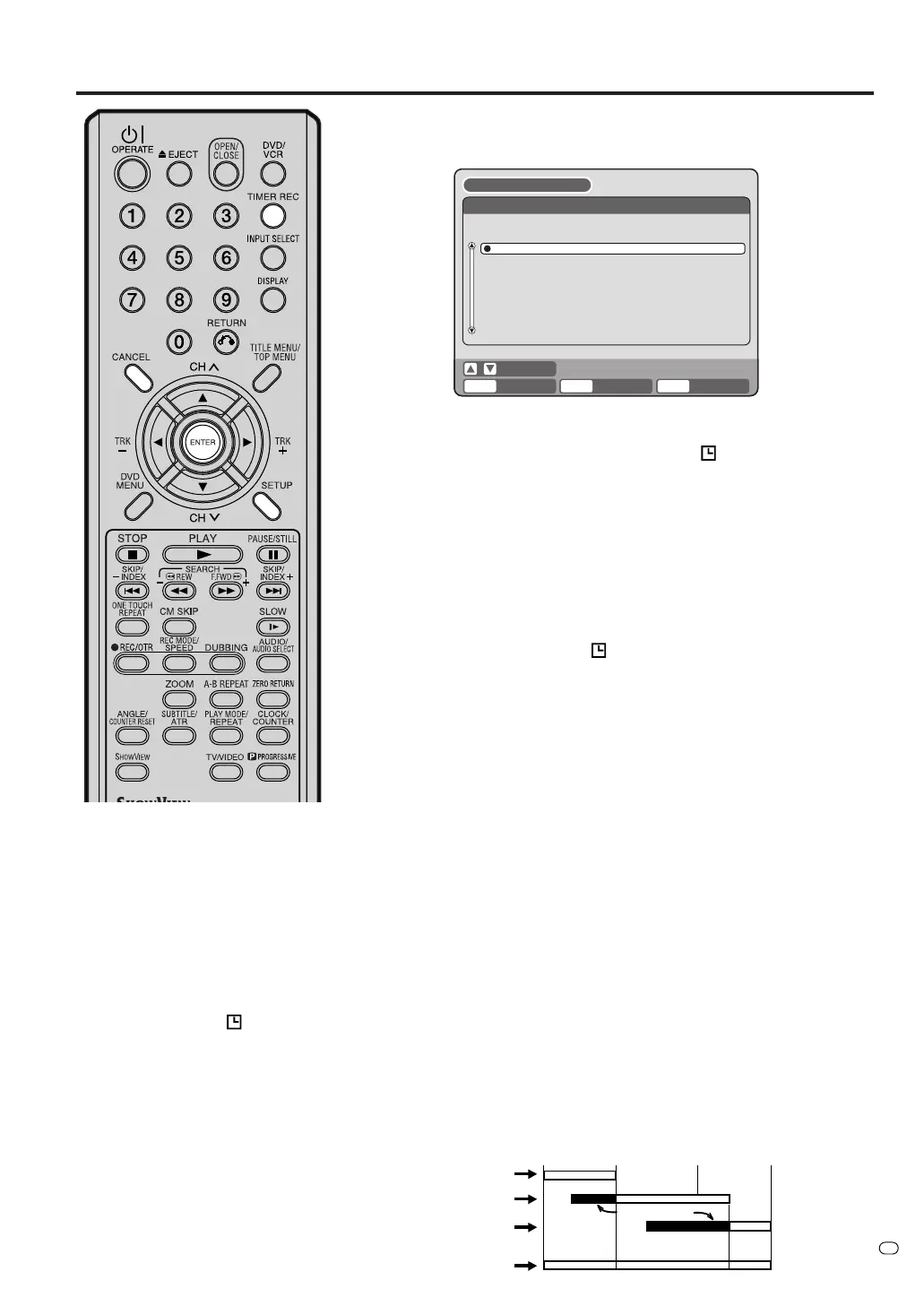
TIMER REC SET
REC REC
TO MODE
VPS/
PDCCHENDSTARTDATE
DVD SLP ON702:3501:3527/09(SAT)
VCR SP OFF816:0015:00MON-SAT
DVD XP OFF1218:0017:00SUN
DVD XP OFF702.5401:5428/09(SUN)
NEW
SETUP MENU
SHOWVIEW
®
programming system
5 Select “OK” and press ENTER.
The TIMER REC SET screen appears and you should see the
new timer recording in the list.
6 Press SETUP to exit.
7 Press TIMER REC. The timer indicator “
” will appear on the
display and the unit enters standby for recording.
• If the program is set for DVD recording only, the unit will
change to
VCR mode automatically. (DVD mode cannot be
selected.)
• If the program is set for VCR recording only, the unit will
change to
DVD mode automatically. (VCR mode cannot be
selected.)
• If the programs are set for DVD and VCR recording, the unit
will turn off. If you want to use the unit, press TIMER REC
again to deactivate the timer.
• If the clock symbol (
) blinks on the display, and “TIMER
RECORDING ERROR PLEASE CHECK THE DISC OR
TAPE.” appears on the screen even though you have
pressed TIMER REC, the cassette may not be loaded or no
disc space is available.
• If the cassette is ejected even though you have pressed
TIMER REC, the erase prevention tab of the cassette may
have been removed. (See page 45.)
To extend the timer recording time
Press TIMER REC while it is timer recording. (You may also use nor-
mal recording or OTR).
Checking or changing the timer recording
When you want to check the selected timer recording, follow the
steps 1 and 2 of “Setting timer recording” and display the TIMER
REC SET screen. To change the timer recording, select the program
to be changed and press ENTER. The changing method is the same
as that for the recording a program for the first time.
Cancelling the timer recording
Display the TIMER REC SET screen.
Select the program you want to cancel and press CANCEL, then the
selected program will be erased from the timer recording list.
If the Timer programs-overlap
Do not overlap timer programs as portions of the conflicting pro-
grams will be lost. The first recording time has priority over the next
recording time as shown in the diagram below.
In this case, the next recording time is delayed for a maximum of
1 minute.
NOTES:
• Recording starts a few seconds
before the preset starting time.
•You cannot use the timer record-
ing for the both DVD and VCR at
the same time.
•You can playback the DVD during
the VCR timer recording, and you
can playback the VCR during the
DVD timer recording.
• If the clock symbol (
) blinks when
the timer recording ended, the TV
program has not been completely
recorded because of an insufficient
capacity for DVD disc or video
tape. Press TIMER REC to cancel
the timer program.
• After setting the timer program with
VPS/PDC is “ON”, press TIMER
REC then unit will automatically
turn off.
8 : 00
11 : 00
9 : 00
10 : 00
Program 1
Prog.1
Deleted Parts
Non Recorded Portion Parts
Prog.2 Prog.3
Program 2
Program 3
Recording
Control Settings
TV/VIDEO



 To Next Page