56
GB
SHOWVIEW
®
programming system
3
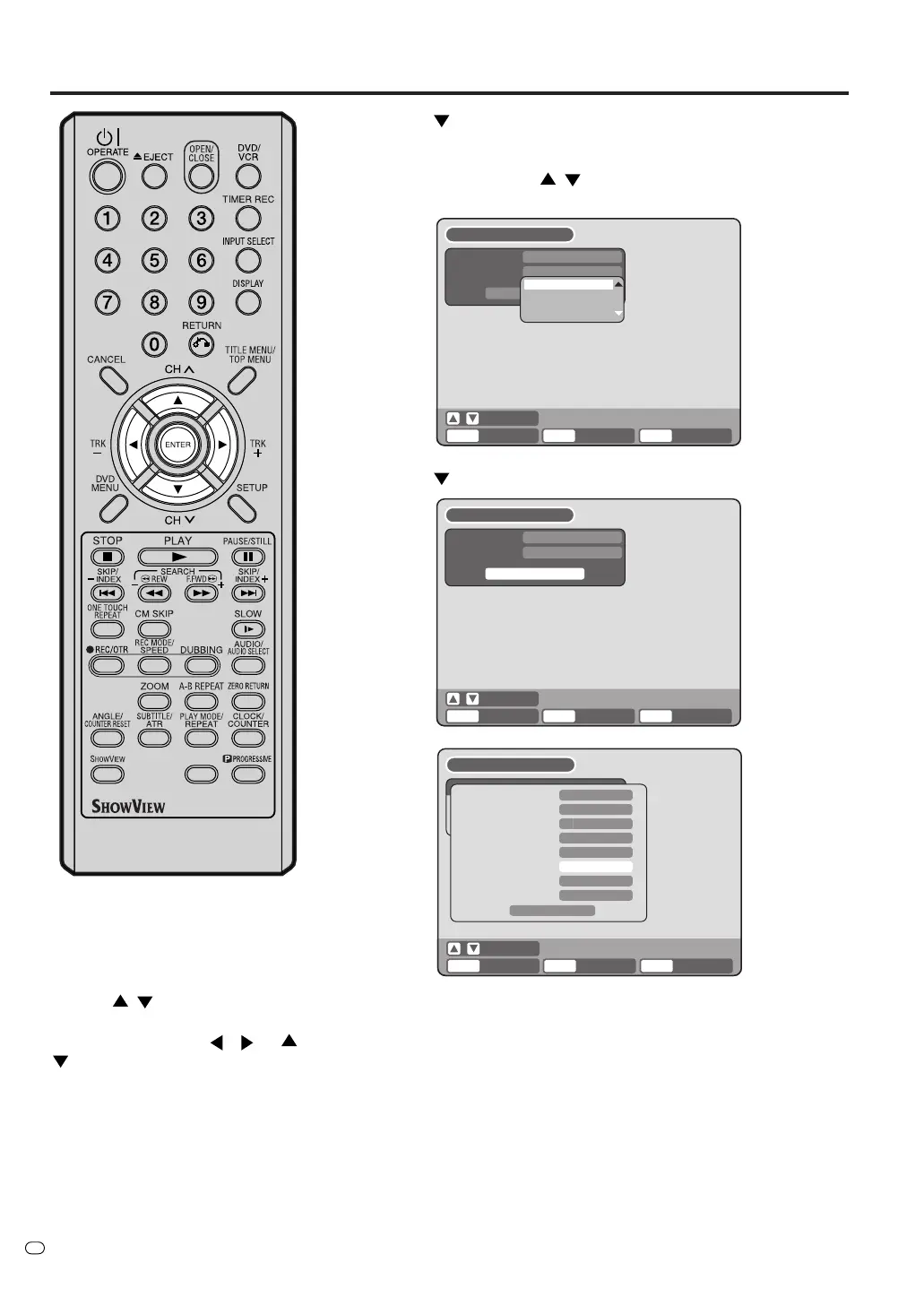
Press
to select “TYPE”.
Here you can set whether you want to record the program
ONCE, DAILY or WEEKLY. If you want to change it, press
ENTER then use the / buttons to select, then press
ENTER again.
4
Press
to highlight OK, then press ENTER.
NOTE:
If you’ve entered a valid ShowView
number, a summary of the timer
recording appears. You can edit any
of this information as necessary.
Use the
/ buttons to select
the item you want to edit, press
ENTER, then use the
/ or /
buttons as appropriate to
select, then press ENTER again.
• TYPE – select the frequency of the recording (more options
available here than in the previous screen, such as every
weekday)
•DATE (DD/MM) – the recording date
•STA RT – recording start time
• END – recording end time
• CH – the channel to be recorded, or one of the external inputs
(AV1, AV2 or AV3)
• REC TO – record to the DVD or the VCR
• REC MODE – recording quality
• VPS/PDC – If you want to receive VPS/PDC signal, select
“ON” at step 4.
• Note that If you haven’t set a guide channel for the selected
TV channel, the CH field will be blank (
--
). In this case, set the
channel number manually.
ENTER
RETURN BACK
SELECT
ENTER
ShowView
ShowView#
TYPE
OK
ONCE
1 2 3 4 5 6 7 8 9
END
S
HOW
V
IEW
ENTER
RETURN BACK END
SELECT
ENTER
TYPE
DATE (DD/MM)
START
END
CH
REC TO
REC MODE
VPS/PDC
ONCE
7
DVD
XP
OFF
OK
27/09(SAT)
01:54
02:54
ShowView
S
HOW
V
IEW
ENTER
RETURN BACK
SELECT
ENTER
ShowView
ShowView#
TYPE
OK
ONCE
1 2 3 4 5 6 7 8 9
END
OK
ONCE
DAILY
WEEKLY
S
HOW
V
IEW
TV/VIDEO



 To Next Page