SIGLENT
SDM3045X Digital Multimeter 3
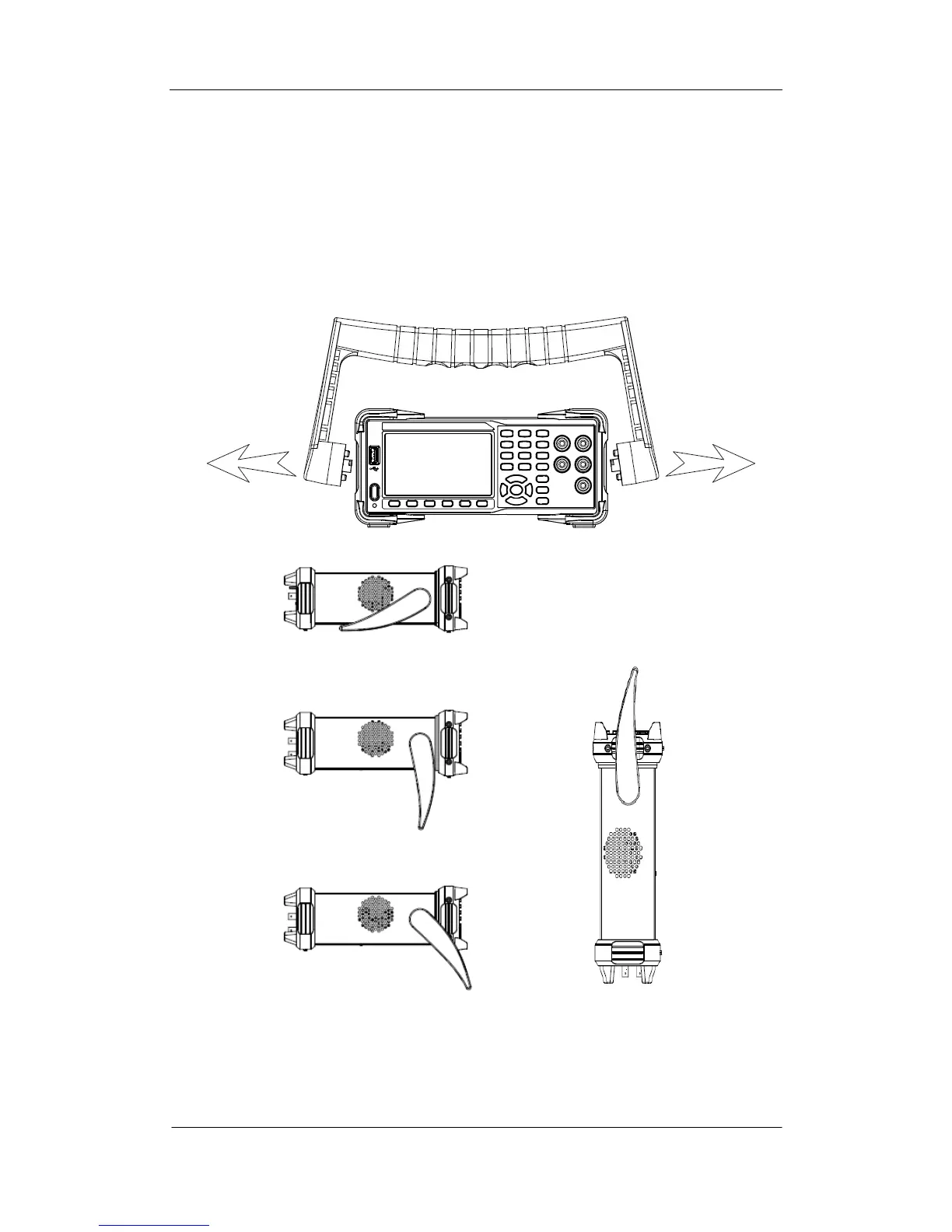
To adjust the Handle
Adjust the handle position of SDM3045X properly to place the instrument
stably so that users can manipulate and observe the display better. Please grip
the handle by the two sides and pull it outward. Then rotate the handle to the
appropriate position. Please operate as the following diagram.
Diagram 1- 1 Handle adjustment
Diagram 1- 2 Horizontal Position Diagram 1- 3 Carrying Position



 To Next Page