EasyManua.ls Logo

SIGLENT SDM3045X - System Setup

SIGLENT SDM3045X
109 pages
Print Icon
To Next Page IconTo Next Page
To Previous Page IconTo Previous Page
Loading...
SIGLENT
SDM3045X Digital Multimeter 53
System Setup
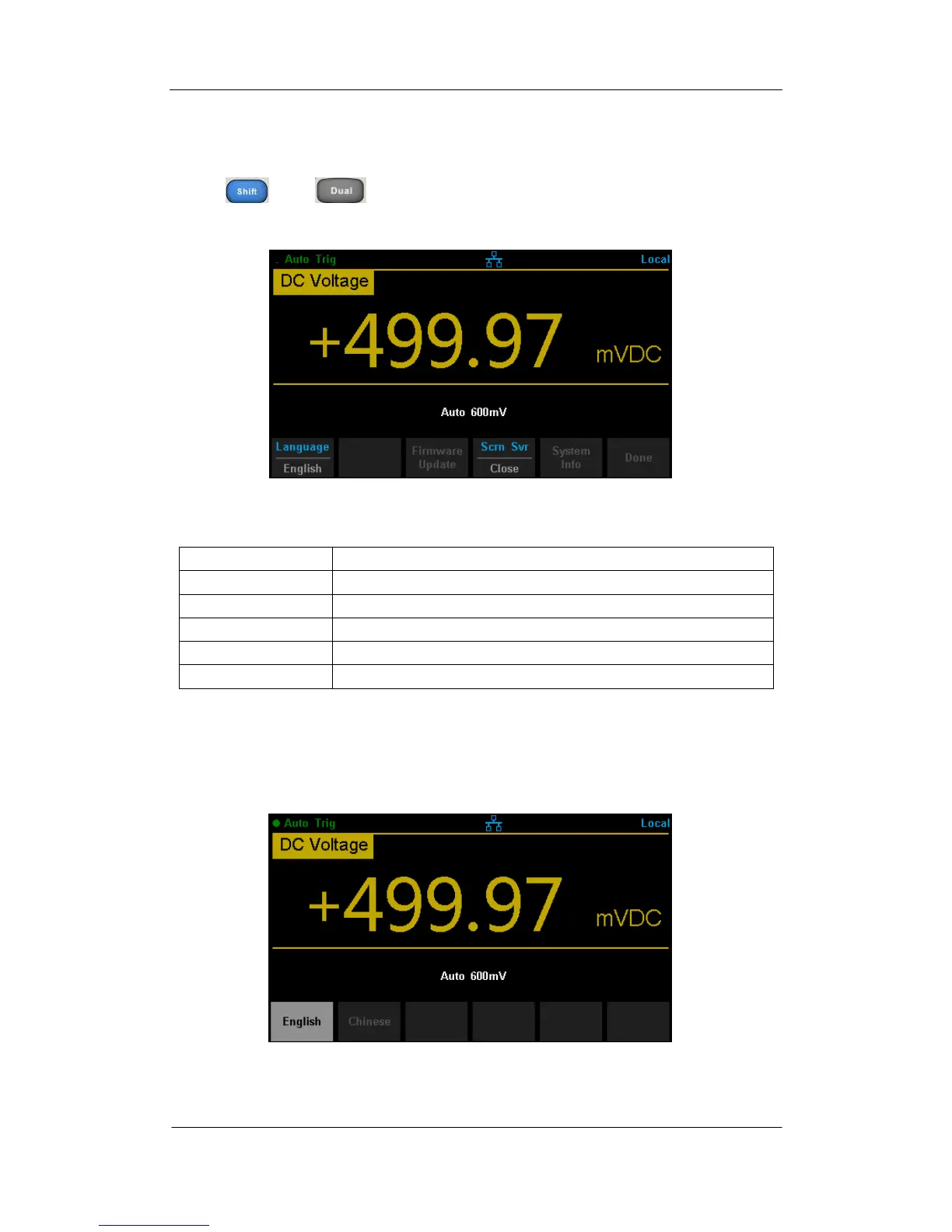
Press and , then selectSystem Setupto enter the following
interface.
Diagram 2- 49 System Setup Interface
Table 2- 18 System Settings Menu Description
Function Menu
Description
Language
Select the display interface language.
Firmware Update
Update software version,
Screen
Set up the screen protection function.
System Info
View system information.
Done
Return to the higher level menu.
1. Select language.
The Multimeter supports two kinds of languages, English and Chinese. Press
Languageto enter the following interface.
Diagram 2- 50 Choose Language

Table of Contents

Other manuals for SIGLENT SDM3045X

Related product manuals