SIGLENT
48 SDM3045X Digital Multimeter
I/O Configuration
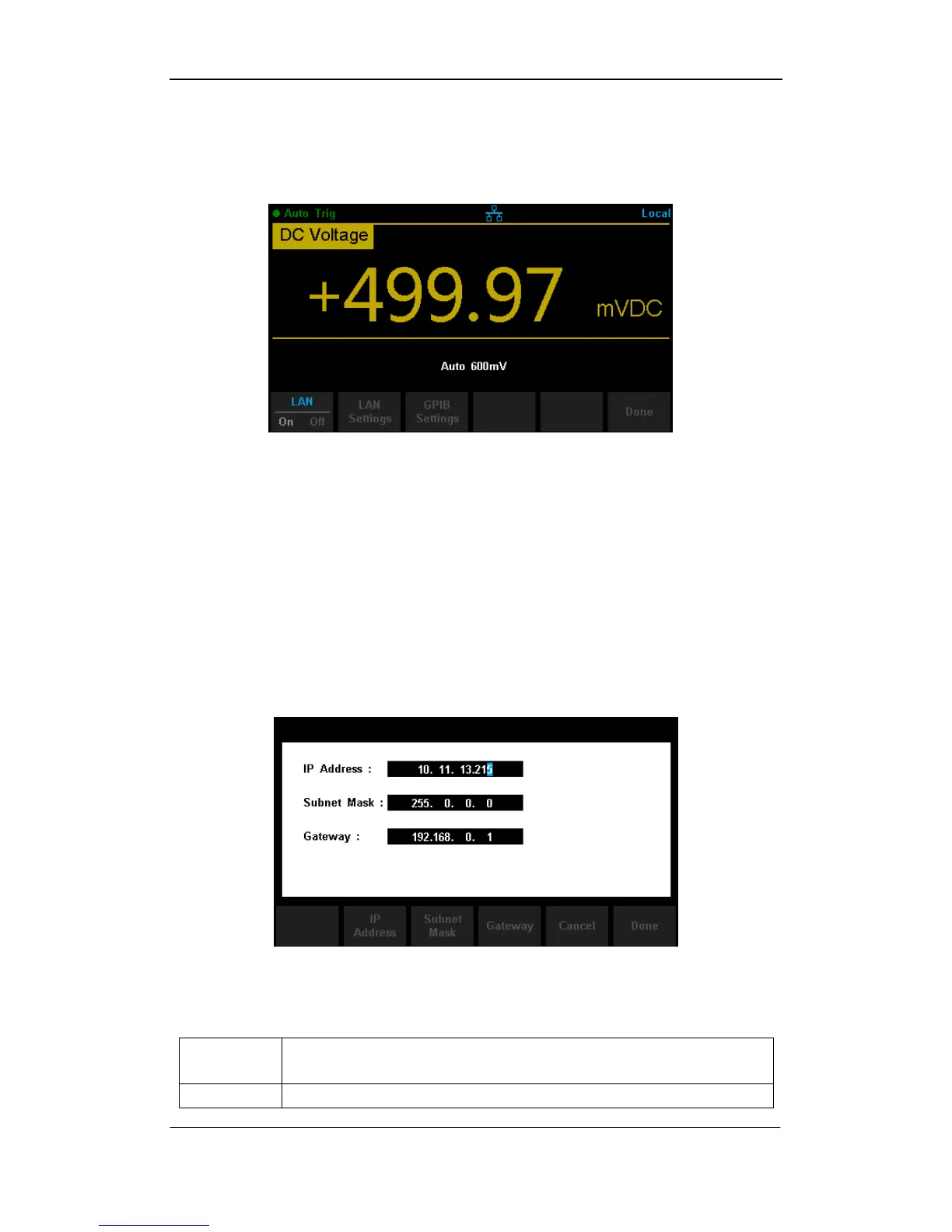
Press【I/O Config】to enter the following interface and set up the parameters.
Diagram 2- 42 I/O Configuration Interface
LAN Settings
The Multimeter enables users to operate instrument remotely by LAN
interface and store or recall internet settings. You can look over current LAN
settings and set up IP address and subnet mask.
After entering into the function menu of Utility, press 【I/O Config】. Select【On】
→【LAN Settings】→【Modify Settings】to enter the following interface.
Diagram 2- 43 LAN Settings Interface
Table 2- 16 LAN Settings



 To Next Page