SIGLENT
SDM3045X Digital Multimeter 71
Display Mode
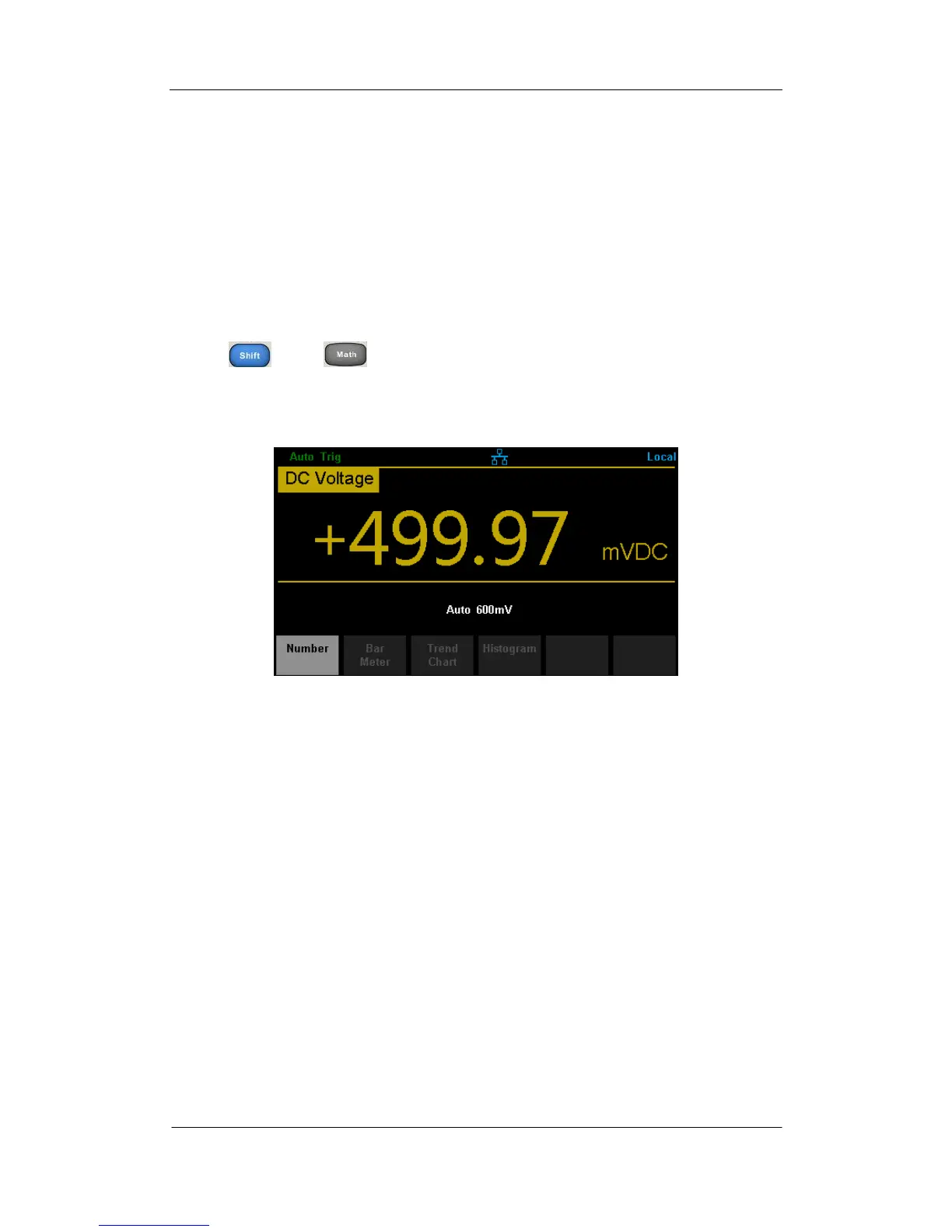
The Multimeter supports four types of way to view measured data: “Number”,
“Bar Meter” ”Trend Chart” and “Histogram”.
Number
Press and to open the menu of display mode and press
【Display】to enter the following interface. “Number” is always the selected
mode when the Multimeter is turned on.
Diagram 2- 63 Number Display Mode



 To Next Page