SIGLENT
58 SDM3045X Digital Multimeter
Single Trigger
Single Trigger parameters that need to be set up include delay, samples
/trigger and VMC out.
Operating Steps:
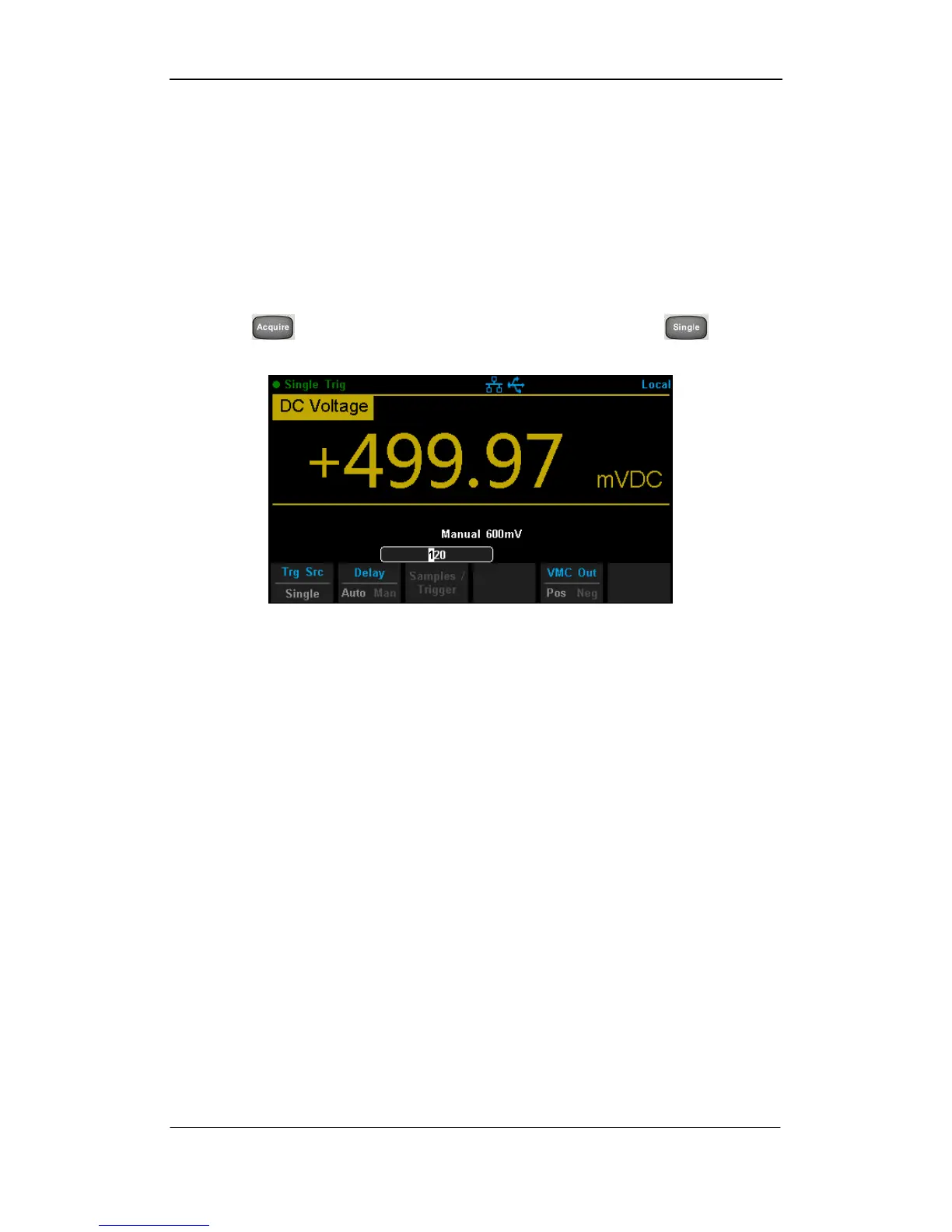
1. Press , then select 【Trg Src】→【Single】or press on the
front panel directly to enable Single Trigger. See the diagram below.
Diagram 2- 53 Setting interface of Auto Trigger
2. Set the delay.
Press 【Delay】to select Auto or Manual mode.
3. Set the number of samples or trigger.
Press 【Samples/Trigger】to set sample count.
4. Set the VMC Out.
The Multimeter output a pulse signal through the VM COMP interface on
the rear panel after sampling signal is finished.
Press 【VMC Out】to choose Positive or Negative polarity.



 To Next Page