SIGLENT
46 SDM3045X Digital Multimeter
Manage File
The Manage File function enables users to create a new folder and save, copy,
rename or delete files in the local storage as well as in USB storage.
Operating Steps:
1. After entering into the function menu of Utility, press【Manage File】to
enter the interface as shown in diagram 2-41.
Diagram 2- 40 Manage File Interface
2. Choose the file location.
Press【Browse】and use direction keys to select the corresponding file.
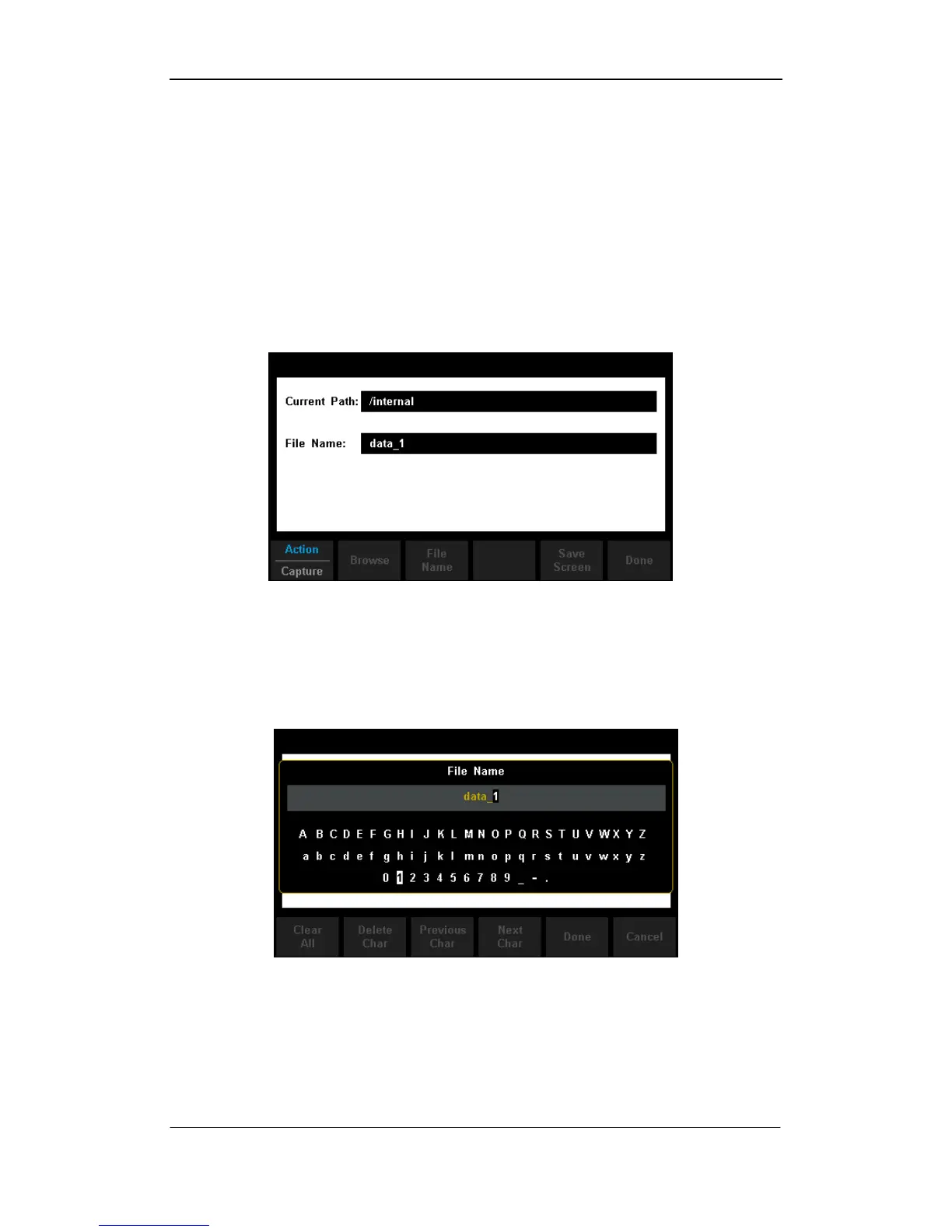
3. Press【File Name】to enter the following interface.
Diagram 2- 41 Input File Name



 To Next Page