SIGLENT
SDM3045X Digital Multimeter 17
To Measure AC Voltage
The Multimeter enables to measure AC Voltage up to 750V. The method to
connect and measure DC Voltage will be introduced in details as the following
steps.
Operating Steps:
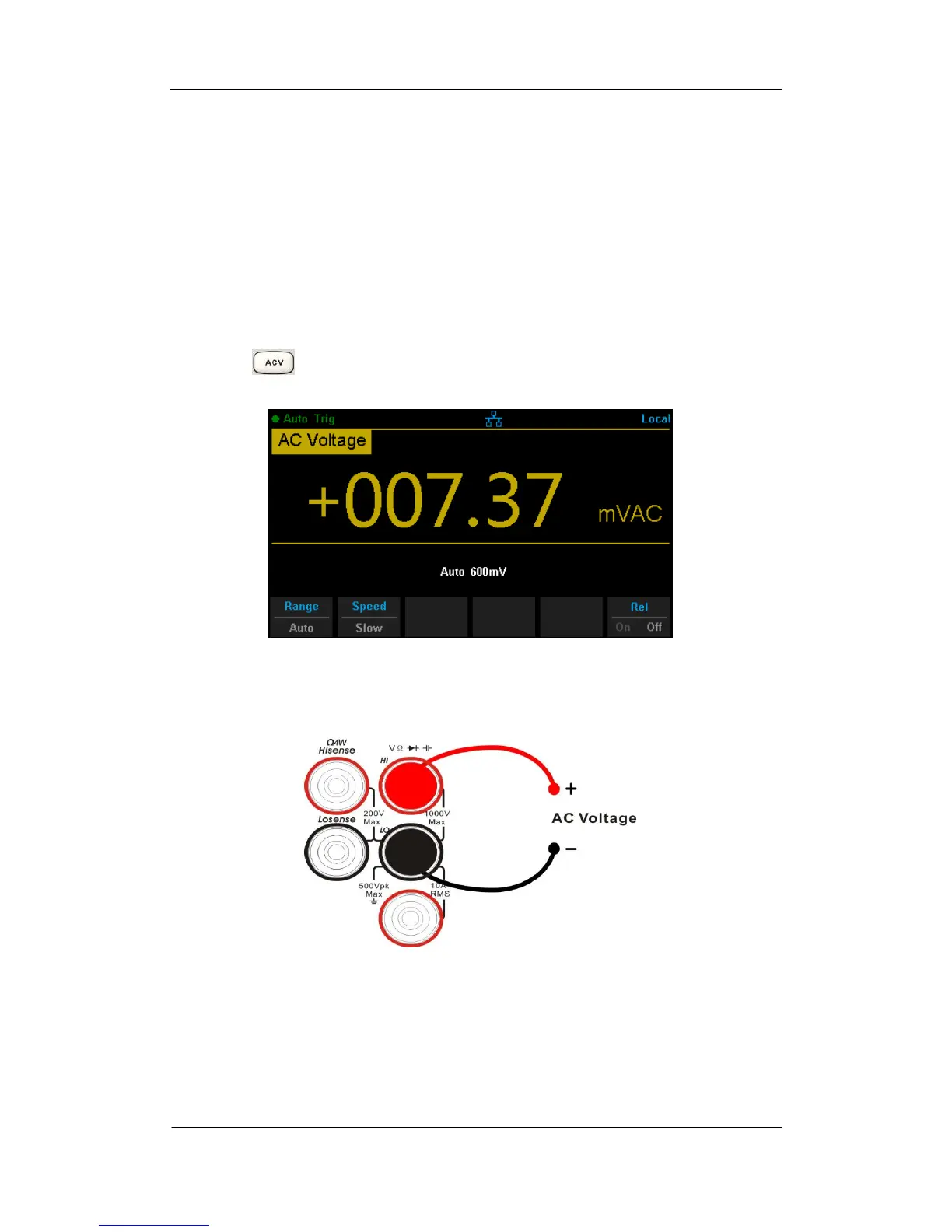
1. Press on the front panel to enter the AC Voltage measurement
interface, as shown in Diagram 2- 8.
Diagram 2- 8 AC Voltage Measurement Interface
2. Connect the red lead to terminal Input-HI and black lead to terminal
Input-LO as the following diagram.
Diagram 2- 9 Sketch Map for Measuring AC Voltage
3. Choose a proper voltage range according to the measured circuit.



 To Next Page