SIGLENT
SDM3045X Digital Multimeter 59
External Trigger
The external trigger signal will be input via EXT TRIG interface on the rear
panel. External trigger parameters that need to be set up include delay,
samples /trigger, slope and VMC out.
Operating Steps:
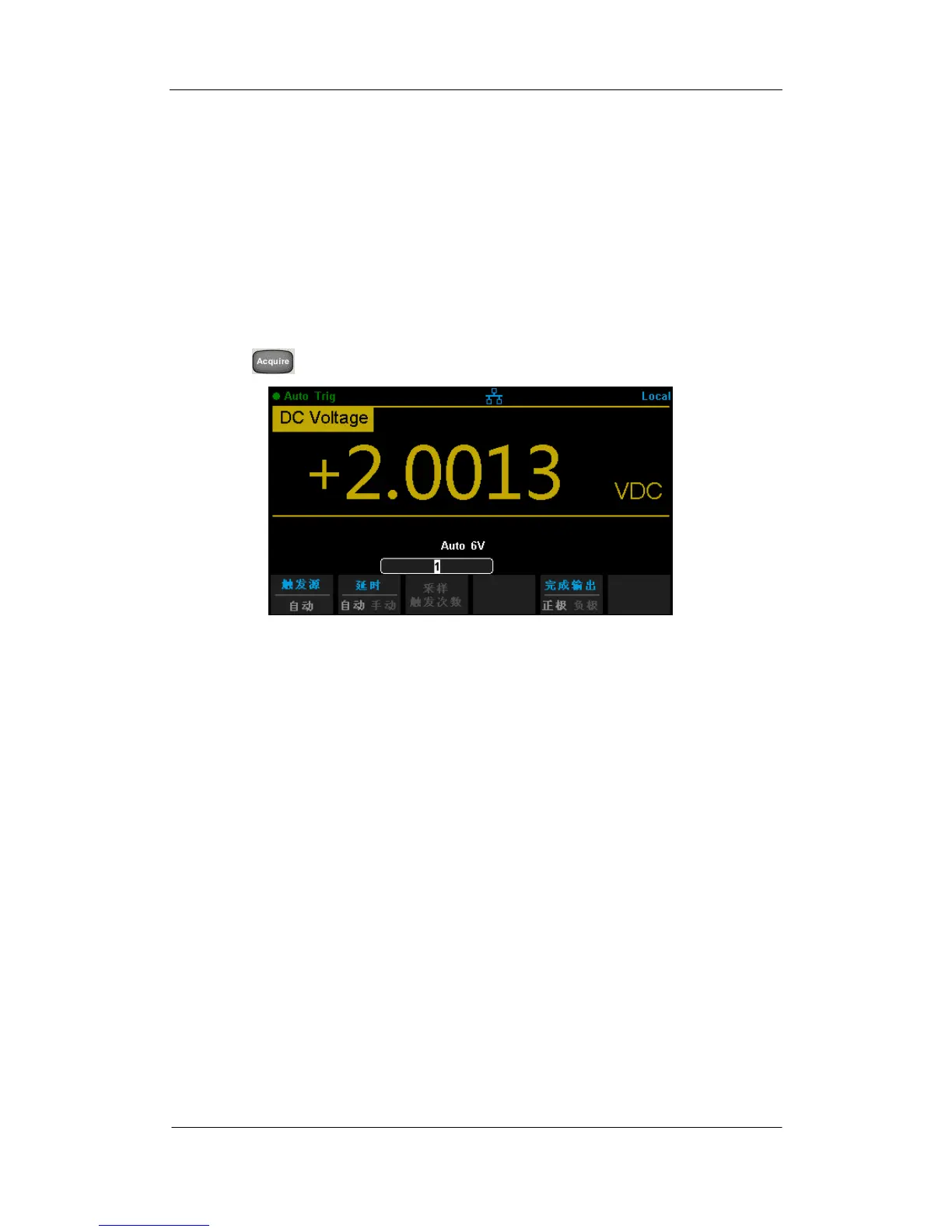
1. Press , then select 【Trg Src】→【Ext】to enable External Trigger.
Diagram 2- 54 Setting interface of Ext Trigger
2. Set the polarity of slope.
Press 【Slope】to choose Positive or Negative polarity.
3. Set the delay.
Press 【Delay】to choose Auto or Manual mode.
4. Set the number of samples or trigger.
Press 【Samples/Trigger】to set sample count.
5. Set the VMC Out.
In External Trigger mode, the Multimeter could output a pulse signal
through the VM COMP interface on the rear panel after sampling signal is
finished.



 To Next Page