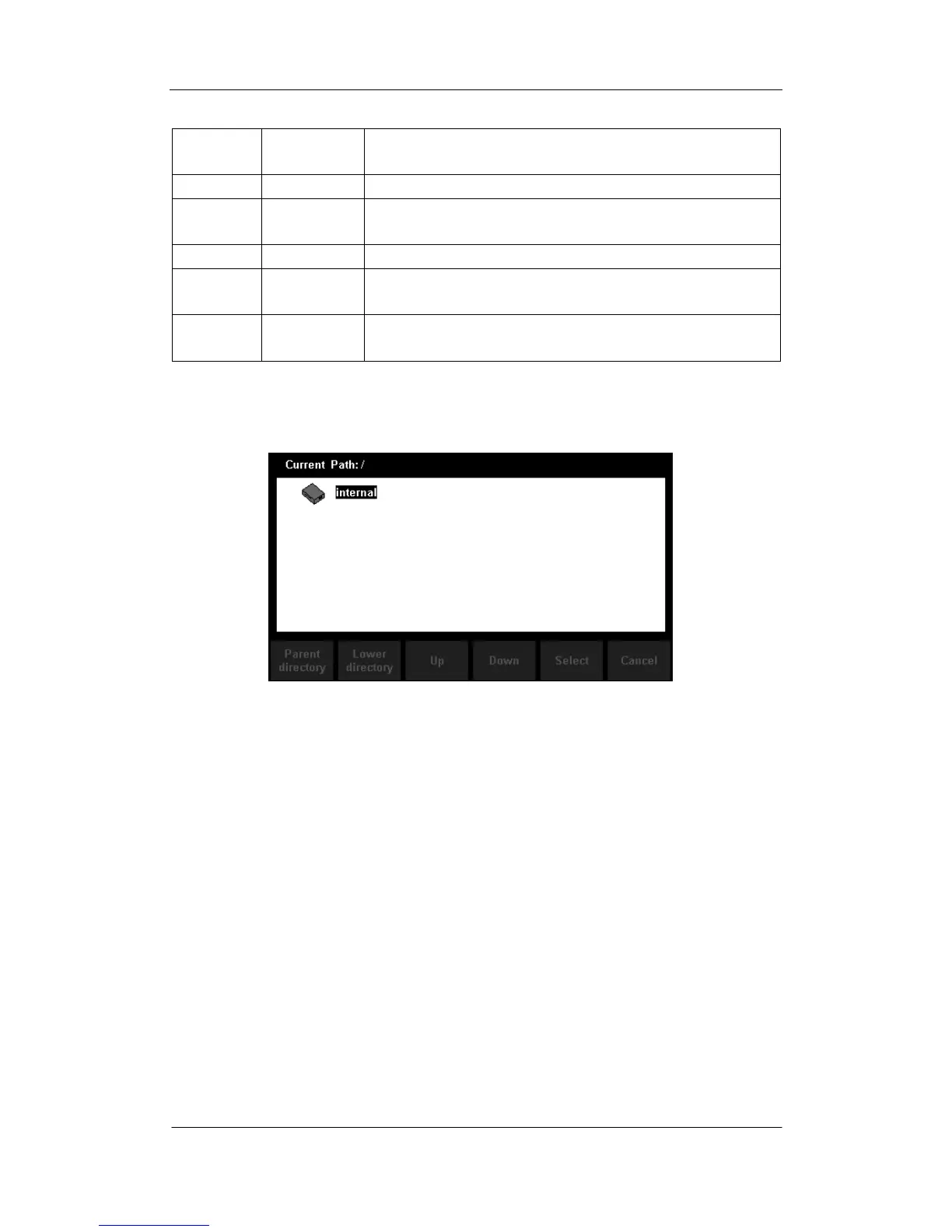
3. Press【Recall Settings】to enter the following interface. Use direction keys
to choose storage path and location, and press【Select】to recall the
corresponding file.
Diagram 2- 39 Recall Function Interface
4. Press【Power on】to set the Power On state of the instrument.
You can choose【Last】 or 【Factory Default】as the initial state when the
instrument is turned on.
The configuration is effective when you restart the Multimeter.
DC Voltage is always the selected function when the instrument is turned
on even if you have selected【Last】 or 【Factory Default】as the Power
On state.
5. Press【Set to Defaults】to select “Factory Default” as the Power On state.



 To Next Page