EasyManua.ls Logo

SIGLENT SDM3045X - Page 84

SIGLENT SDM3045X
109 pages
Print Icon
To Next Page IconTo Next Page
To Previous Page IconTo Previous Page
Loading...
SIGLENT
72 SDM3045X Digital Multimeter
Bar Meter
Operating Steps:
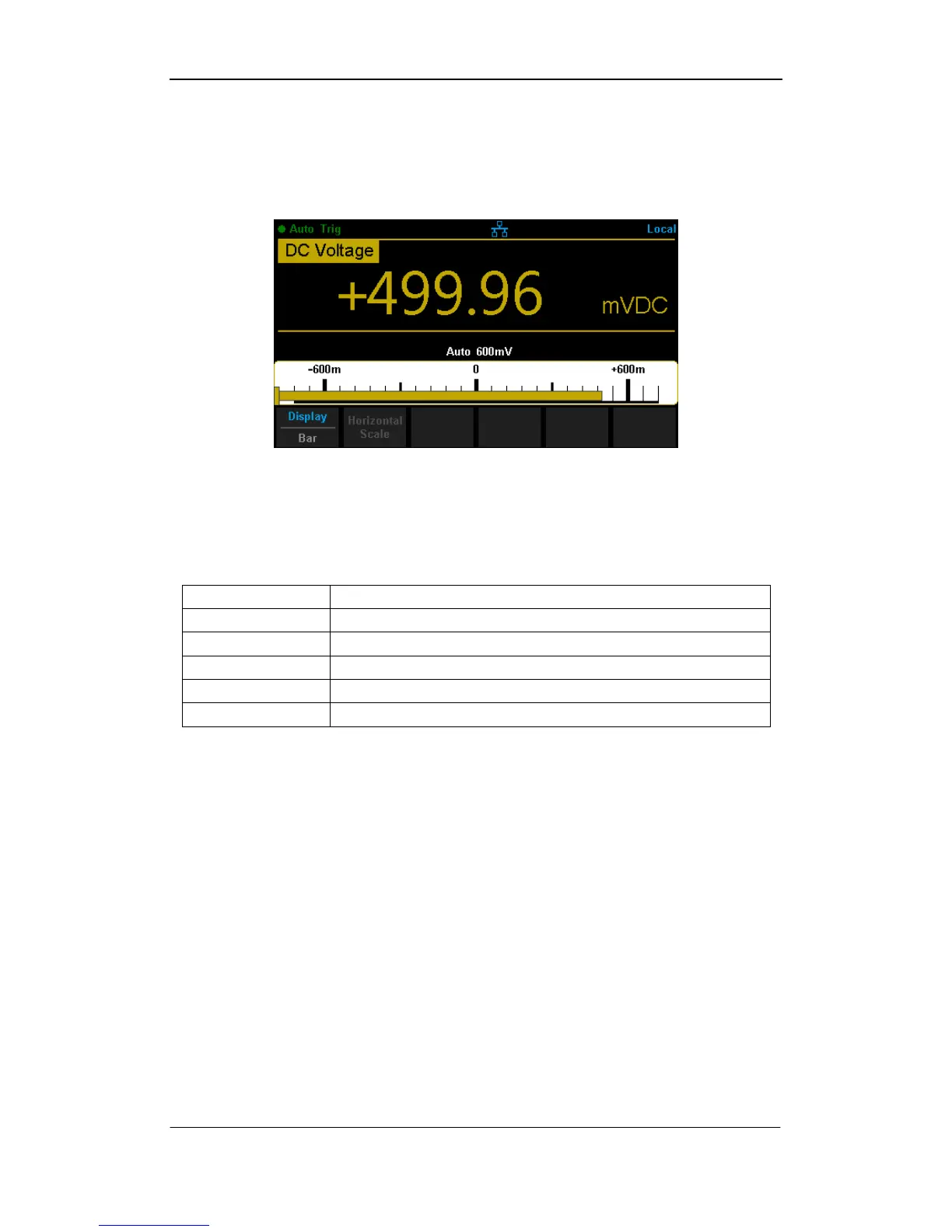
1. PressBar Meterto enter Bar Meter display mode.
Diagram 2- 64 Bar Meter Display Mode
2. PressHorizontal Scaleto choose the way to set the vertical scale as
Default , Manual mode or Limits (limit function is on).
Table 2- 27 To Set the Vertical Scale of Bar Meter manually

Function Menu
Description
Low
Set the low value of horizontal scale.
High
Set the high value of horizontal scale.
Center
Set the center value of horizontal scale.
Span
Set the span of horizontal scale.
Done
Save all changes and return to the higher level menu.

Table of Contents

Other manuals for SIGLENT SDM3045X

Related product manuals