SIGLENT
SDM3045X Digital Multimeter 73
Trend Chart
Operating Steps:
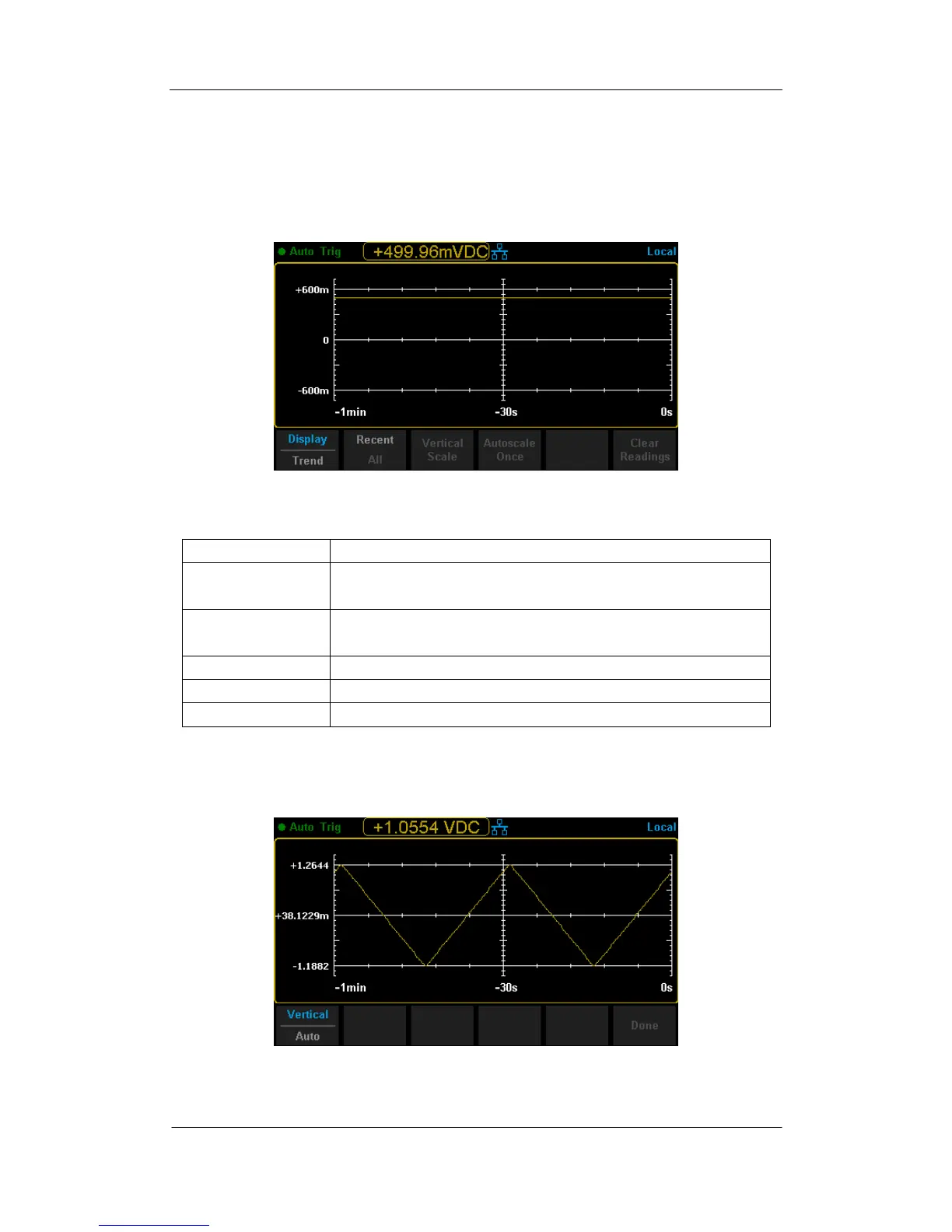
1. Press【Trend Chart】to enter Trend Chart display mode.
.
Diagram 2- 65 Trend Chart Display Mode
Table 2- 28 Trend Chart Display Mode
Currently selected display mode is Trend Chart.
Show recent or all readings.
Choose the mode of Horizontal Scale.
Automatically set the horizontal scale once.
Clear all current readings and restart statistics.
2. Press【Horizontal Scale】to choose the way to set the horizontal scale as
Default , Auto , Manual or Limits ( Limit function is on) mode.
Press【Auto】and the Multimeter will set the vertical scale automatically.
Diagram 2- 66 Auto Vertical Scale



 To Next Page