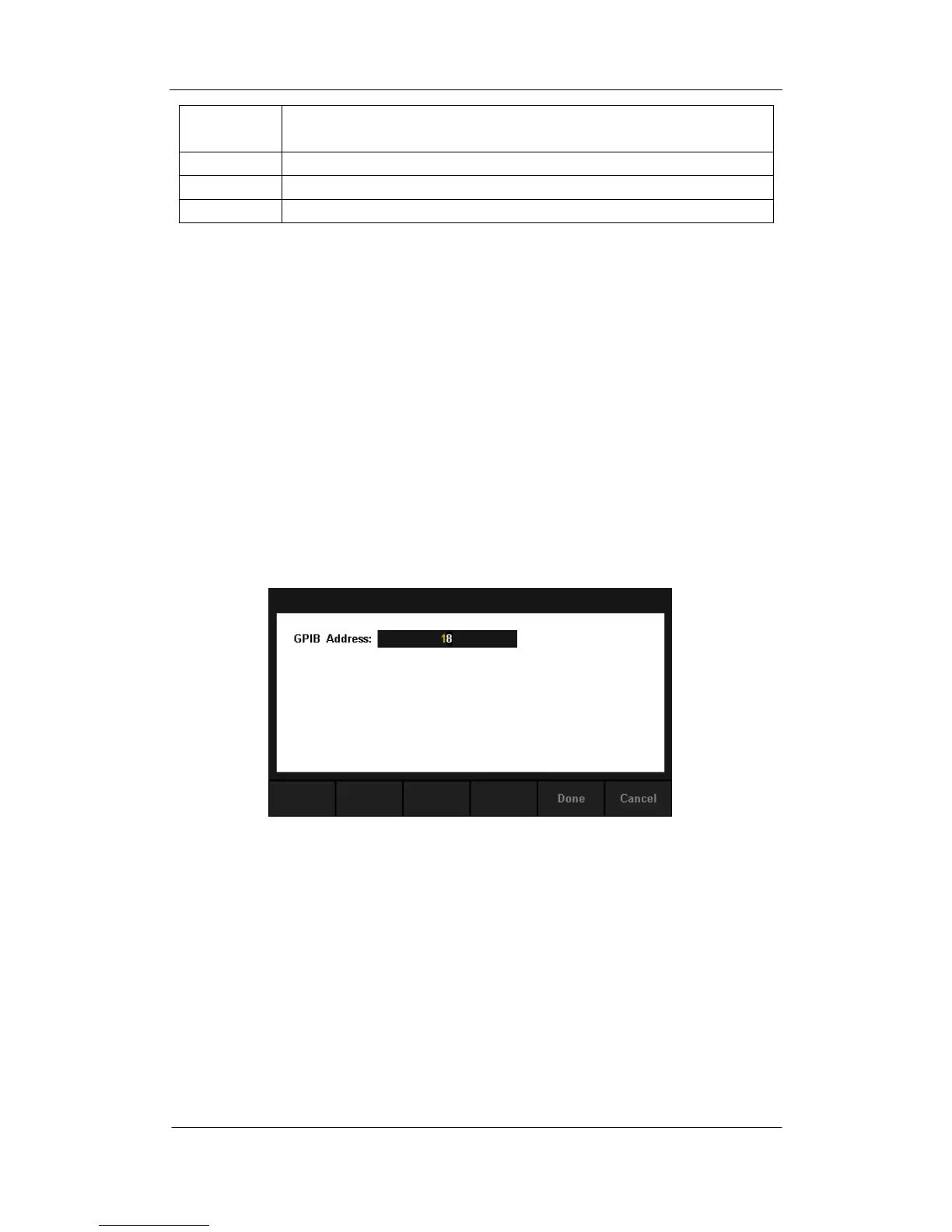
GPIB Settings
Each device on the GPIB (IEEE–488) interface must have a unique address.
The default address is 18 when the instrument is leaving the factory. The
address of Multimeter can be any integral value between 1 and 30.
Operating Steps:
1. After entering into the function menu of I/O configuration, press
【GPIB Settings】to enter the interface shown in diagram 2-45.
Diagram 2- 44 GPIB Settings
2. Users can change the value of GPIB address by direction keys.
3. Press【Select】to set the input value as GPIB address and return to the
higher level menu.



 To Next Page