SIGLENT
52 SDM3045X Digital Multimeter
Press 【Beeper】to test the beeper. Under regular circumstance, press
【Beeper】 one time and the instrument will beep one time.
5. Test the chips.
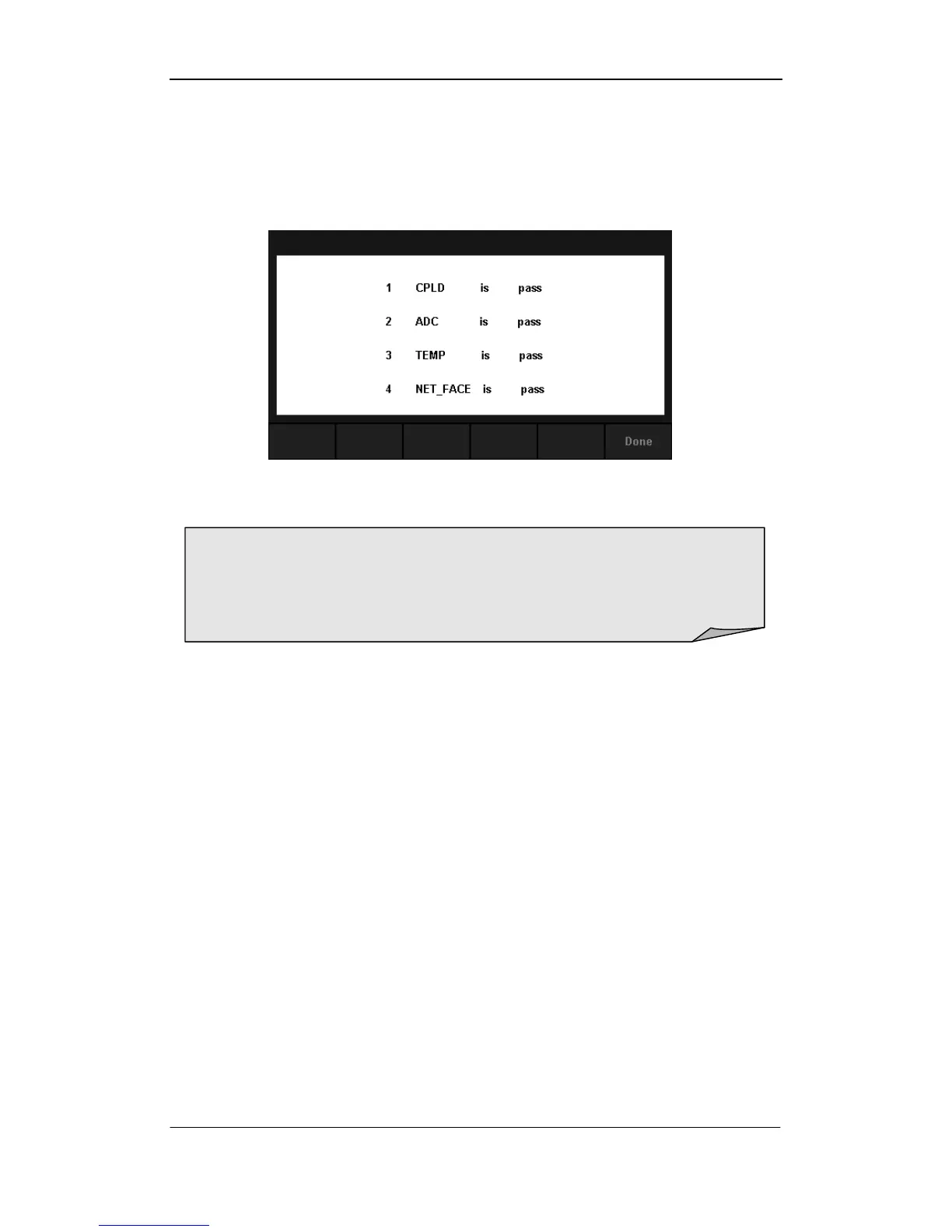
Press【Chip】→【Start】to enter chip test interface, as Diagram 2-49 shows.
Diagram 2- 48 Chip Test Interface
6. Press【Done】to exit the board test.
NOTE:
If the test is passed, the corresponding result shows “pass”.
If the test is failed, the corresponding result shows “fail”.



 To Next Page