SIGLENT
SDM3045X Digital Multimeter 51
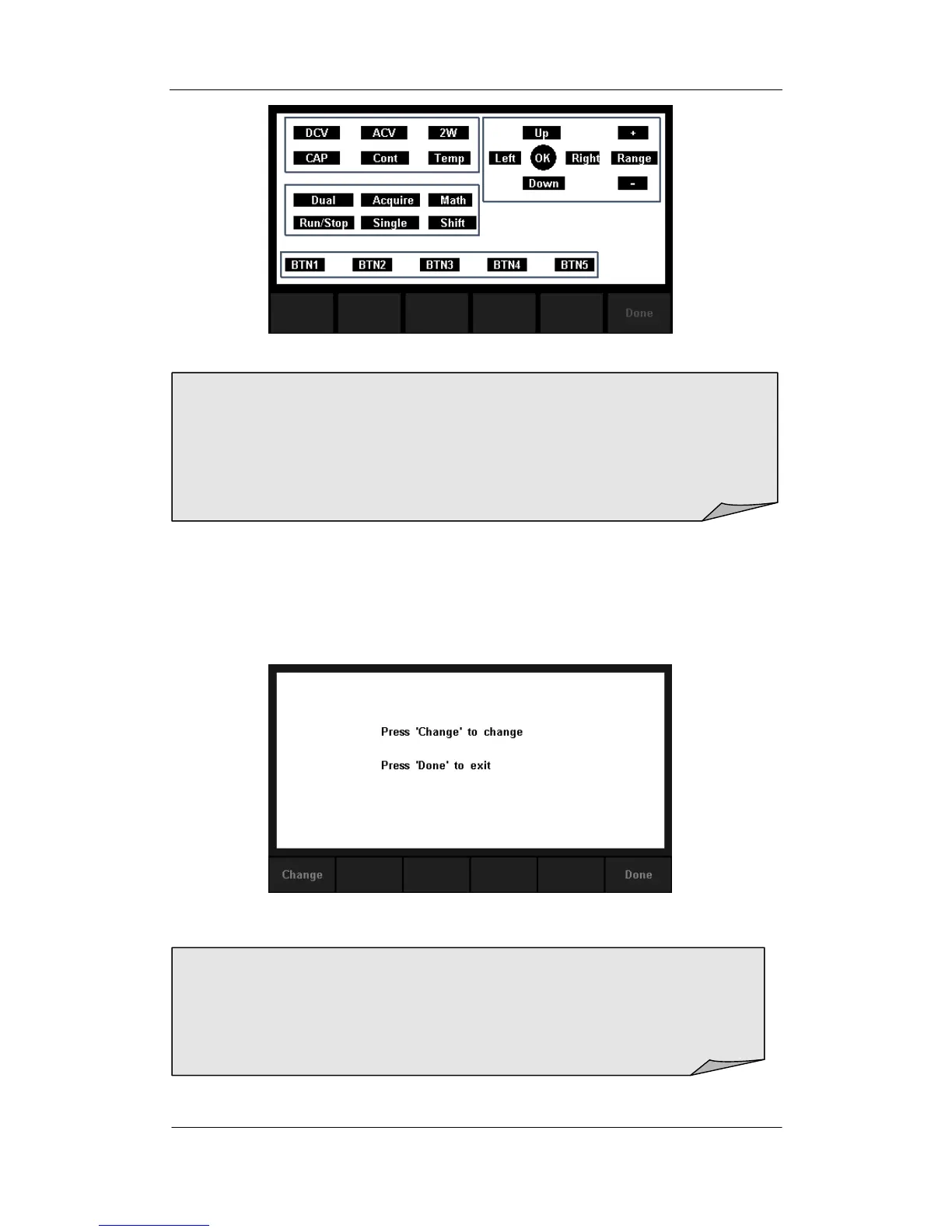
Diagram 2- 46 Key Test Interface
3. Test the LCD screen.
Select【LCD】to enter the screen test interface, the screen shows the
message:” Press „Change‟ to change Press „Done‟ to exit“. Press【Change】
to start the test and observe if the screen has severe color or other display
error. As the Diagram 2-48 shows.
Diagram 2- 47 LCD Test Interface
4. Test the beeper.
NOTE:
Before you operate, the shapes on the screen display blue color.
The corresponding area of tested buttons or knobs would display green
color.
Press【Done】to exit the test.
NOTE:
Press【Change】to change the color of the screen. There are three
colors: red, blue and green.
Press【Done】to exit the test.



 To Next Page