SIGLENT
54 SDM3045X Digital Multimeter
2. Set up the time of screen protection.
Press【Screen】to set screen protection as 1 Min, 5 Mins, 15 Mins, 30 Mins,
1 Hour, 2 Hours or 5 Hours according to different demands. Activate the
screen saver program and screen saver will be on if no action is taken within
the time that you have selected. Press any button the resume.
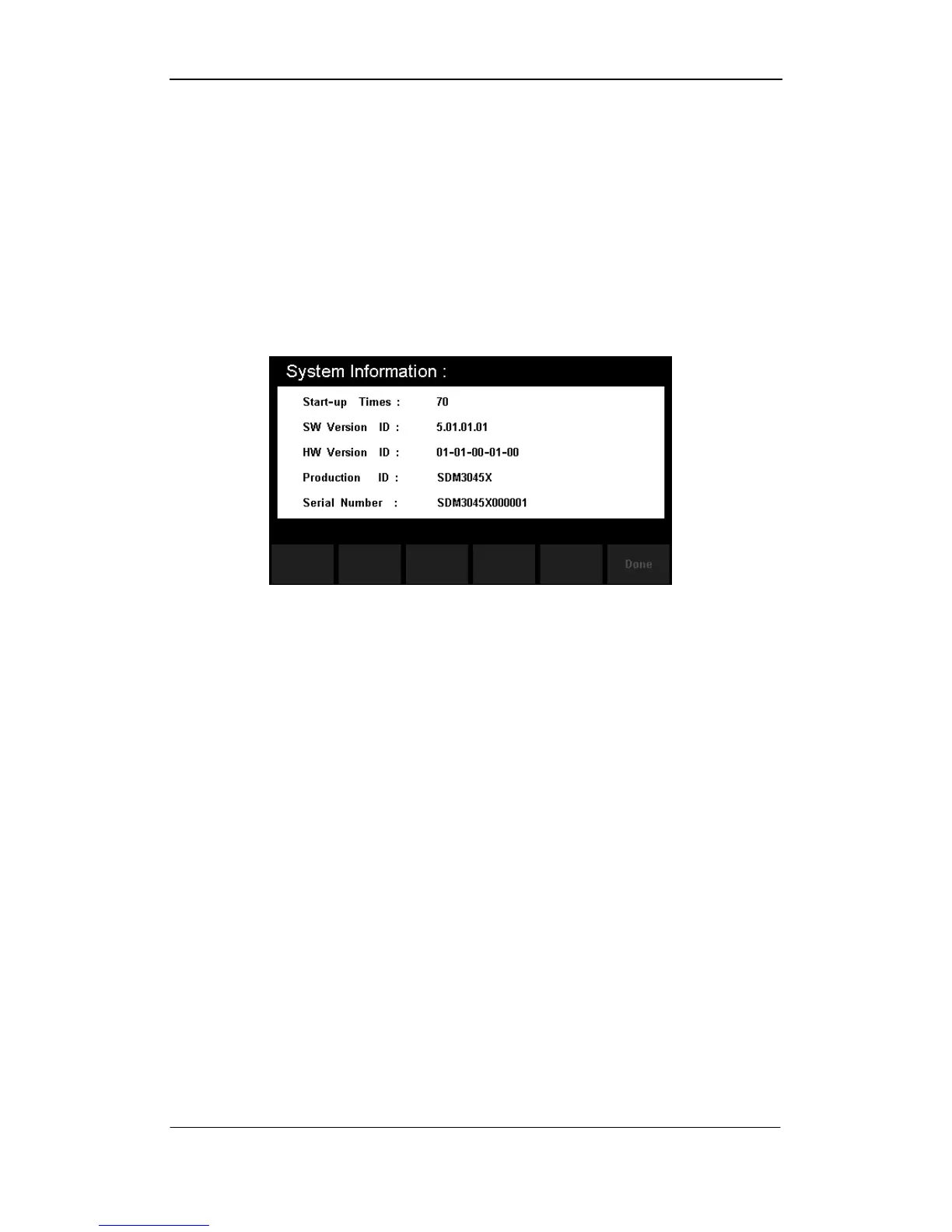
3. View system information.
Press【System Info】to view system information, including startup times,
software version, hardware version, production ID and serial number, as
shown in the following diagram.
Diagram 2- 51 System Information



 To Next Page