SIGLENT
10 SDM3045X Digital Multimeter
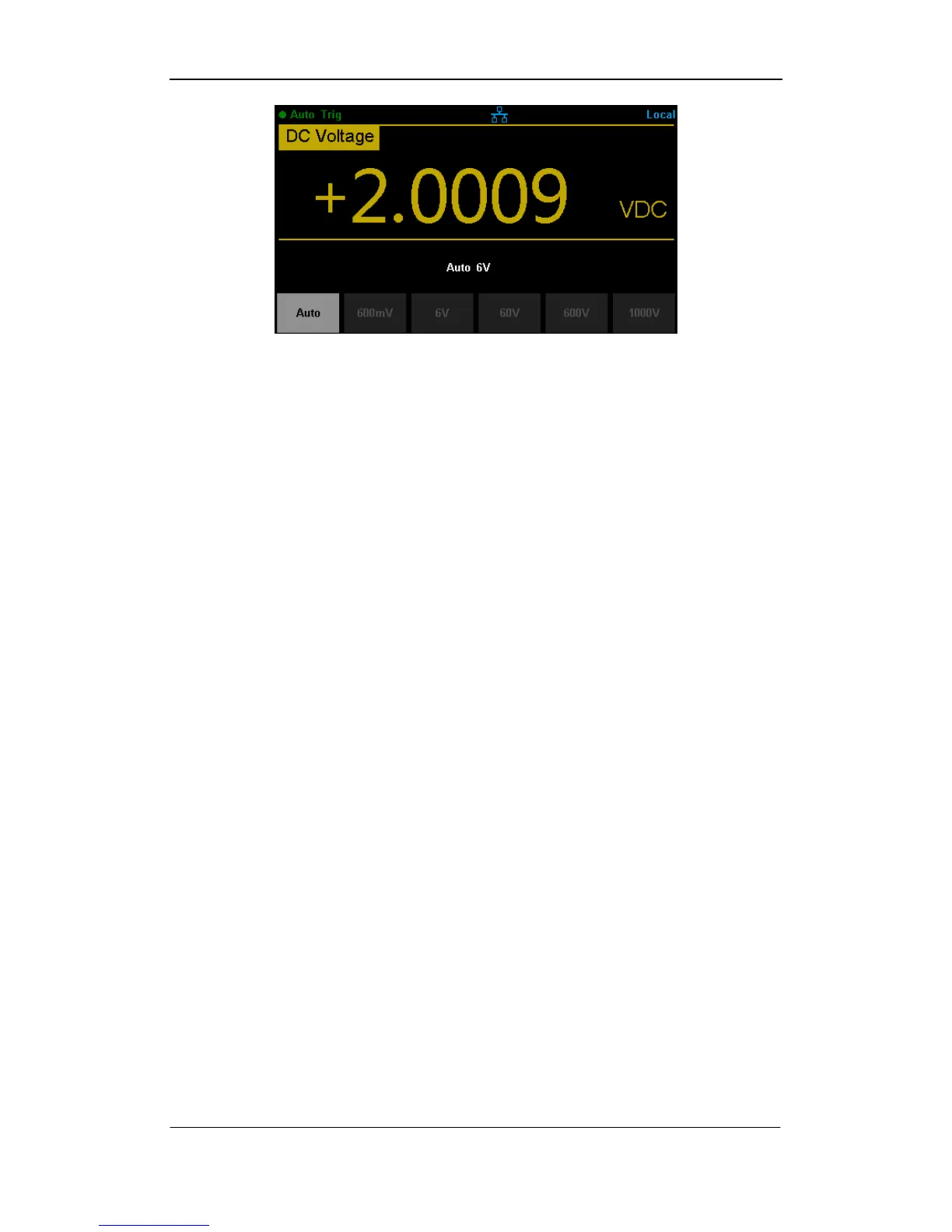
Diagram 2- 2 Range selection menus
Explanations:
1. When the input signal is beyond the current scope of the measurement
range, the Multimeter will show “overload”.
2. Range option will turn back to default setting “Auto” after restarting and
remote reset.
3. Users are suggested to select “Auto” range so as to protect the instrument
against damage and get exact data as much as possible when it‟s hard to
predict the range of measurement.
4. For Dual-display Function, the measurement range of vice display is auto.
5. The range is fixed during testing the Continuity. The range of
continuity is selected as 2kΩ.



 To Next Page