99
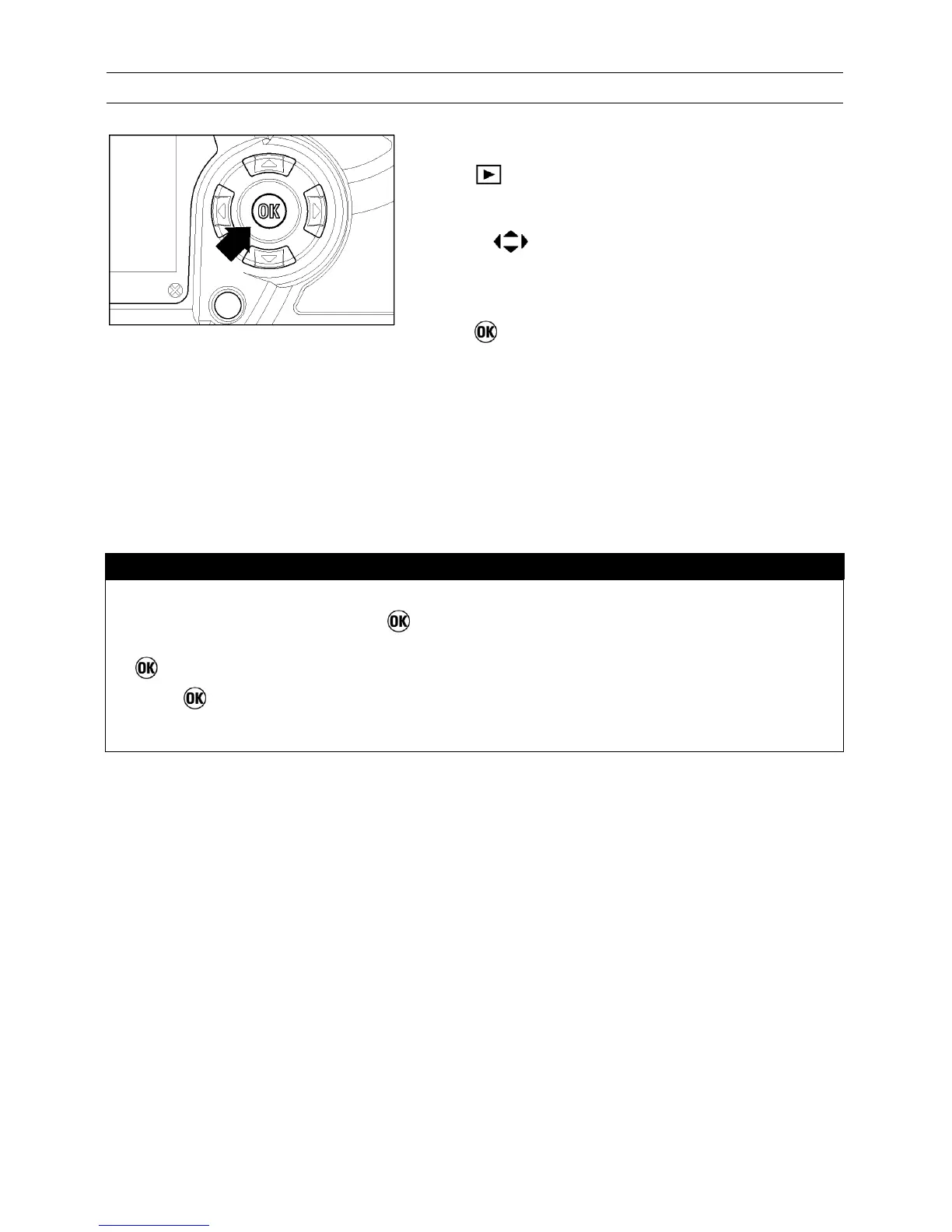
TO USE THE OK
SHORTCUT
1
Press
to see recorded images.
2
Use the
arrows on the 4-way controller to
select an image .
3
Press
to lock, mark, or rotate the image or
toggle exposure warning (depending on the
shortcut setting).
TIP
• If the shortcut is set to “Lock”, images that are already locked can be
unlocked by pressing the
button. Similarly, if the shortcut is set to
“Mark”, images that are already marked can be unmarked by pressing the
button.
• The
button can’t be used as a shortcut key while a dialog box, menu, or
error screen is open or if the camera is in Jump Mode.



 To Next Page