75
QUICK DELETE
Undesirable images can be deleted as soon as their preview is displayed.
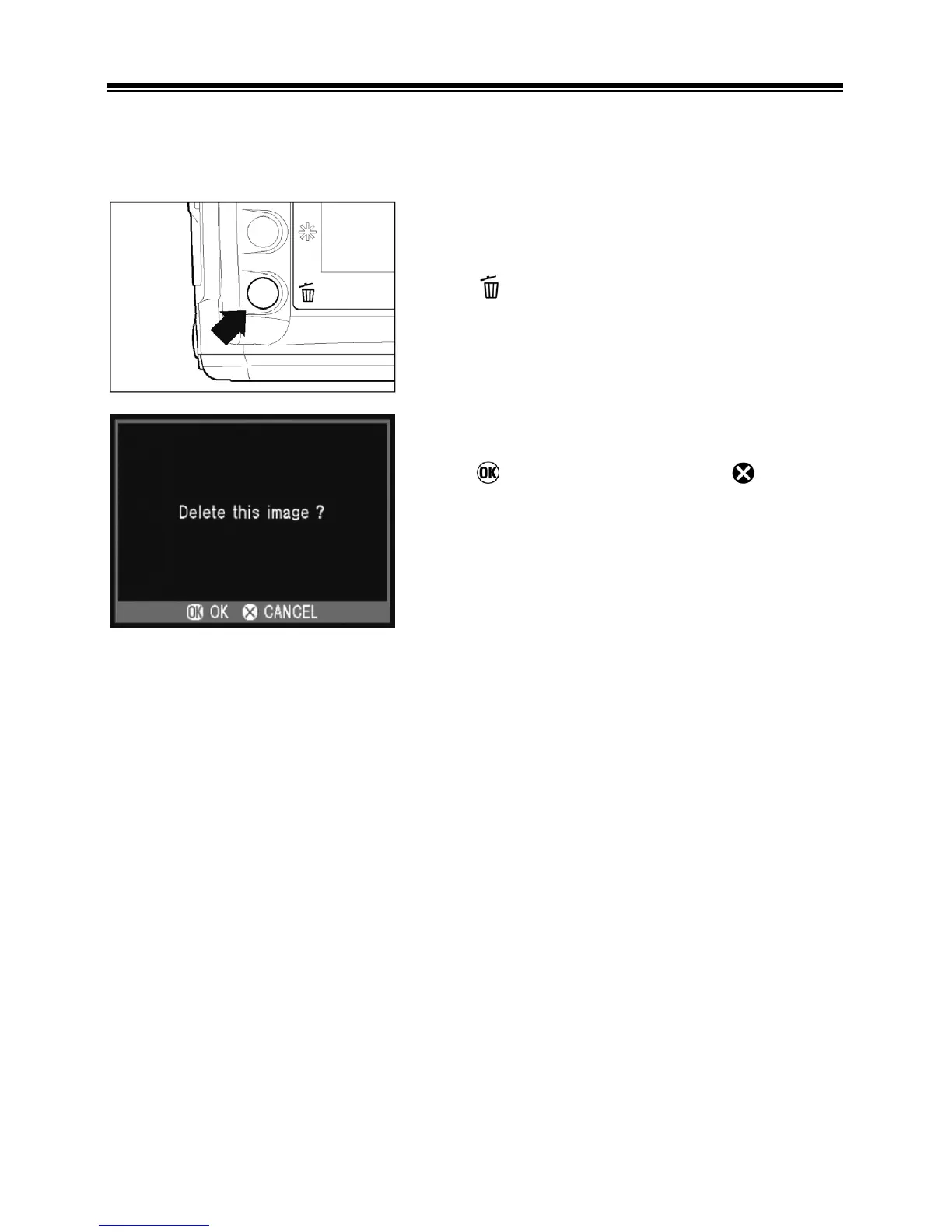
TO DELETE A PREVIEW IMAGE
1
Press while the Quick Preview image is
displayed.
• The Quick Delete confirmation dialog will
open.
2
Press
to delete the image or
to close
the confirmation dialog without deleting the
image.
• If the image is deleted, the confirmation
window will close and the color LCD monitor
will turn off.



 To Next Page