88
DELETING MULTIPLE IMAGES
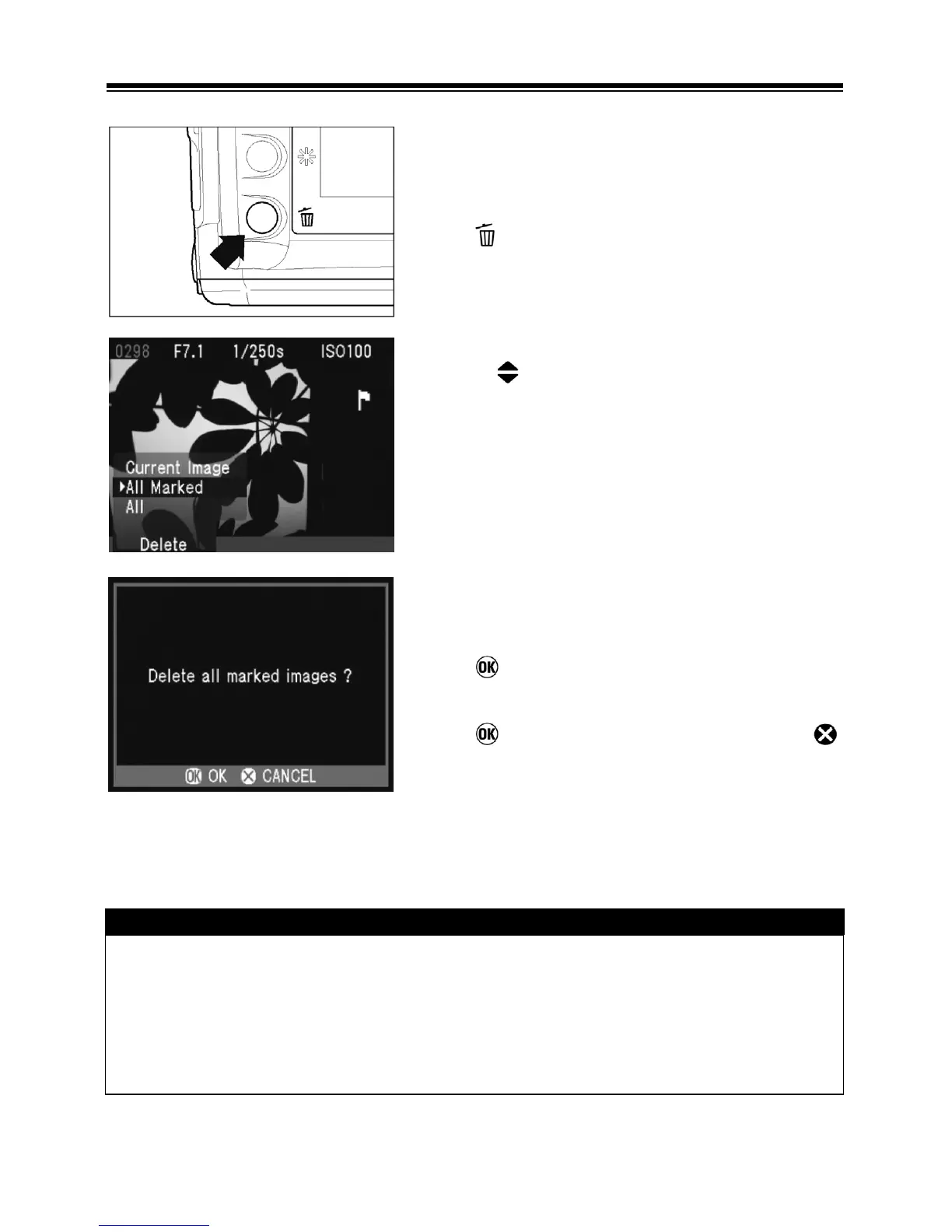
TO DELETE MULTIPLE IMAGES
1
Press
to display the Delete Menu.
2
Use the
arrows on the 4-way controller to
select “All marked” or “All”.
• Locked images are not deleted. Locked
images must be unlocked first before they
can be deleted (P90).
• If there are no marked images, or all the
marked images are locked, the “All marked”
menu item will not be available from the
Delete Menu.
3
Press
to display the confirmation dialog.
4
Press
to delete all the images or press
to return to reviewing images without deleting.
TIP
• Marked images that are also locked will not be deleted with the “All marked”
menu item. The locked images must be unlocked first. Marked images
are not protected from deletion unless they are also locked.
• To erase all files from the CF card, including locked images as well as all
non-SD14 files, use the “Format CF Card” menu item in the camera Set-up
Menu (see P.30).



 To Next Page