62
AE LOCK
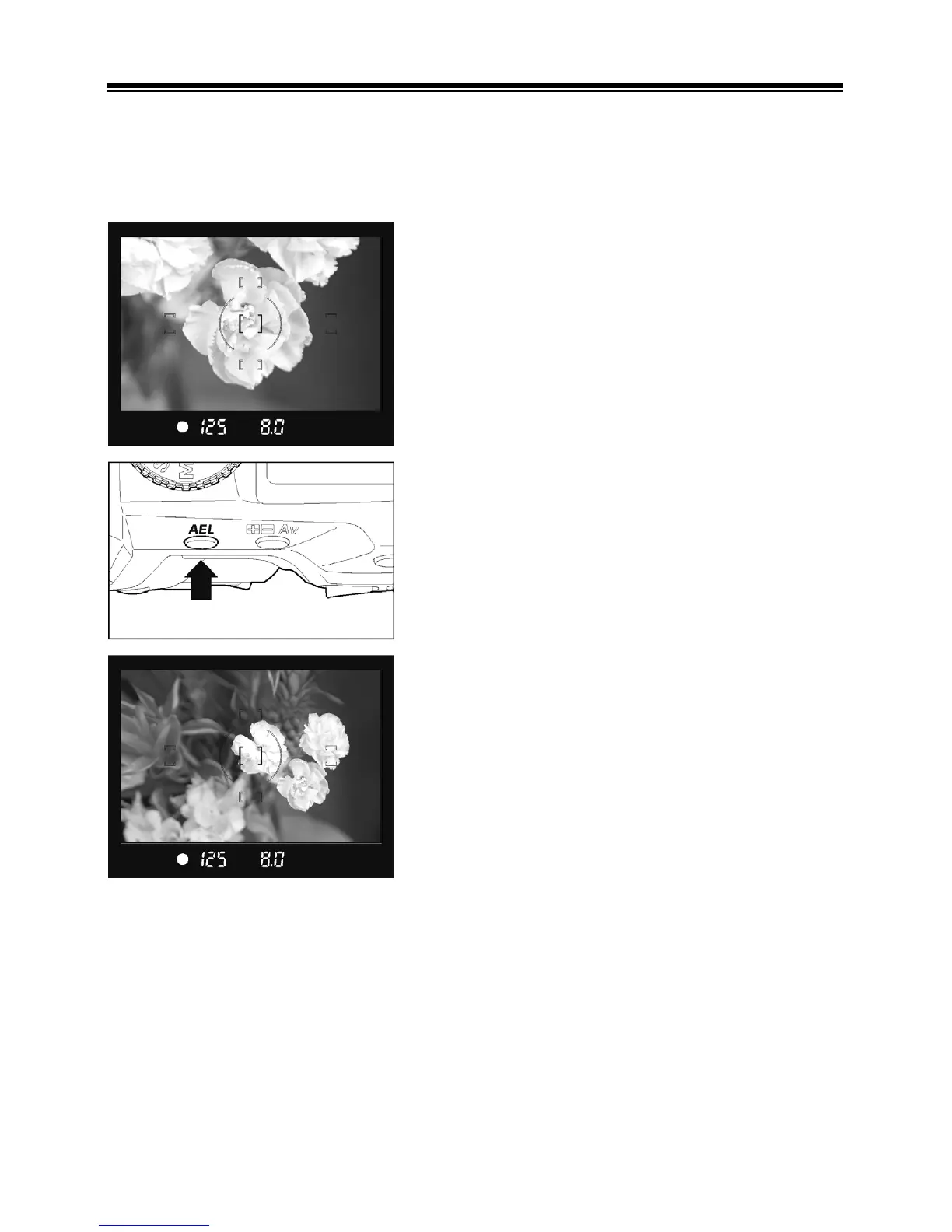
The camera will fix and memorize the exposure value, while you press the “AE”
Lock button. When you wish to lock the exposure of a subject off-center, AE lock
is very useful. Use of this function with Center Area Metering Mode is
recommended.
1
Center the subject inside the viewfinder, then
press the shutter button “Half-way”.
2
Keep shutter button “Half-way” depressed, and
then push the “AE” lock button. (While
operating the AE lock, the displays of the
shutter speed and aperture value in the
viewfinder are locked and “AEL” is visible). You
can release the shutter button.
3
Hold the AE lock button while you compose the
picture. Then press the shutter button to take
the picture.
■ When the subject is out of focus during AE lock operation, remove your finger
from shutter button and press the shutter button “Half-way” again, or remove
your finger from the AE lock button and restart from the beginning.



 To Next Page