86
DELETING IMAGES
This section describes how to delete the image(s) recorded on a CF card.
Images recorded on the CF card can be deleted one at a time or several at once
using the Delete Menu.
• The Delete Menu can be opened from all views (Single-Image, Contact Sheet,
and Zoomed-In), as well as from Jump Mode and the Image Info Screen.
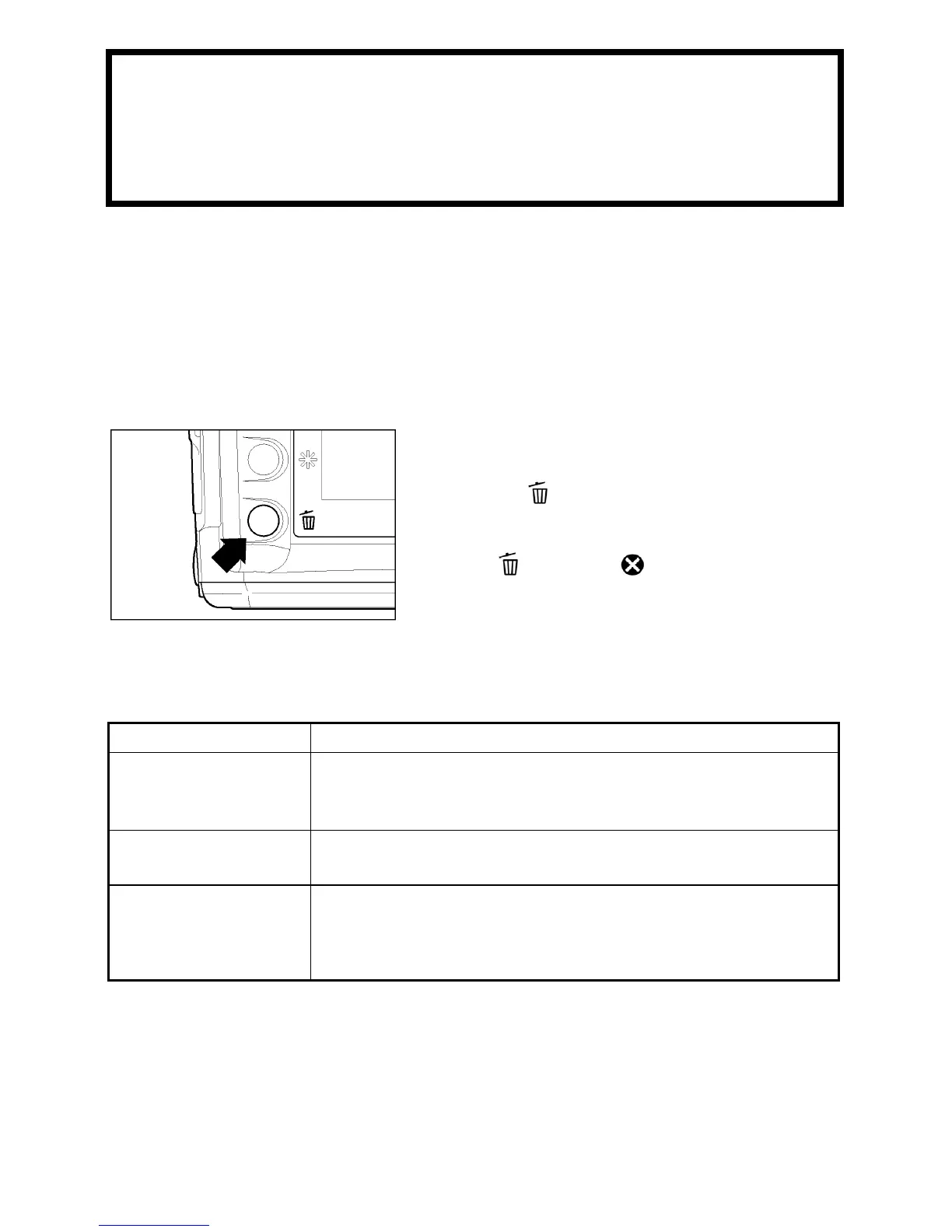
TO DISPLAY THE DELETE MENU
Press the
button on the back of the
camera.
• Press
again or to close the Delete
Menu without deleting any images.
DELETE MENU
MENU ITEM DESCRIPTION
Current image Delete the currently selected image only.
(Not available if the Delete Menu is opened from the Jump
Mode.)
All marked
Delete all marked images on the CF card.
(See P.93 for information on marking images.)
All
Delete all images on the CF card.
(Locked images are not deleted)
(See P.90 for information on locking images.)



 To Next Page