71
The SD14 is equipped with a PC Synchro Terminal, which accepts a cable
connection fro external/studio flash units.
CAUTION!!
• S-TTL auto flash does not work, if PC Synchro Terminal is used.
• Set the camera’s exposure mode to M and set to flash synchronized speed
Sync (1/180) or a shutter speed of 1/160 or lower. See the instruction manual
of the particular flash used for additional information.
• The SD14’s PC Synchro Terminal is compatible with plugs that have a
positive (+) polarity on the central pin and a negative (-) polarity on the
shield. If the plug has reverse polarity, use a commercially-available polarity
conversion cord.
WARNING!!
• The PC terminal cannot accept flashes that use a voltage of more than
250V. Higher voltage will damage the camera. Please ask the manufacturer
of the flash about the voltage and compatibility with the PC terminal.
EXTENDED MODE SETTING
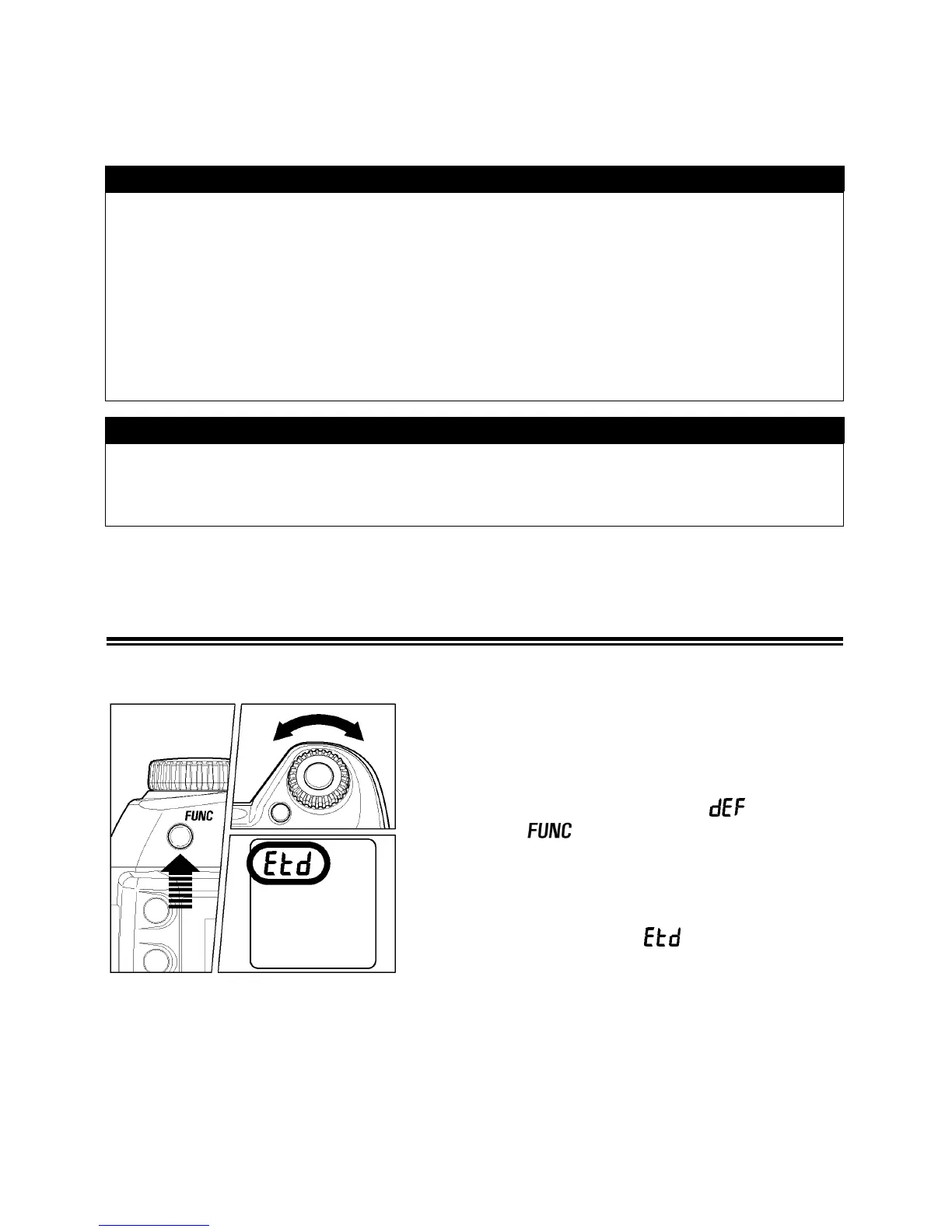
If Extended Mode is selected, it is possible to use ISO 1600 sensitivity.
1
Press the ”FUNC” button 7 times and hold,
the LCD panel will indicate “
“. Do not
release the
button.
2
Keep the ”FUNC” button depressed and turn
the “C”-dial to select the “
“.



 To Next Page