48
AF POINT SELECTION
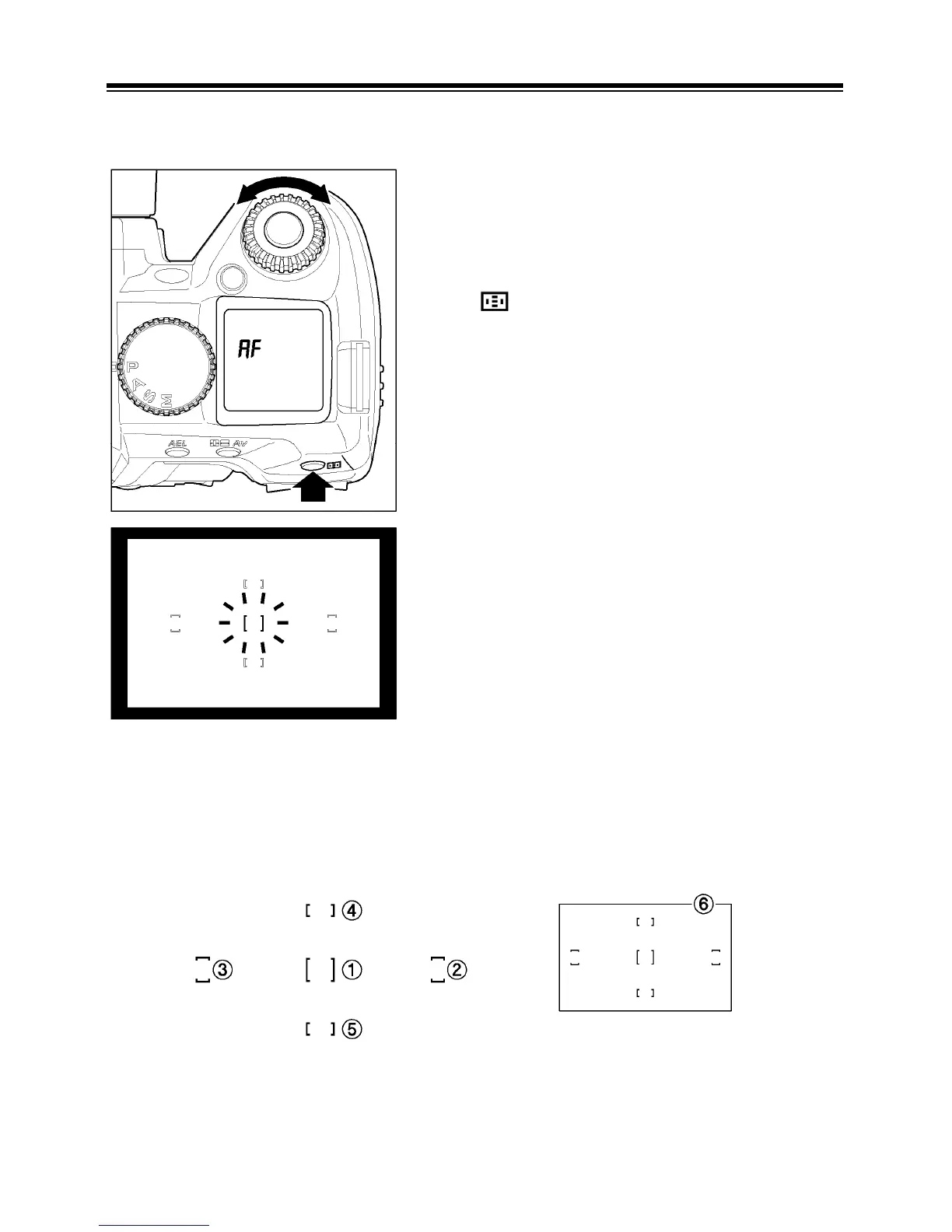
The SD14 is equipped with 5 focusing points. Selecting the AF point can be done
automatically or manually by the photographer.
Press
button and select the desired AF
point by rotating the “C”-dial displayed in the
viewfinder.
■ The Selected AF point will be illuminated in
red in the viewfinder.
■ Automatic AF point selection can be
achieved when the five focusing points in
the viewfinder are illuminated in red.
■ When you rotate the “C”-dial clockwise, the selection will occur in the looping
sequence that follows.



 To Next Page