34
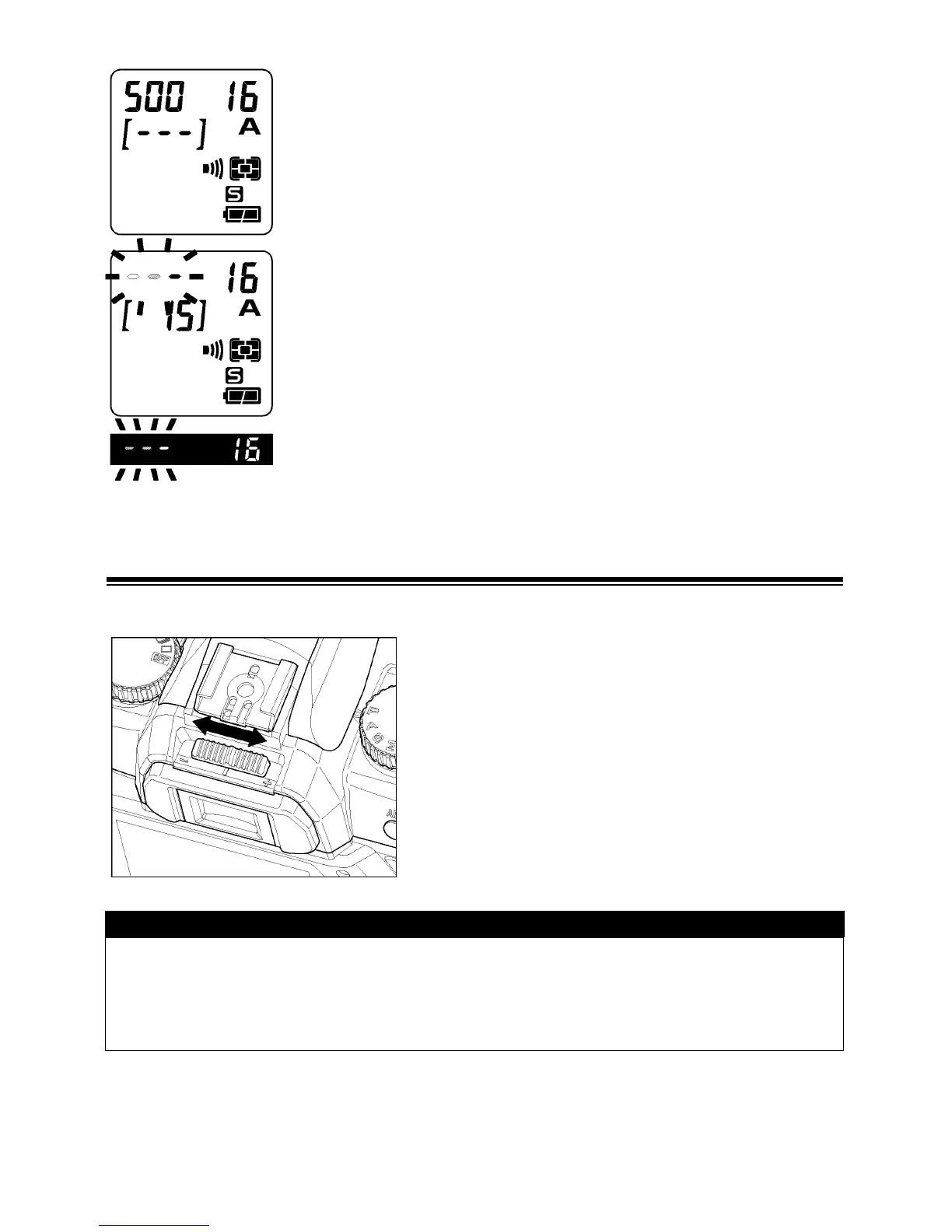
z If a CF-card is not inserted into the camera,“
0
”appears
on the LCD panel.
z When the camera is turned on and occupied with the
image processing, the frame number value blinks on the
top LCD panel. A cursor will be in motion on the frame
number value to show the progress.
z The shutter will not release when the camera is busy
with processing. It is necessary to await the end of the
processing before taking a picture.
DIOPTER ADJUSTMENT
Adjust the viewfinder diopter so that you can see clearly through the viewfinder.
While looking through the viewfinder, slide the
diopter adjuster to the left or to the right, until
the image appears sharp on the focus screen.
TIP
• The camera’s adjustable diopter range is –3 to +1.5dpt.
• If you still cannot see the viewfinder clearly, we suggest that you purchase a
viewfinder diopter adjustment eyepiece and use it together with the built-in
diopter adjuster.



 To Next Page